How to Choose the Right Form Template
Twelve template categories, one decision. Here is how to match what you are collecting to the right starting template instead of building from a blank page.
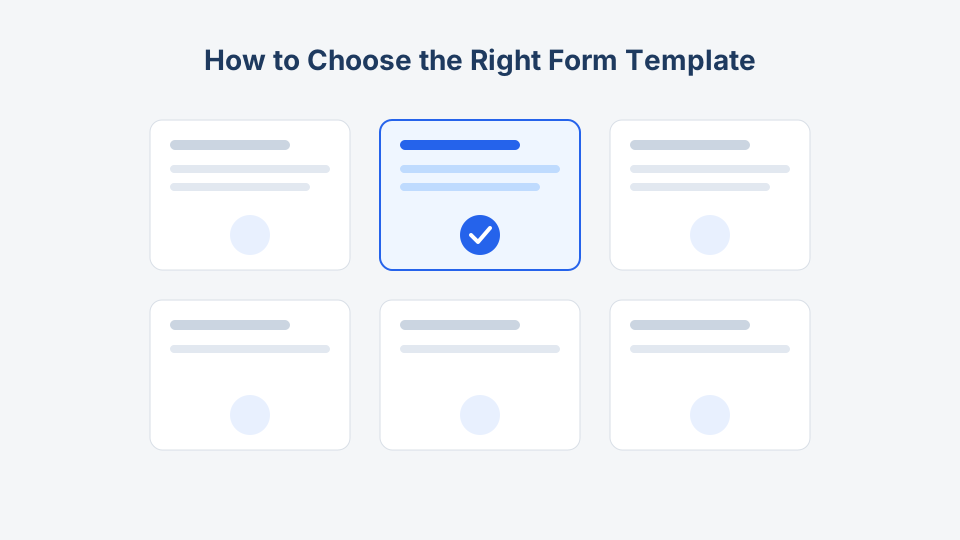
Most people do not have a “form problem.” They have a reply problem, a reservation problem, or a record-keeping problem — and a form is the tool that solves it. That is why choosing a template by appearance is the wrong move. The right question is: what has to happen after someone hits submit?
This guide walks through that decision across the twelve categories on this site, with links to the templates that anchor each one.
Start with the outcome, not the fields
Every form on this site fits one of four outcomes:
- A conversation starts. Someone asks, you answer.
- A commitment is made. A seat, a slot, an order, a donation.
- A record is created. A member, an applicant, a signed waiver.
- An opinion is captured. Feedback, ratings, evaluations.
Name your outcome first. The category almost picks itself.
The 12 categories, mapped to a job
| If you need to… | Use this category | Anchor template |
|---|---|---|
| Let people reach you | Contact forms | Contact form |
| Sign people up for something ongoing | Registration forms | Registration form |
| Measure opinions at scale | Survey forms | Customer satisfaction survey |
| Collect open-ended reactions | Feedback forms | Feedback form |
| Take product or service orders | Order forms | Order form |
| Reserve a date or time slot | Booking forms | Appointment booking form |
| Screen candidates or applicants | Application forms | Job application form |
| Count heads for an event | Event forms | RSVP form |
| Collect money or pledges | Payment forms | Payment form |
| Get documented permission | Consent forms | Liability waiver |
| Receive and route work requests | Request forms | Maintenance request form |
| Assess people or performance | Evaluation forms | Performance evaluation form |
If your job appears in two rows, keep reading — the tie-breakers below settle the common overlaps.
Four overlaps that trip people up
Survey vs. feedback
A survey asks everyone the same structured questions so you can compare answers: scales, multiple choice, an NPS score. A feedback form invites one person to tell you what happened in their own words. If you plan to chart the results, it is a survey. If you plan to read each response, it is feedback. The customer satisfaction survey and the feedback form look similar at a glance but produce very different data.
Registration vs. event RSVP
Registration creates a lasting record; an RSVP counts attendance for one date. A conference with sessions, dietary needs, and badge printing wants an event registration form. A dinner party wants an RSVP form — or the wedding RSVP if you need meal choices and plus-ones.
Order vs. payment
An order form captures what someone wants: items, quantities, options, delivery details. A payment form captures money for something already defined: an invoice, a fee, a donation. If the amount varies with product choices, start from the order form. If the amount is fixed or entered directly, start from the payment form.
Application vs. request
Both come with an approval step, but an application evaluates a person (job, program, membership) while a request routes a task (repair, IT ticket, time off). Applications need qualifications and attachments; requests need location, urgency, and description. Compare the job application form with the maintenance request form to see the difference in field design.
Then choose the format: download or online
Every template here ships in two formats, and your workflow decides which one you actually need:
- Fillable PDF or Word download — when forms are signed on paper, handed out at a front desk, or filed physically. Waivers and consent forms often live here because a wet signature still matters in many settings.
- Hosted online form — when you want automatic collection, validation, and notifications. Surveys, RSVPs, and order forms almost always work better online.
Many teams use both: an online photo consent form for advance sign-ups, plus a printed stack at the door for walk-ins. We compare the trade-offs in depth in printable vs. online forms.
A five-minute checklist before you commit
- Outcome named. You can finish the sentence “when someone submits, we will ___.”
- Category matched. The outcome maps to one row in the table above.
- Fields audited. Every field on the template changes what you do next. Delete the rest — our guide to essential form fields shows what survives the cut.
- Format decided. Paper, online, or both.
- Signature check. If you need legal-grade consent, the template has a signature block or checkbox with linked terms, not just a name field.
- Volume check. If you expect hundreds of responses, plan the online version now rather than retyping paper later.
When you genuinely need two templates
Some workflows are honestly two forms wearing one trench coat. A youth sports league needs a registration form and a liability waiver. A fundraiser gala needs an event registration form and a donation form. Resist merging everything into one 40-field monster. Two short forms at the right moments beat one long form that half your audience abandons — the numbers behind that claim are in our form design best practices post.
Key takeaway
Choose the outcome, then the category, then the format — in that order. The template is just the head start: a proven field list you trim to fit, download as PDF or Word, or publish online with the builder links on each template page. Start from the category table above, and you will spend your time refining a working form instead of staring at a blank one.