 Jotform
Consent & Waiver Form Templates
Liability Waiver Form Template
Liability waiver and release form with assumption of risk statement, participant details, and participant and guardian signatures.
Available online on
Download as
- Free PDF and Word downloads for offline use
- Fillable fields you can customize for your business
- Share a link or print copies for in-person sign-ups
- Ready-made online forms on popular form builders
Last updated July 17, 2026. Reviewed by the Online Form Templates team.
About this template
A Liability Waiver Form documents that a participant understood the risks of an activity and agreed to release the organizer from specified claims before taking part. Gyms, climbing walls, races, adventure outfitters, venues, and volunteer programs collect one from every participant, every time. Typical fields include participant name, date of birth, address, phone / email, emergency contact name and phone, the activity description, an assumption of risk acknowledgment, parent or guardian details for minors, and participant and guardian signature rows with dates.
A waiver's usefulness depends on the participant genuinely being informed, which is why this layout gives the risk statement real space instead of burying it in footer text, and places the signature block directly beneath it. To be clear: this is a general-purpose layout, not legal advice. Waiver enforceability varies sharply by state and by activity, and wording matters more here than on any other form on this site — have an attorney draft or review the release language before you use it.
How teams use this form day to day
A climbing gym has every first-time visitor complete the waiver at the front desk before they touch the wall, then flags the account so returning members are not re-signing daily. Race directors collect waivers with registration and cross-check bib pickup against the signed list. A trampoline park keeps a tablet kiosk for the online version but a clipboard stack for the Saturday rush when the kiosk queue backs up. Volunteer coordinators bundle the waiver with the orientation packet so no one starts a build day unsigned.
The operational rule is simple: no signature, no participation. It only holds if checking waivers is a step in your check-in flow rather than an afterthought.
Customize fields and branding
Open the Word (DOCX) download and replace the placeholder risk statement with counsel-approved language naming your specific activity and its actual risks — generic "all risks of any kind" text is exactly what courts strike down. Add your business name, logo, and any state-required disclosures. Some operators add a media release checkbox and a fitness-to-participate line so one signature covers check-in. The fillable PDF suits clipboard signing; online versions timestamp signatures and are far easier to retrieve two years later.
Common mistakes to avoid
Do not let minors sign alone — a parent or guardian signature row is mandatory, and some states limit parental waivers too, so know your jurisdiction. Do not reuse another company's waiver text; it was written for their activity and their state. And do not treat storage casually: a waiver you cannot produce when a claim arrives eighteen months later might as well never have been signed. Scan paper waivers weekly and back them up.
Example scenario
A kayak outfitter launches morning tours with twelve guests. At check-in, ten have already signed online; two walk-ups complete the printed waiver on a clipboard, and the guide confirms all twelve names against the manifest before boats go in the water. When a guest strains a shoulder and later files a claim, the outfitter produces the timestamped waiver with the guest's initials next to the water-hazards paragraph — precisely the record the insurer asked for first.
Choosing PDF, Word, or online
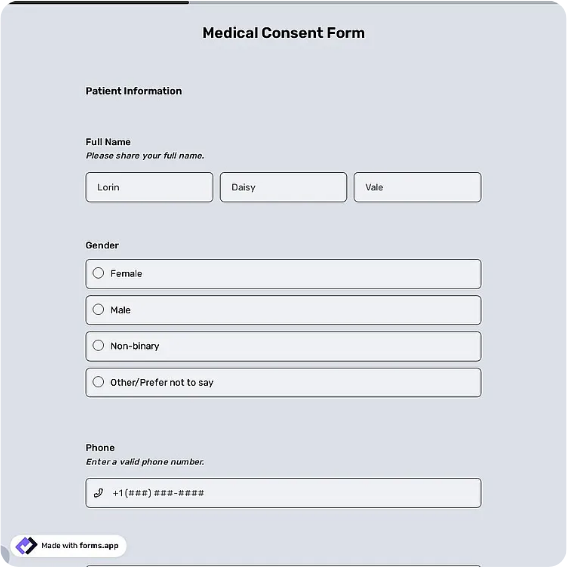
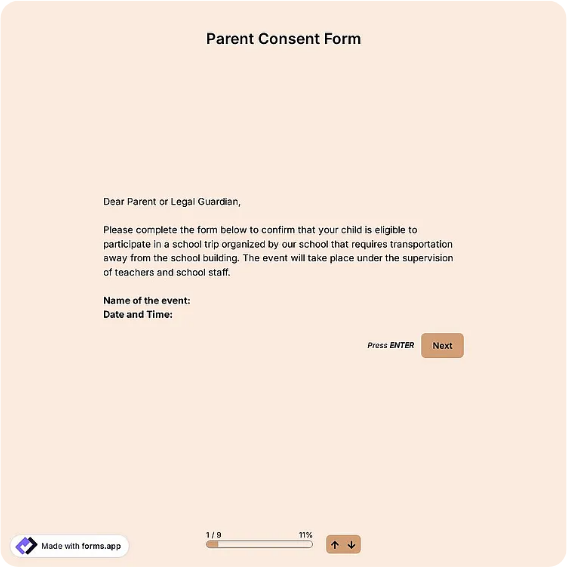
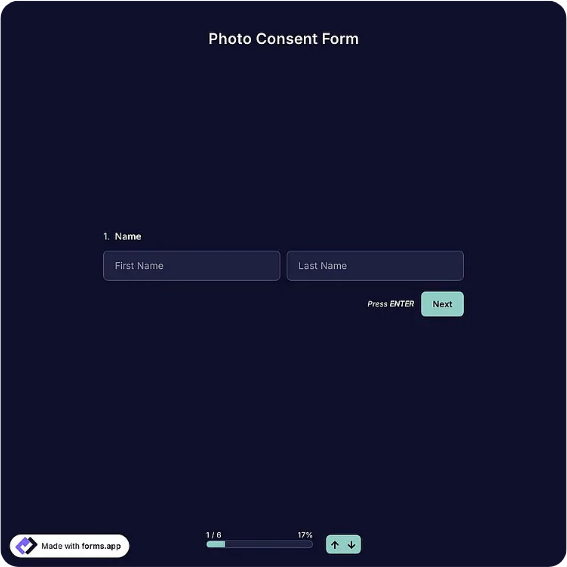
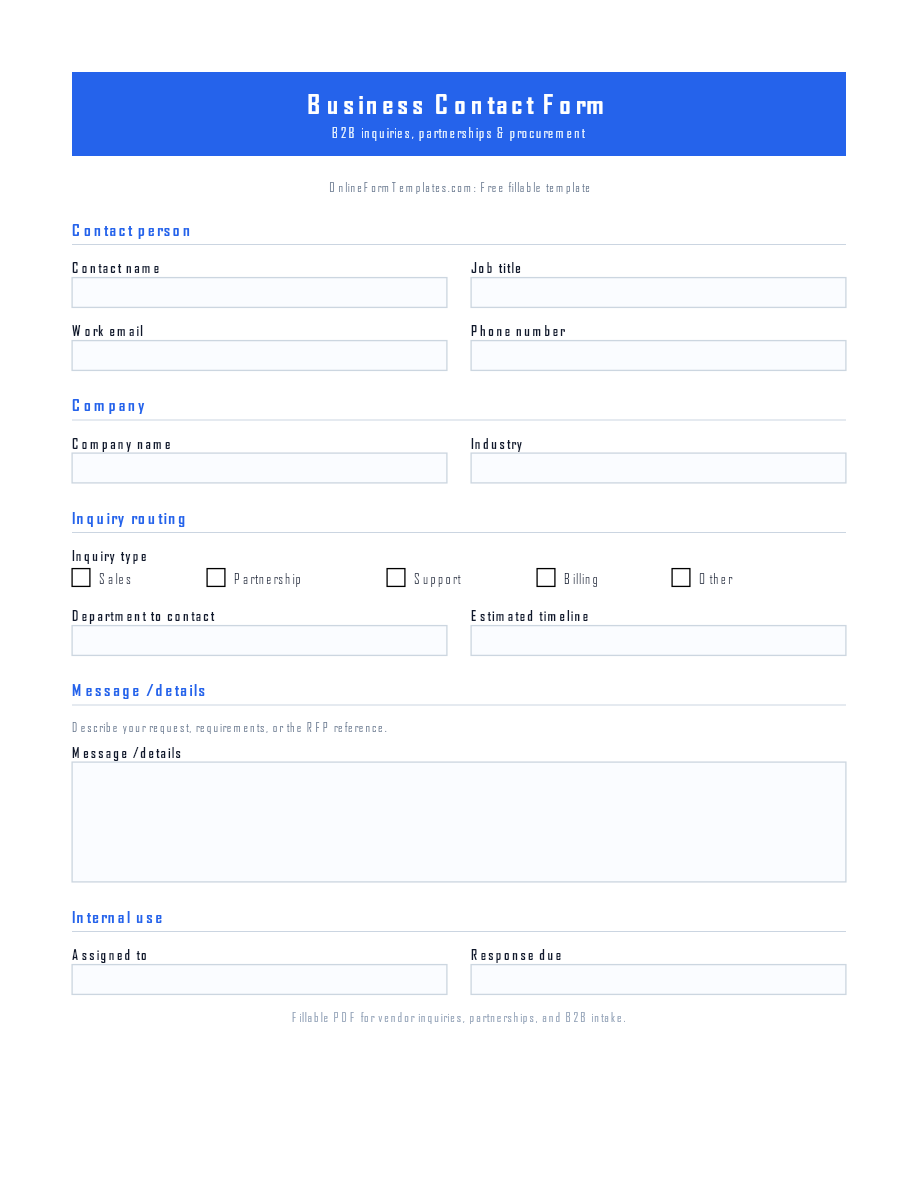
This page provides a printable fillable PDF, an editable Word (DOCX) file, and a hosted online waiver. Free downloads cover walk-ups, remote sites, and clipboard check-ins. The online link opens a ready-made template on a trusted builder when you want signatures collected at booking, timestamped, and searchable by name. Most operators run both: the link at registration, paper at the door.
Typical fields
- Participant name
- Date of birth
- Address
- Phone / email
- Emergency contact name and phone
- Activity description
- Assumption of risk acknowledgment
- Parent / guardian name (if minor)
- Participant signature and date
- Parent / guardian signature and date
Best for
- Gyms and fitness studios
- Adventure and outdoor activities
- Races and sporting events
- Volunteer programs and venues
When to use PDF vs online
Use the PDF or Word download for in-person sign-ups, fax, or email attachments. Choose an online form when you need automatic notifications, payment integrations, or a shareable link for customers.