The Essential Fields Every Form Needs
Good forms are mostly subtraction. This field-by-field guide covers what to keep, how to label it, and when consent and signature blocks are non-negotiable.
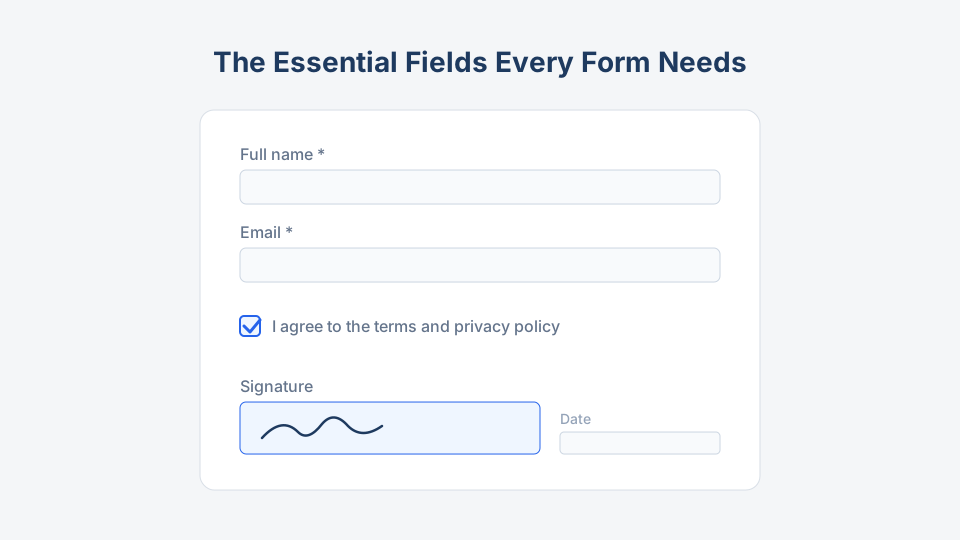
Every field on a form is a small tax on the person filling it out. Ask for too little and you cannot act on the submission; ask for too much and people quit halfway, or worse, you end up storing personal data you never needed. This guide covers the fields that earn their place on almost any form — and how to label, validate, and order them so they actually work.
For the field lists specific to each form type, every template on this site — from the contact form to the job application form — ships with a curated set you can trim.
The identity block: who is this?
Nearly every form starts here, and most get it slightly wrong.
| Field | Keep it? | How to do it right |
|---|---|---|
| Full name | Yes | One field, not first/last, unless your database demands the split |
| Yes (usually required) | Validate format; this is your reply channel and your deduplication key | |
| Phone | Optional by default | Require only if your process calls or texts people |
| Company / organization | B2B and applications only | Skip it on consumer forms |
| Physical address | Only for delivery, billing, or legal documents | Use separate line/city/postal fields, not one blob |
The test for every identity field: will someone on your team use it within a week of submission? If the honest answer is “it might be nice someday,” cut it. Our choosing a form template guide makes the same point at the template level — collect for the outcome, not for the archive.
The payload: what is this form actually about?
The middle of the form carries its purpose — the message on a contact form, items and quantities on an order form, a rating scale on a feedback form. Three rules keep this section clean:
- Prefer structured inputs over free text. A dropdown of five inquiry types beats “Subject” for routing. A star scale beats “How did we do?” for reporting. Keep one open text area at the end for everything your options missed.
- One question per field. “Name and date of incident” is two fields pretending to be one, and it guarantees messy data.
- Match the input to the answer. Dates get date pickers, quantities get numeric fields with min/max, yes/no gets radio buttons. Every free-text answer you can eliminate is a validation problem you never have.
Labels that validate themselves
Half of “validation” is just writing labels that prevent bad input before it happens.
- Label above the field, in plain words. “Work email” beats “E-mail address (corporate).”
- Never use placeholder text as the label. It vanishes the moment someone types, which is exactly when they forget what was asked.
- Put the format in the label or helper text, not in the error message: “Event date (choose from calendar),” “Phone — for delivery updates only.”
- Mark required fields in text, and mark them consistently. If most fields are required, mark the optional ones instead (“Phone — optional”).
- Write errors that name the field and the fix. “Enter a quantity between 1 and 20” recovers a user; “Invalid input” loses one.
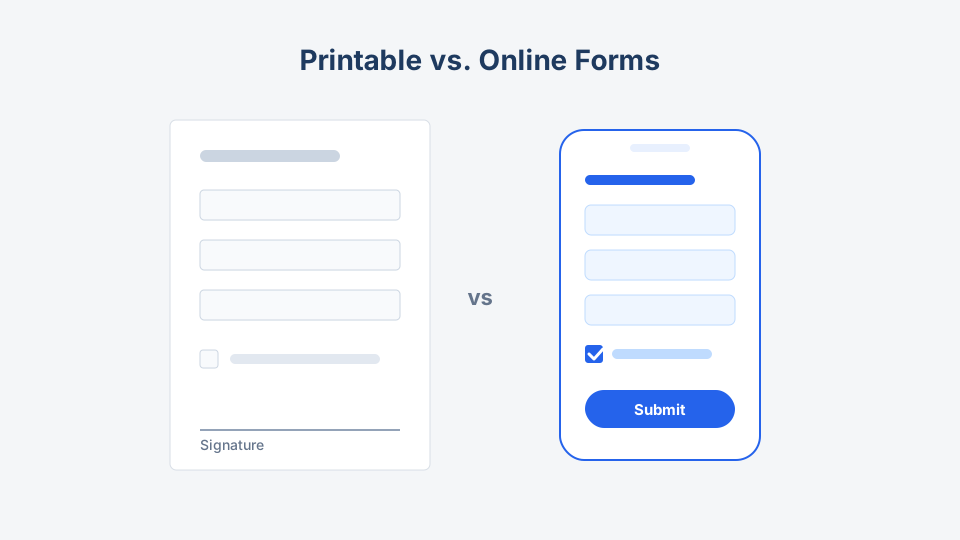
These habits matter double on paper. A printed field labeled “Date (DD/MM/YYYY)” saves you from three date formats in the same stack — one of several print-specific tweaks covered in printable vs. online forms.
Consent checkboxes: small boxes, real obligations
The moment a form collects personal data, consent stops being decoration.
The rules that keep you out of trouble:
- Unbundle. Terms acceptance, privacy acknowledgment, and marketing opt-in are separate checkboxes. Bundled consent is invalid under GDPR and similar laws.
- Unticked by default. Pre-checked marketing boxes do not count as consent in the EU/UK and erode trust everywhere.
- Link the actual documents. “I agree to the [terms]” with a working link, not a 400-word paste-in above the submit button.
- Marketing is never required. If declining the newsletter blocks submission, it is not an opt-in.
- Say why you collect what you collect. One line — “We use your email only to respond to this request” — measurably reduces abandonment on sensitive fields.
Consent-first documents like the photo consent form and everything in our consent form templates show these patterns in context.
Signature blocks: when a checkbox is not enough
Checkboxes acknowledge; signatures commit. You need a true signature block when the form creates legal exposure or binding agreement — waivers, medical consent, contracts, financial authorizations.
A complete signature block has four parts:
- The statement being signed, in plain language, directly above the signature — not ten scrolls away.
- The signature itself — drawn or typed-with-intent e-signature online, wet ink on paper.
- Printed name, because signatures are not readable.
- Date, ideally auto-filled online and a labeled blank on paper.
For minors, add a parent/guardian name, relationship, and signature. The liability waiver template includes the full block; on payment forms, an authorization statement plus typed name and date typically serves the same role for card-not-present payments.
Fields to delete today
These show up constantly and almost never earn their place:
- Fax number. It is 2026.
- A second email or phone “just in case.” You will use the first one.
- Age or date of birth without a legal reason (age-restricted products, insurance). It is sensitive data with no job.
- “How did you hear about us?” on transactional forms — move it to a follow-up survey where it belongs.
- Title/salutation dropdowns. Unless you print formal letters, nobody uses this field.
- CAPTCHA on low-risk forms. Modern builders include invisible spam filtering; visible puzzles cost real submissions.
A field audit you can run in ten minutes
- Every field has a named consumer — a person or system that uses it within a week
- Exactly one required contact channel; the rest optional
- Structured inputs wherever answers are predictable
- Labels visible at all times, formats explained before errors happen
- Consent unbundled, unticked, linked
- Signature block present if (and only if) the form binds someone
- Nothing from the delete list above survived
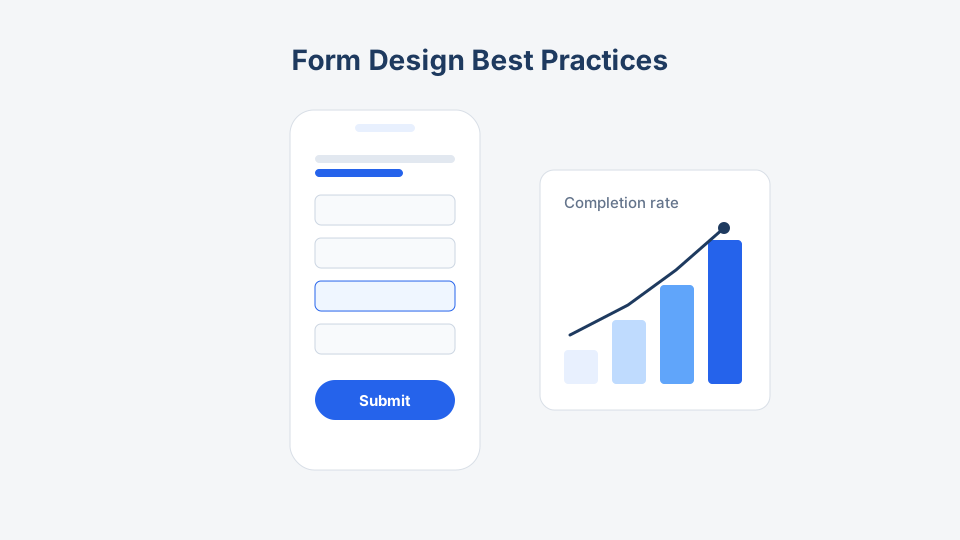
Run that audit on any template before you publish — then let form design best practices handle the layout, ordering, and mobile side of the job.
The shortest form that still lets you act on every submission is the right form. Everything else is a field you will be exporting, protecting, and apologizing for later.