 forms.app
Order Form Template
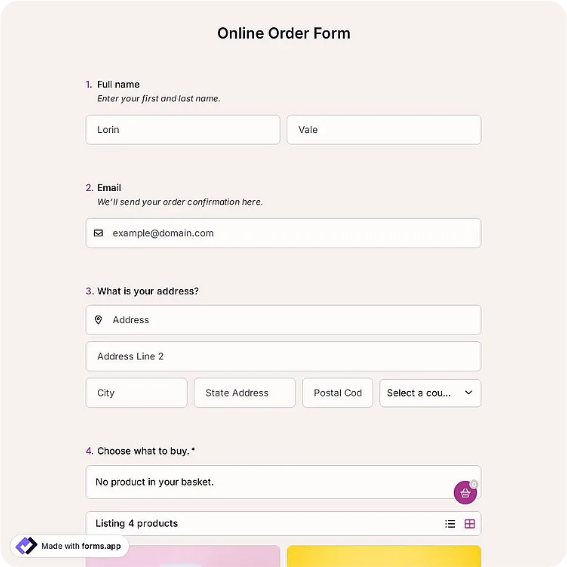
General-purpose order form with line items, totals, and payment notes for any small business.
Available online on
Download as
- Free PDF and Word downloads for offline use
- Fillable fields you can customize for your business
- Share a link or print copies for in-person sign-ups
- Ready-made online forms on popular form builders
Last updated July 17, 2026. Reviewed by the Online Form Templates team.
About this template
An Order Form is the simplest document a small business can standardize, and it pays for itself the first busy weekend you use it. This general-purpose layout records customer name, phone or email, billing address, item descriptions, quantities, unit prices, and line totals, then rolls everything into a subtotal, tax, and grand total with room for payment method and special instructions at the bottom.
Because it is deliberately generic, the same sheet works for a hardware store writing up a special order, a service business quoting add-on parts, a school fundraiser tallying pledge items, or a mail-order operation taking phone orders. You do not need a different form for every product line; you need one form everyone on staff fills in the same way.
How teams use this form day to day
The typical rhythm is simple: keep a printed stack near the register or phone, write each order on its own sheet, and total it before the customer leaves or hangs up. The line-item table forces whoever takes the order to record quantity and unit price separately, which is where most handwritten order mistakes hide. At close of day, the sheets go into a tray, get entered into the till or accounting software, and are filed by date.
Teams that take orders remotely do the same thing digitally: staff open the fillable PDF, type entries during the call, and save a copy named after the customer. Either way, every order carries the same eleven pieces of information, so no one has to decipher a colleague's shorthand later.
Customize fields and branding
Download the Word version to make the template yours. Swap the title for your business name, add a logo in the header, and change the tax line to your local rate. If you always charge delivery, add a fixed row above the total. If you never ship, delete the address block and reclaim the space for two extra item rows. The fillable PDF is better left untouched; treat it as your fixed print master so every printed sheet looks identical.
Common mistakes to avoid
Three problems come up repeatedly with generic order sheets. First, staff skip the payment method line, and a week later nobody remembers whether the customer paid cash or still owes the balance. Make that field non-negotiable. Second, quantity and unit price get combined into one scribbled number, which makes refunds and corrections guesswork. The columned table exists precisely to prevent this. Third, businesses print a version with last year's tax rate and keep using it; check the totals block whenever rates change and reprint your stack.
Example scenario
A garden center takes pre-orders for spring bulbs every February. Staff keep this order form on clipboards at the counter, writing one sheet per customer: three rows of bulb varieties, quantities, per-bag pricing, and a deposit noted under payment method. When the shipment arrives, the sheets double as pick lists, and the signed copies settle the two inevitable disputes about who ordered what.
Choosing PDF, Word, or online
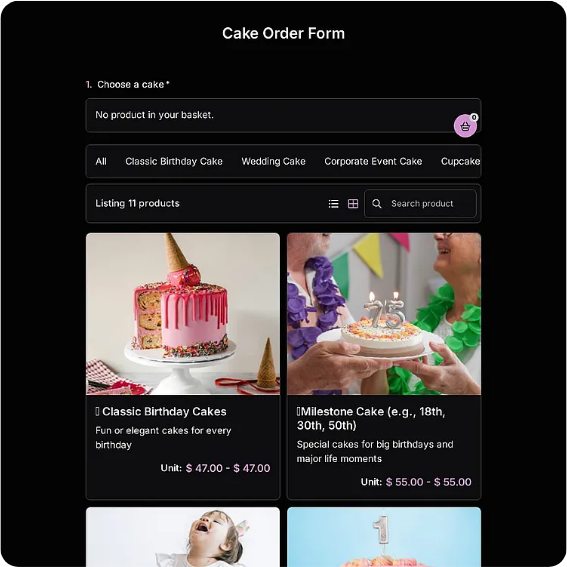
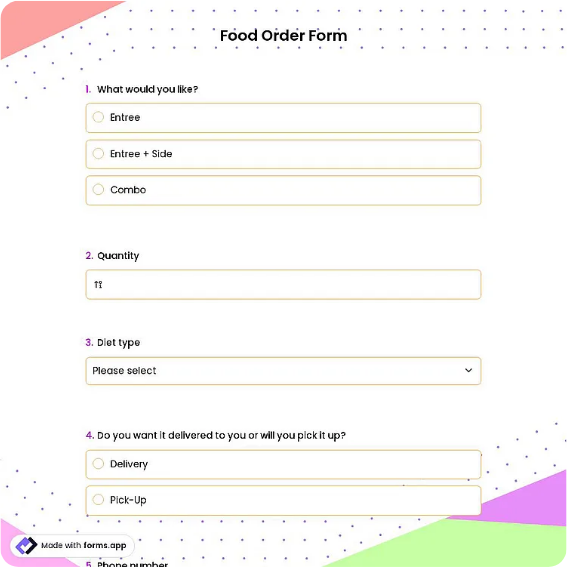
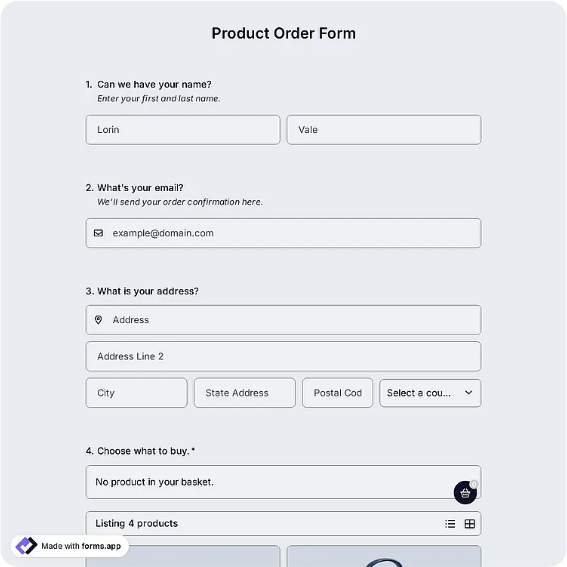
Use the PDF when you want a fixed, printable master that fills in cleanly on screen or by pen. Use the Word file when the layout itself needs editing, such as new columns, your branding, or preset product rows. Choose the online version, hosted on a form builder, when customers should submit orders themselves from a link on your website; you get email notifications and a spreadsheet of responses without any retyping. Plenty of businesses run all three: Word as the master, PDF at the counter, and the online link in their email signature.
Typical fields
- Customer name
- Phone / email
- Billing address
- Item description
- Quantity
- Unit price
- Line total
- Subtotal / tax / total
- Payment method
- Special instructions
Best for
- Retail counter and special orders
- Service businesses selling add-ons
- Fundraisers and community pre-orders
- Phone and mail-in orders
When to use PDF vs online
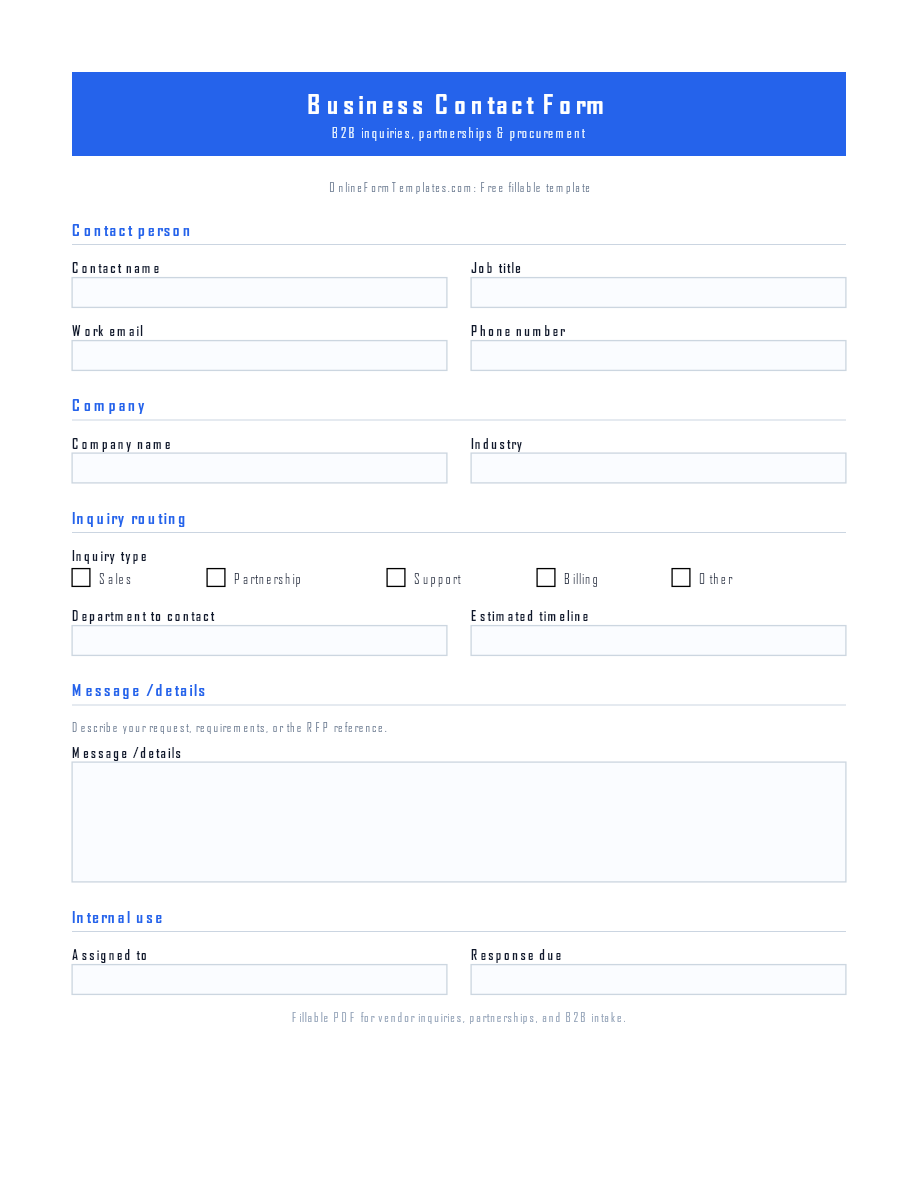
Use the PDF or Word download for in-person sign-ups, fax, or email attachments. Choose an online form when you need automatic notifications, payment integrations, or a shareable link for customers.