The Best Form Builder Tools Compared
We compared five popular form builders for publishing our templates online: free plan limits, real strengths, and the trade-offs each vendor hopes you miss.
Every template on this site can go online in minutes — the question is where. We compared the five builders people most often pair with our templates: forms.app, Jotform, Typeform, Tally, and Google Forms. All five can publish a working contact form for free. They differ sharply once you care about response limits, design, payments, or teamwork.
Screenshots below show vendor pages as captured in 2026; SaaS pricing moves, so verify live plans before paying.
Quick comparison
| Tool | Free plan | Paid from | Strongest at | Biggest gap |
|---|---|---|---|---|
| forms.app | Unlimited responses, AI included | $19/mo (annual) | Free-tier value, team features | Smaller brand and integration list than Jotform |
| Jotform | 5 forms, 100 responses/mo | $39/mo | Templates (20,000+), 200+ integrations, payments | Free caps; dated form look; team seats cost |
| Typeform | 10 responses/mo, 10 questions | ~$39/mo | Conversational UX, completion on short forms | Most restrictive free plan; long forms suffer |
| Tally | Unlimited forms and responses | $24/mo (annual) | Free unlimited basics, Notion-style editing | Limited customization, basic reporting, branding on free |
| Google Forms | Free, effectively unlimited | Free (Workspace for teams) | Zero cost, Sheets integration, familiarity | Minimal design control, no payments, generic look |
1. forms.app — best free tier for publishing templates
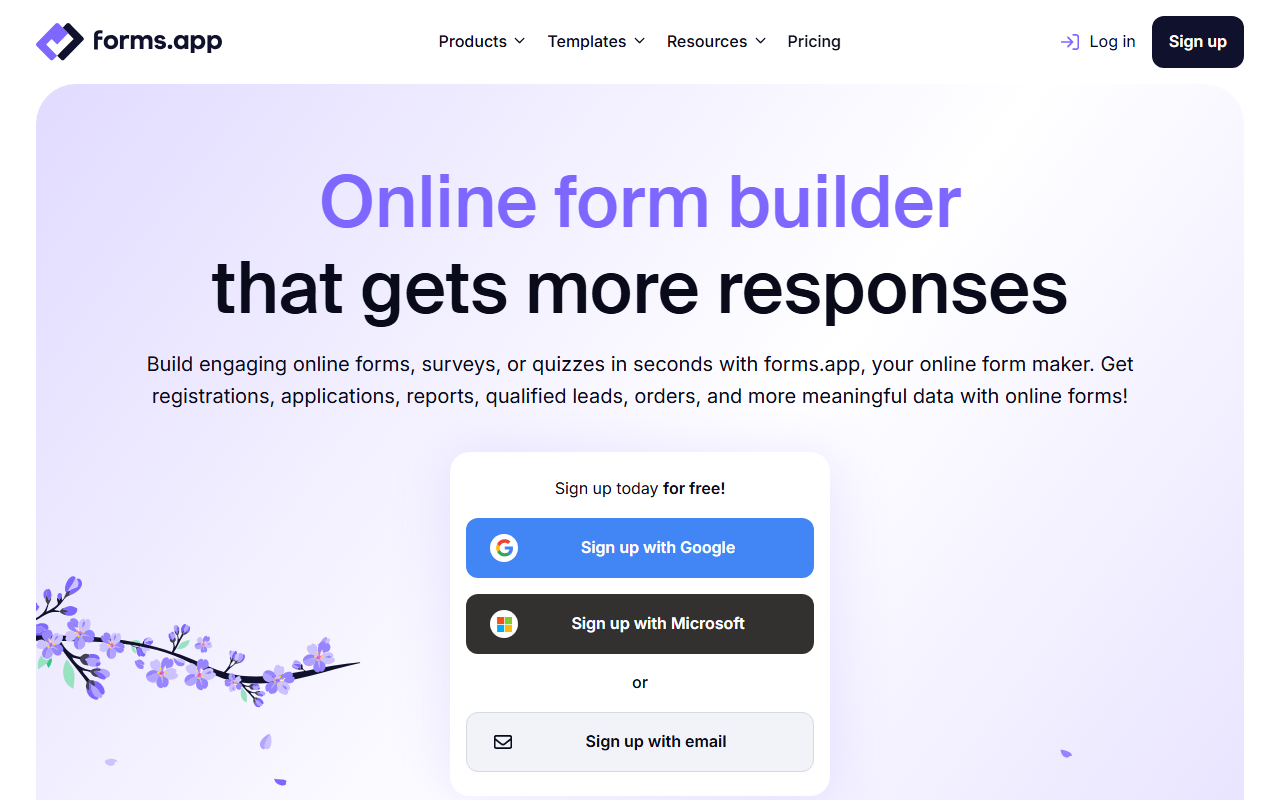
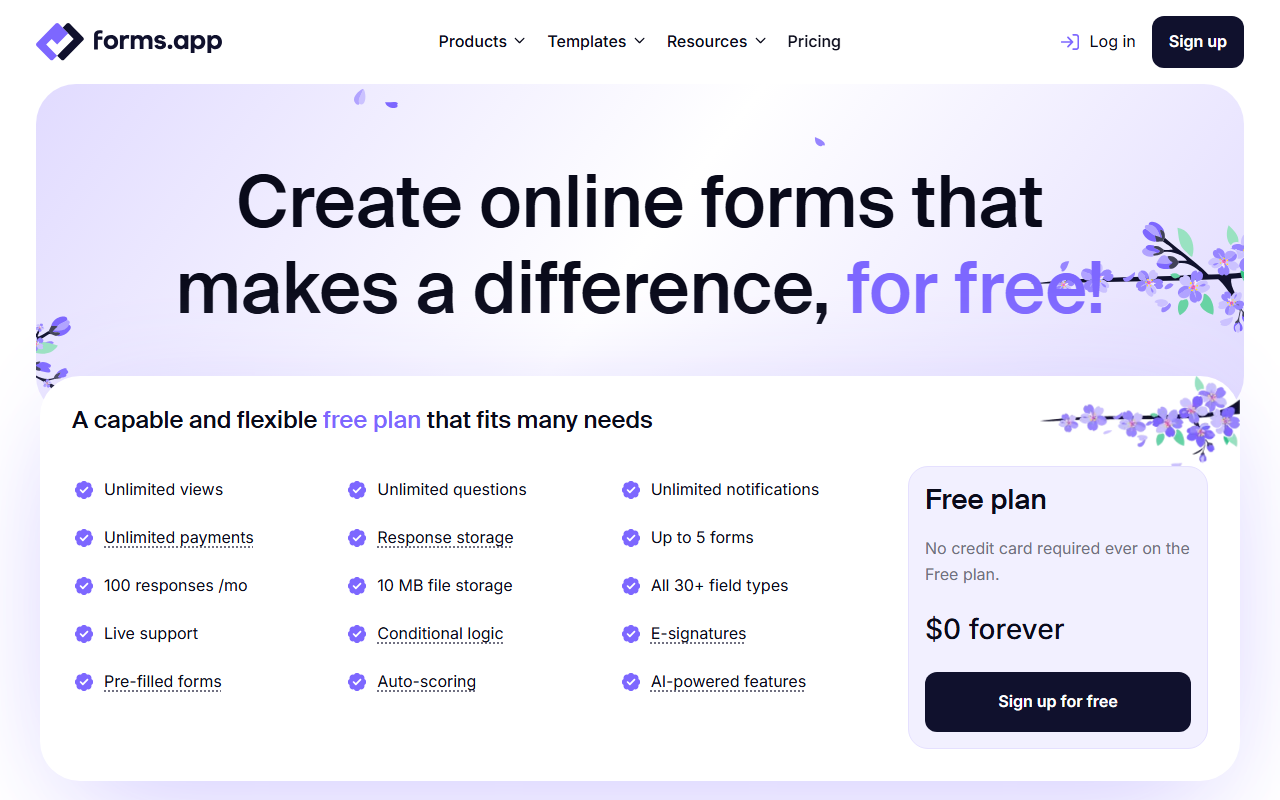
forms.app’s free plan is the outlier in this group: unlimited responses, AI form generation, conditional logic, and e-signature fields without a card on file. For publishing a template — where you cannot predict whether you will get 30 responses or 3,000 — no response cap is the feature that matters most.
Where it stands out:
- Unlimited responses and unlimited team members on every plan, including free
- AI form generation available without paying — paste a description, get a working draft
- Folder-based workspaces and comments that make shared form ownership practical
- Step-by-step and list view filling modes; a strong product listing field for order forms
- Paid tiers ($19–$59/mo annual) undercut Jotform and Typeform at each level
Where it does not:
- Template library and integration marketplace are real but smaller than Jotform’s
- No offline submission mode or mobile SDK
- Less name recognition — if a client asks “is this Jotform?”, you will be explaining
Verdict: the default choice for most templates on this site, and the safest free tier if volume is uncertain.
2. Jotform — best template breadth and integrations
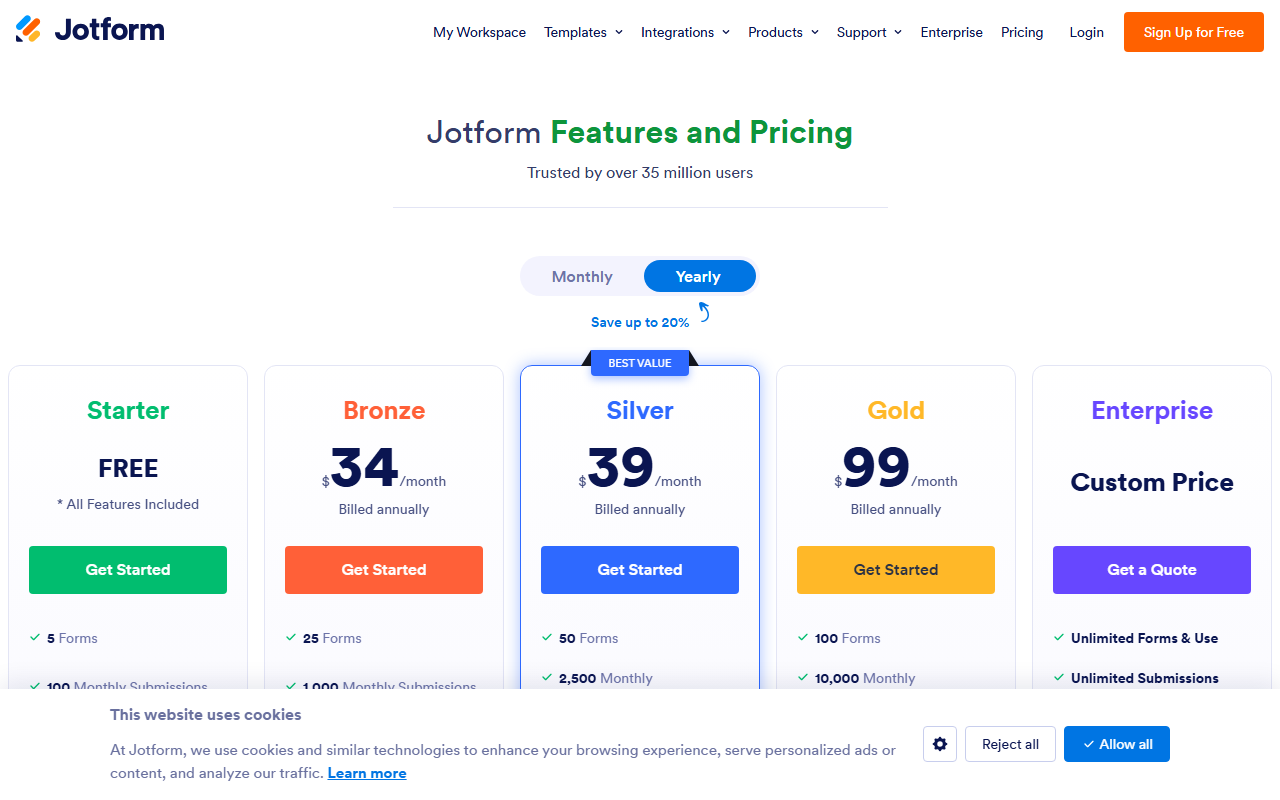
Jotform is the feature heavyweight: 20,000+ templates, 200+ native integrations (Salesforce, HubSpot, Stripe, PayPal), 30+ payment gateways, approval workflows, and HIPAA options on higher tiers. If your form needs to talk to another system, Jotform probably has the native connector.
Where it stands out:
- The largest template and widget ecosystem in the market
- Best-in-class payment collection for payment and order forms
- Enterprise-grade options (HIPAA, approvals) when a form becomes a workflow
Where it does not:
- Free plan caps at 5 forms and 100 monthly submissions — fine for testing, tight for real use
- The default form look is dated next to Typeform or forms.app output
- Pricing jumps hard between tiers, and inviting teammates effectively requires Enterprise
Verdict: pick Jotform when integrations or payments drive the decision and the budget covers a paid tier.
3. Typeform — best conversational experience
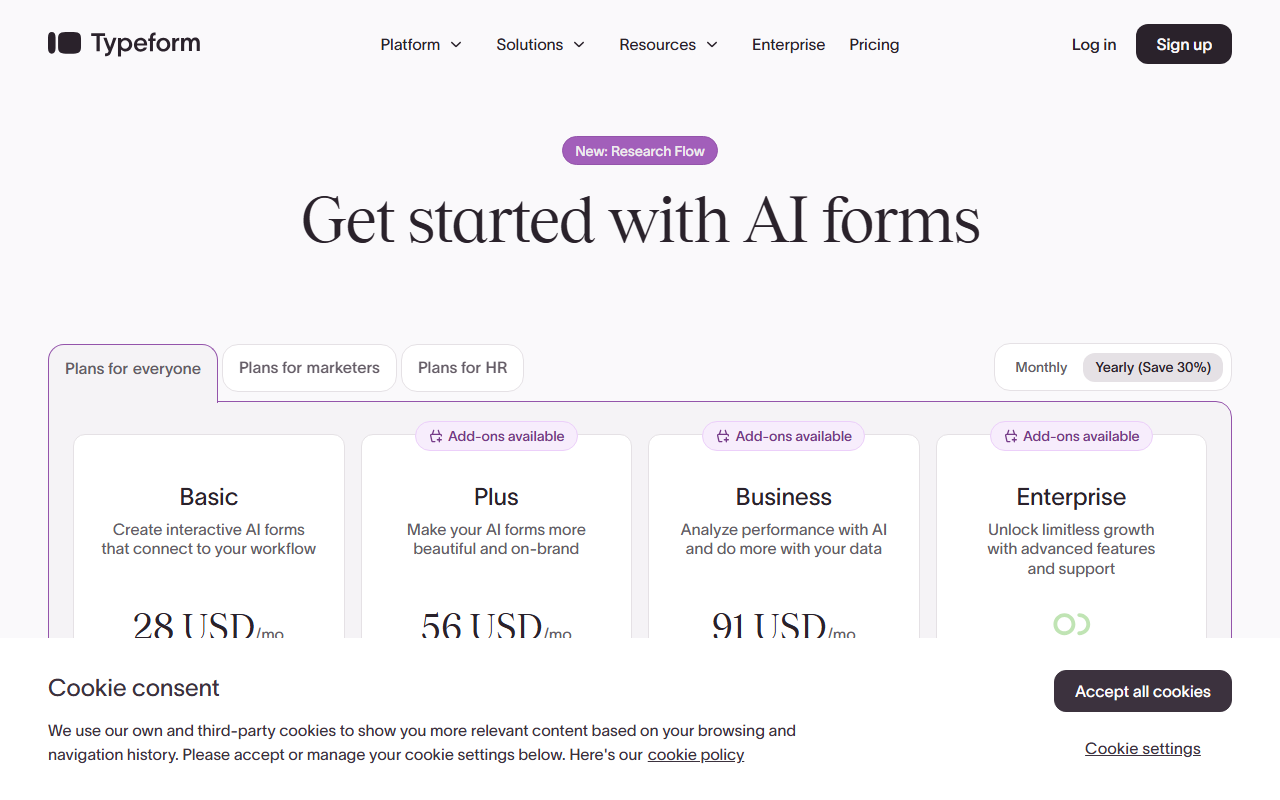
Typeform invented the one-question-at-a-time format, and it still executes it best. For short, customer-facing forms — a satisfaction survey, a lead capture, an NPS pulse — the polish is real and completion rates on short forms back it up.
Where it stands out:
- The most refined form-filling experience of the five, out of the box
- Brand Kit keeps fonts, colors, and logos consistent across forms
- AI follow-up questions can deepen short surveys dynamically
Where it does not:
- The free plan (10 responses/month, 10 questions) is the most restrictive here — it is a demo, not a plan
- Paid tiers are the priciest per response, and seats multiply the cost for teams
- Long forms fight the format: respondents cannot easily skim, skip, or review answers, which hurts anything like a registration form with many fields
Verdict: worth paying for on short, brand-forward forms; the wrong shape for long or high-volume collection.
4. Tally — best free unlimited basics
Tally has no screenshot in our set, but its pitch fits in one line: a Notion-style editor where forms are documents, with unlimited forms and unlimited responses free. You build by typing and slash commands rather than dragging blocks, which Notion users find instantly comfortable.
Where it stands out:
- Genuinely unlimited free tier — the only tool here matching forms.app on response limits
- Fast, keyboard-driven editor; pleasant for simple forms
- Paid tier ($24/mo annual) mainly buys branding removal and extras
Where it does not:
- “Made with Tally” branding on every free form
- Visual customization and reporting are basic — expect to export to a spreadsheet for real analysis
- Smaller integration ecosystem; many connections route through Zapier
Verdict: a strong free pick for simple internal or low-stakes forms, if branding and light reporting do not bother you.
5. Google Forms — best at being free and familiar
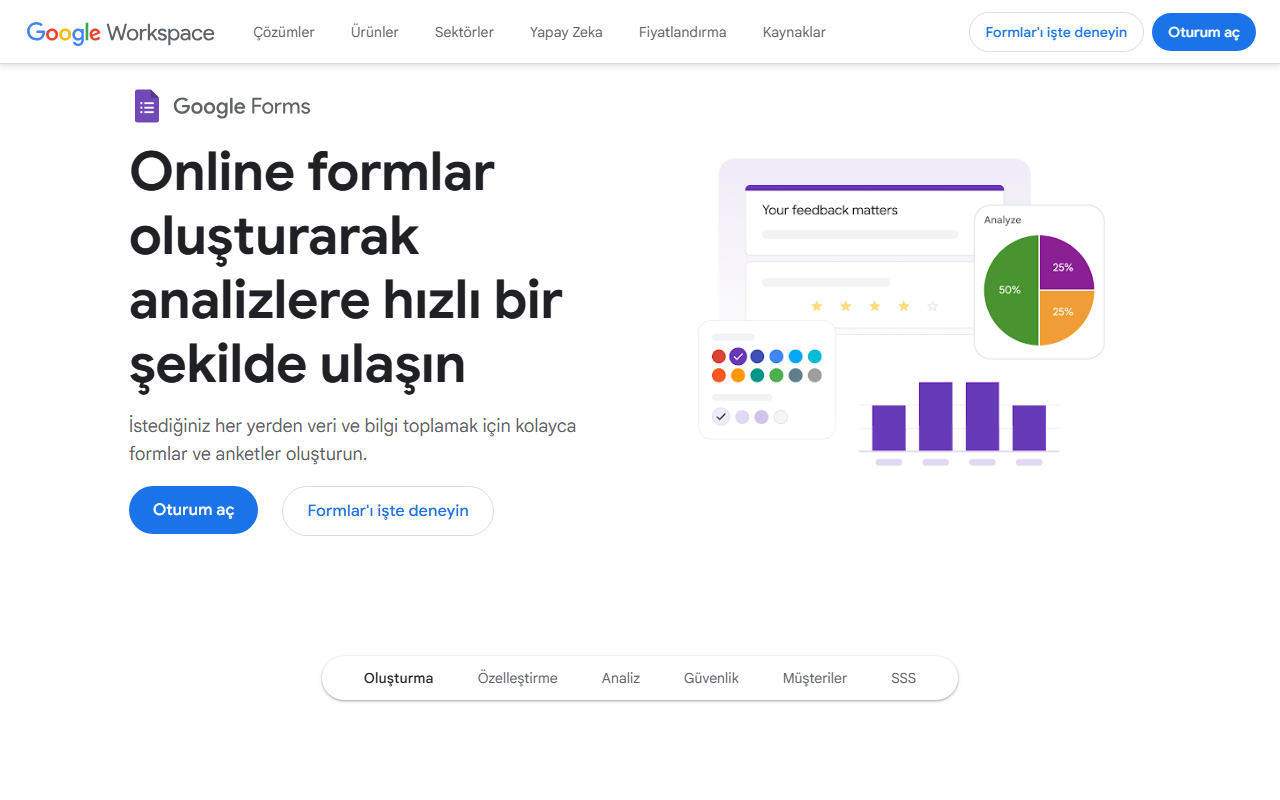
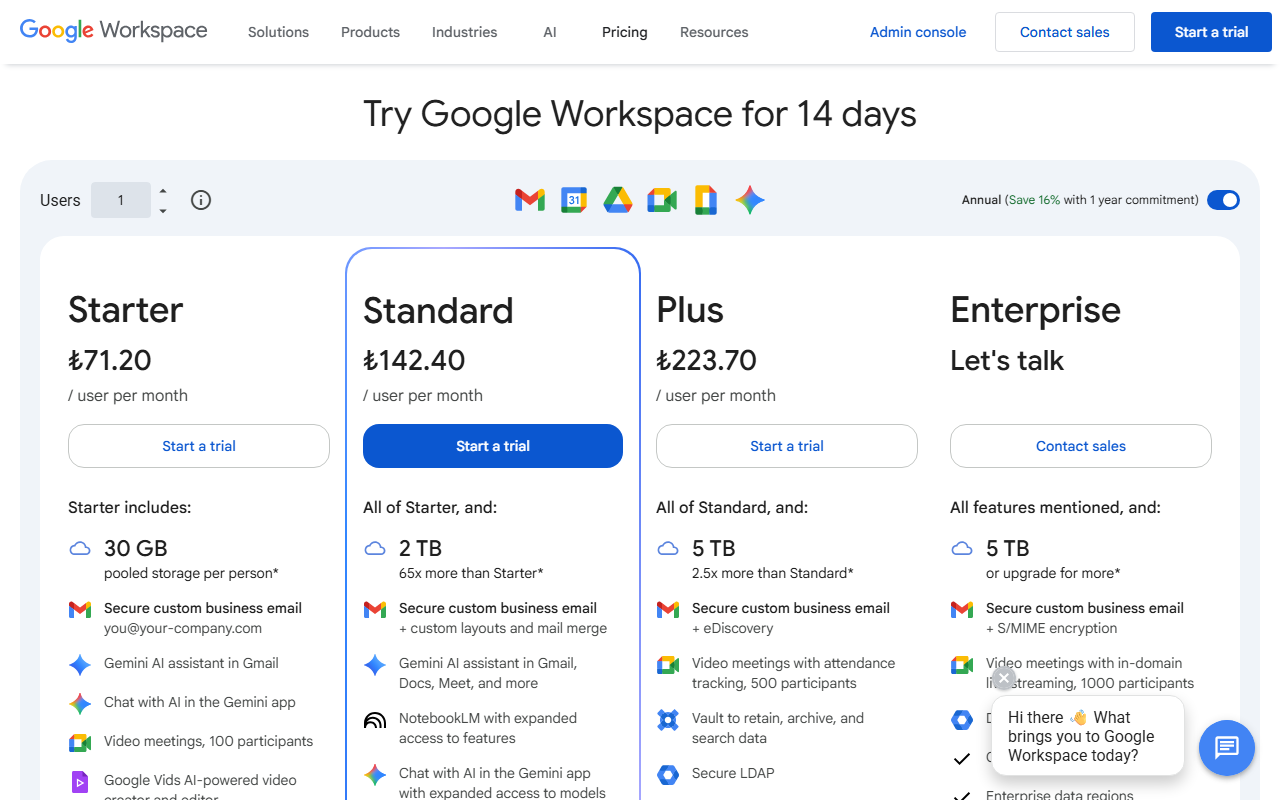
Google Forms costs nothing, lives where your files already are, and pipes every response into Sheets. For internal polls, quick sign-ups, and classroom use, that is often the whole requirement.
Where it stands out:
- Free with any Google account, effectively unlimited responses
- The Sheets connection is the simplest data pipeline in this comparison
- Everyone has filled one out before — zero learning curve on either side
Where it does not:
- Design control is minimal: a header image and a theme color, and every form still looks like Google Forms
- No native payments, no signatures, limited logic — weak for order, booking, or consent workflows
- The generic look undercuts trust on public, branded forms
Verdict: the right tool for internal and casual forms; the wrong face for your brand.
How to choose in practice
| Your situation | Start with |
|---|---|
| Unknown or high response volume, no budget | forms.app or Tally |
| Payments or CRM integrations required | Jotform (or forms.app for simpler payment needs) |
| Short branded survey where feel matters | Typeform |
| Internal, quick and disposable | Google Forms |
| A team sharing many forms | forms.app (free team members) |
Whichever you pick, the workflow is the same: open a template here, use the builder links on the template page (or rebuild from the field list), trim it with our essential fields guide, and check it against design best practices before sharing the link. And if part of your audience will meet the form on paper, the printable versions are one download away.
No tool wins every row. Match the builder to your response volume, budget, and integrations — the template does the rest.