 forms.app
Payment & Donation Form Templates
Donation Form Template
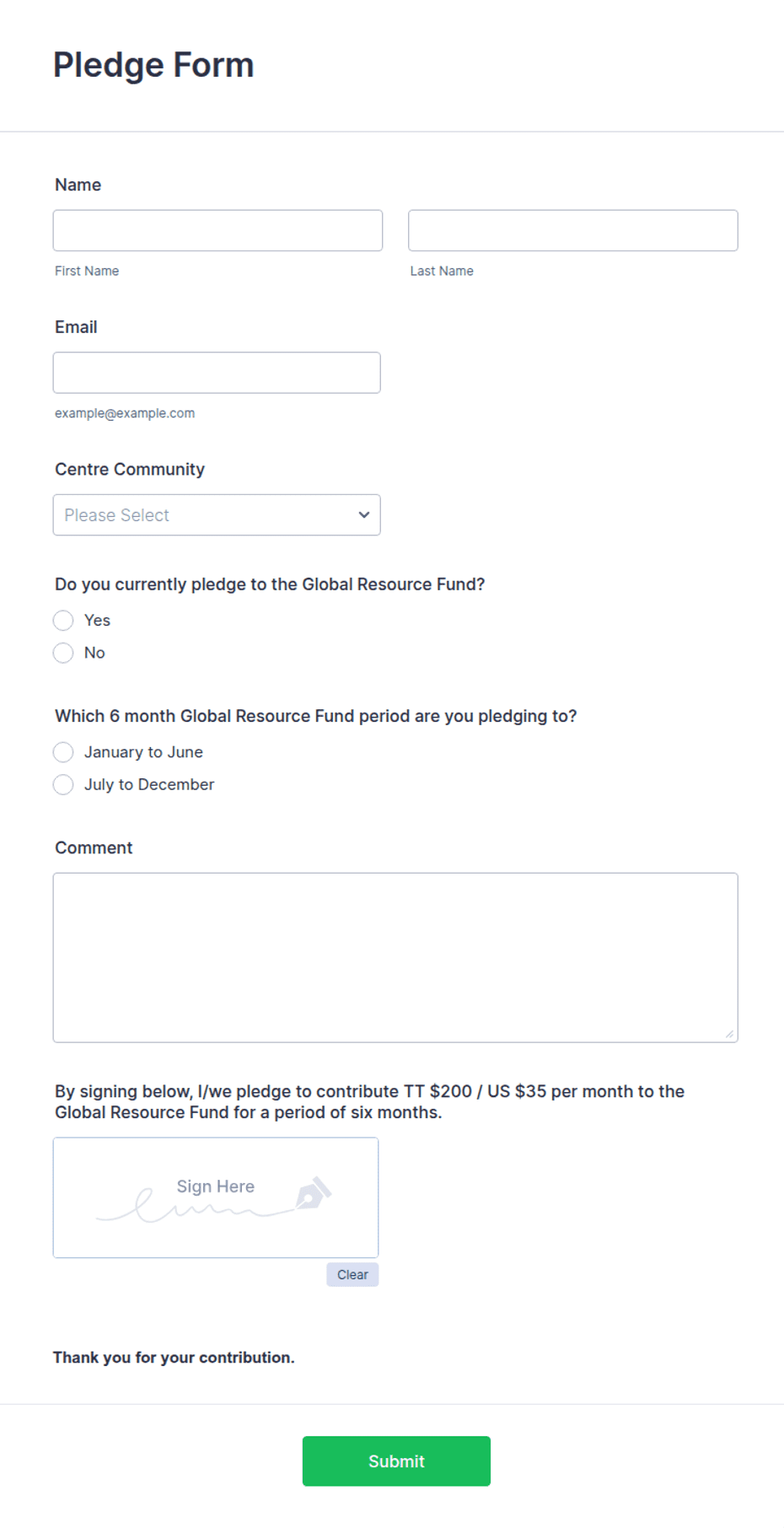
Donation form with giving tiers, frequency options, dedication line, and receipt request for nonprofits and community groups.
Available online on
Download as
- Free PDF and Word downloads for offline use
- Fillable fields you can customize for your business
- Share a link or print copies for in-person sign-ups
- Ready-made online forms on popular form builders
Last updated July 17, 2026. Reviewed by the Online Form Templates team.
About this template
A Donation Form turns a supporter's intent into a record your organization can act on: the donor's contact details, the gift amount, how often it repeats, and whether they need a receipt. Nonprofits, churches, school booster clubs, and community groups use it at events, in mailed appeals, and on giving pages. Typical fields include donor name, organization, mailing address, phone / email, donation amount with giving tiers, frequency, payment method, a dedication line, and a receipt request.
The giving tier checkboxes are the working heart of the layout. Preset amounts ($25, $50, $100, $250, plus an "Other" line) raise average gifts compared to a blank amount box, because donors anchor to the options in front of them. The dedication field — "in honor of" or "in memory of" — matters more than it looks: it is often the reason the gift was made, and acknowledging it correctly is how you keep that donor.
How teams use this form day to day
At a gala or fun run, volunteers hand printed forms to attendees along with a pen; completed sheets go into a cash box envelope and get reconciled against the deposit the next morning. Development staff mail the form with year-end appeal letters, pre-filling the campaign name. For monthly giving programs, the frequency checkboxes let a donor commit to recurring support on a single signature, and the office sets up the schedule from the sheet.
After each campaign, enter forms into your donor database the same week. The consistent field order makes batch entry fast, and the receipt checkbox tells you exactly who is waiting on tax paperwork.
Customize fields and branding
Download the Word (DOCX) version to add your logo, tax-exempt ID, and receipt language in the footer — donors and auditors both look for the EIN. Adjust the tier amounts to match your campaign's actual ask ladder; a capital campaign might start at $250 while a bake-sale-adjacent drive starts at $10. The fixed-layout PDF is right for clipboard stacks at events, and the online versions add card processing and automatic thank-you emails.
Common mistakes to avoid
Do not skip the frequency question — a form that cannot distinguish a one-time $50 gift from a monthly $50 commitment loses your most valuable donors in the data. Avoid collecting card numbers on the paper version; check "card" as the method and process it at your terminal or send the secure link. And resist adding survey questions to the donation form itself: every extra field before the signature costs completions.
Example scenario
A youth soccer club runs a fundraising night. Volunteers collect 60 paper forms; 42 donors tick a preset tier, 11 write custom amounts, and 9 check "monthly." The treasurer reconciles the sheets against cash and checks that evening, the secretary sends receipts to everyone who requested one, and the nine recurring donors get set up through the club's online form the following week.
Choosing PDF, Word, or online
This page includes a printable fillable PDF, an editable Word (DOCX) file, and hosted online donation forms. The free downloads suit events, mailings, and front-desk giving where paper still wins. Online links open ready-made templates on trusted builders when you want secure card processing, recurring billing, and submissions landing in a spreadsheet. Most organizations run both: paper at events, the link everywhere else.
Typical fields
- Donor name
- Organization (if applicable)
- Mailing address
- Phone / email
- Donation amount ($)
- Giving level
- Donation frequency
- Payment method
- Dedication (in honor / memory of)
- Receipt requested
Best for
- Nonprofit fundraising drives
- Church and community giving
- School booster clubs
- Event-day donation tables
When to use PDF vs online
Use the PDF or Word download for in-person sign-ups, fax, or email attachments. Choose an online form when you need automatic notifications, payment integrations, or a shareable link for customers.