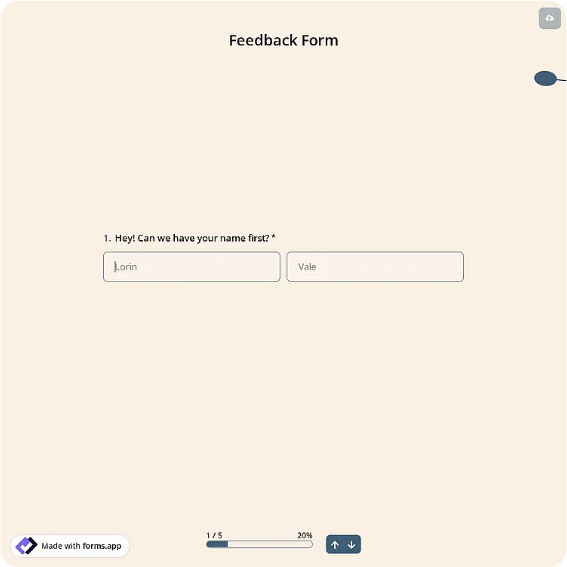
 forms.app
Feedback Form Template
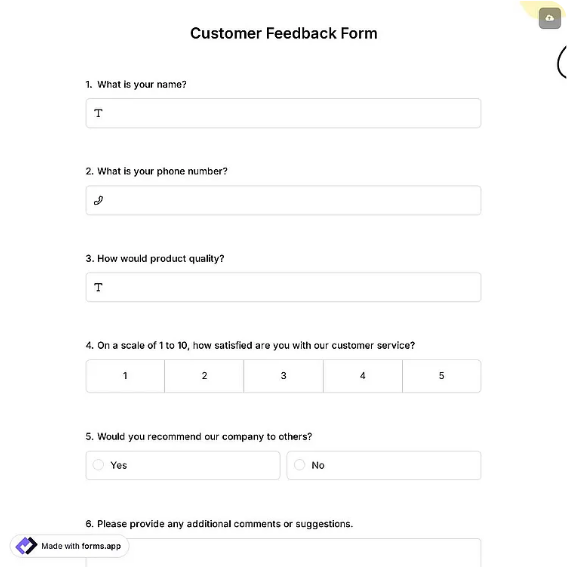
General-purpose feedback form with type checkboxes, an overall rating, and a follow-up option.
Available online on
Download as
- Free PDF and Word downloads for offline use
- Fillable fields you can customize for your business
- Share a link or print copies for in-person sign-ups
- Ready-made online forms on popular form builders
Last updated July 17, 2026. Reviewed by the Online Form Templates team.
About this template
A Feedback Form is the general-purpose channel that catches everything your other forms miss: compliments, complaints, suggestions, and questions from anyone who interacts with your organization. This layout keeps the barrier low with an optional name and email, a date, feedback-type checkboxes (compliment, complaint, suggestion, question), a short line for what the feedback is about, a roomy comment area, a 1-5 overall experience rating, and a follow-up checkbox with preferred contact method.
Front desks, community centers, libraries, clinics, event organizers, and website owners all keep a version of this form within reach. Two small design choices carry the weight: the type checkboxes pre-sort submissions so each one can be routed without a meeting, and the single overall rating gives you a trend line over months even though every comment is about something different.
How teams use this form day to day
The paper pattern is a counter stack next to a drop box, positioned where people finish their visit rather than where they start it. Online, the form link lives in a website footer or email signature under a plain "Give feedback" label. Once a week, someone empties the box or inbox and triages by checkbox: complaints get an owner and a deadline, suggestions go to a running list reviewed monthly, and compliments get forwarded to the person named, which quietly does more for morale than most recognition programs.
The follow-up field is the piece most organizations underuse. When someone ticks it, they are volunteering for a conversation; a two-minute reply within a few days converts an annoyed visitor into a loyal one more reliably than any discount.
Customize fields and branding
In the Word download, rename the checkbox categories to match how your organization actually routes issues, for example facilities, staff, programs, and other for a community center. Add a department or location line if you operate more than one site. Print your response promise in the footer, something like "We read every submission and respond to follow-up requests within 3 business days", because a stated commitment measurably increases both submissions and honesty.
Common mistakes to avoid
Making the name field required is the most common self-inflicted wound; anonymous submissions include the criticism you most need to hear. Leaving off the follow-up field is next, since complaints with no reply path dead-end into resentment. And avoid the vague "Comments" label on the main box. "Tell us what happened and what you'd like us to do" produces actionable paragraphs instead of one-word answers.
Example scenario
A gym places this form by the exit with a locked drop box. Over a month, complaints cluster on the checkboxes: eleven of fourteen mention locker-room maintenance, while the overall rating holds at 4 thanks to the classes. The manager adds an evening cleaning rotation, posts a "You said, we did" notice above the box, and watches the next month's forms shift from complaints to suggestions, evidence the channel is trusted.
Choosing PDF, Word, or online
Run the printable PDF wherever the experience physically happens, since a pen and a box outperform a QR code for in-the-moment reactions. Keep the Word file as your editing master for categories and branding. Add the online links for after-hours and remote feedback, with submissions arriving by email so nothing waits for the weekly box-emptying. Most organizations run paper and online in parallel and merge the two piles at triage.
Typical fields
- Name (optional)
- Date
- Feedback type (compliment / complaint / suggestion / question)
- What is your feedback about?
- Your feedback / comments
- Overall experience rating (1-5)
- Would you like a follow-up?
- Preferred contact method
Best for
- Front desk and reception counters
- Community centers and libraries
- Website and email feedback channels
- Events and venues with drop boxes
When to use PDF vs online
Use the PDF or Word download for in-person sign-ups, fax, or email attachments. Choose an online form when you need automatic notifications, payment integrations, or a shareable link for customers.