 forms.app
Maintenance Request Form Template
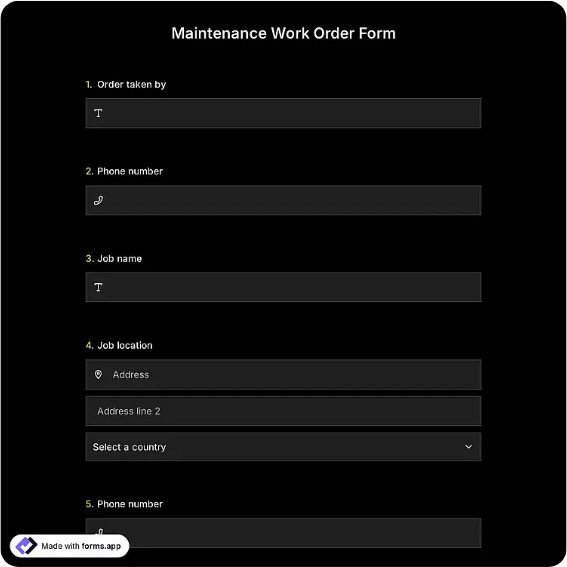
Maintenance request form with location, issue description, priority, and an office-use approval block.
Available online on
Download as
- Free PDF and Word downloads for offline use
- Fillable fields you can customize for your business
- Share a link or print copies for in-person sign-ups
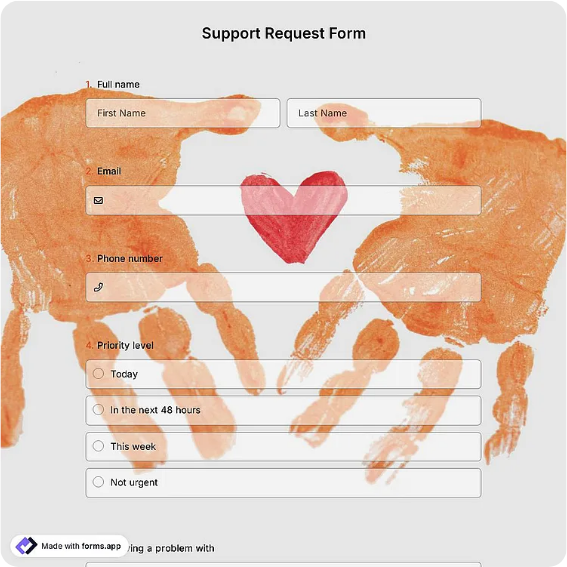
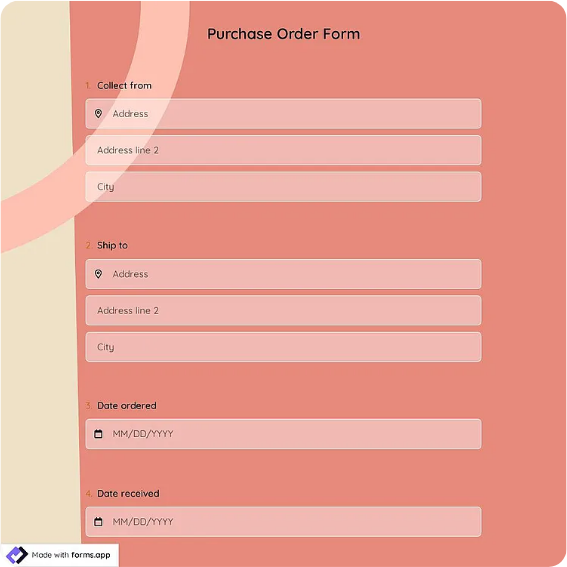
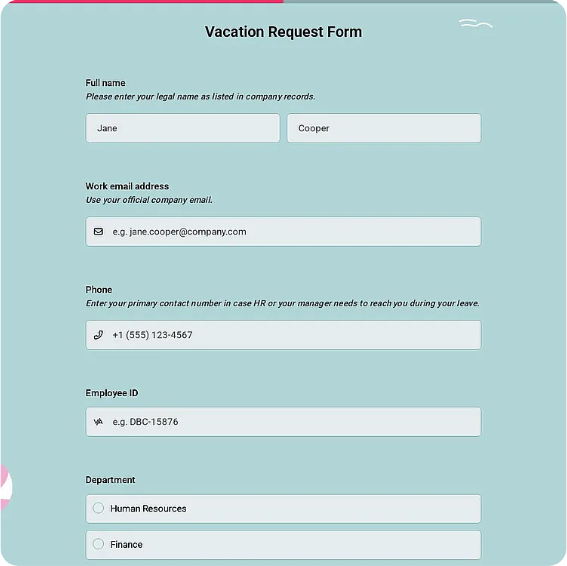
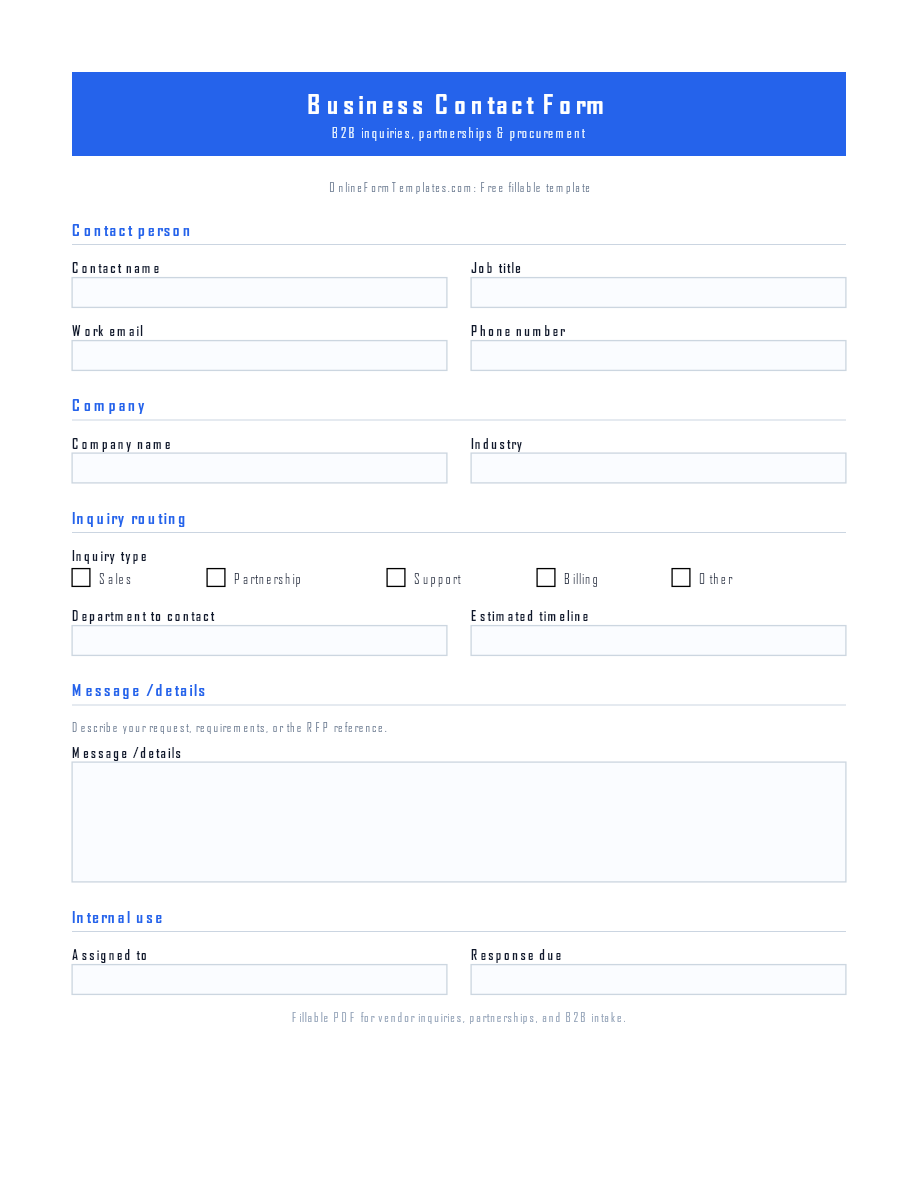
- Ready-made online forms on popular form builders
Last updated July 17, 2026. Reviewed by the Online Form Templates team.
About this template
A Maintenance Request Form gives tenants, employees, and facility users one consistent way to report a problem instead of texting the property manager or catching the janitor in the hallway. Typical fields include requester name, phone or email, date submitted, building and room location, a description of the issue, priority level, access instructions, and a preferred completion date, followed by an office-use block for the assigned technician and work order number.
The structure matters more than it looks. When every request arrives with a location and a priority already marked, the maintenance team can triage a dripping faucet differently from a sparking outlet without a follow-up call. Property managers, school facilities departments, warehouse supervisors, and HOA boards all use the same basic layout for exactly that reason.
How teams use this form day to day
Most facilities teams keep a stack of printed forms at the front desk or maintenance office and post the online link near building entrances or in a tenant portal. A tenant fills in the unit number, describes the leak, checks the urgency box, and notes whether staff may enter when nobody is home. The office logs the request, assigns a work order number in the bottom section, and hands the sheet to the technician on shift.
Teams that track recurring problems, such as the same HVAC unit failing every summer, file completed forms by building or asset. Three signed sheets for one air handler is a stronger case for replacement budget than a vague memory of repeated complaints.
Customize fields and branding
Open the Word download to add your property name, insert unit numbering that matches your buildings, or swap the priority labels for the ones your team actually uses. Some managers add a checkbox for permission to enter, others add a category row for plumbing, electrical, or HVAC so requests can be routed before anyone reads the description. The PDF is best left fixed for printing; the online version can add photo uploads and automatic email confirmations.
Run one test request through the whole loop before rollout: submit, assign, complete, and sign. You will spot missing fields, like an after-hours contact line, before tenants do.
Common mistakes to avoid
The classic failure is skipping access instructions. A technician arrives, the tenant is at work, the door is locked, and the request rolls over another day. Make that field mandatory in the online version and bold it on paper. The second mistake is letting requesters self-assign an emergency priority for everything; add a one-line definition next to the checkboxes, such as reserving urgent status for water, power, or safety issues.
Example scenario
A 40-unit apartment building keeps printed forms in the lobby. A tenant in 3B reports low water pressure, marks it routine, and notes the cat that should not slip out the door. The manager logs it that evening, writes work order 2214 in the office-use block, and schedules the plumber with two other routine calls in the same stack, saving a separate trip. The signed sheet goes in the unit file in case the issue resurfaces at lease renewal.
Choosing PDF, Word, or online
Use the fillable PDF when requests are handed in at a desk or posted on a maintenance-room door. Use the Word file as your editable master, adjusting fields once per property and reprinting. Use the hosted online form when tenants and staff should submit from their phones and the office wants every request in one inbox with timestamps. Many buildings run paper and online in parallel, keying paper submissions into the same log so nothing is tracked in two places.
Typical fields
- Requester name
- Phone / email
- Date submitted
- Building / location
- Room or unit number
- Description of issue
- Priority level
- Access instructions
- Preferred completion date
- Work order number (office use)
Best for
- Apartment and rental property repairs
- School and office facilities departments
- Warehouse and equipment maintenance
- HOA and community building upkeep
When to use PDF vs online
Use the PDF or Word download for in-person sign-ups, fax, or email attachments. Choose an online form when you need automatic notifications, payment integrations, or a shareable link for customers.