 forms.app
Booking & Reservation Form Templates
Appointment Booking Form Template
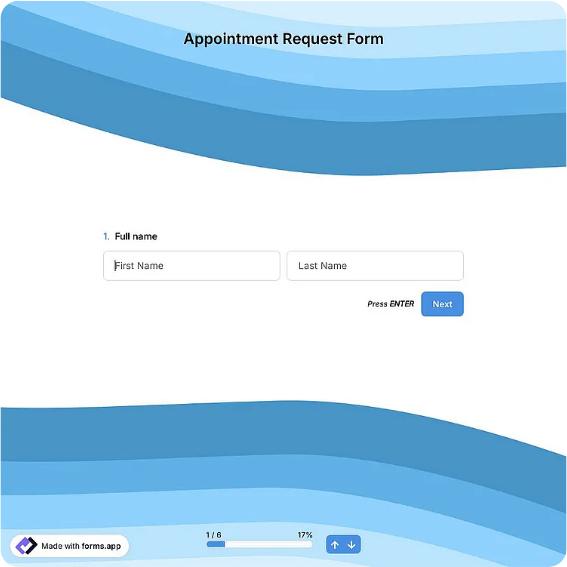
Universal appointment request form with service selection, date and time preferences, and client notes.
Available online on
Download as
- Free PDF and Word downloads for offline use
- Fillable fields you can customize for your business
- Share a link or print copies for in-person sign-ups
- Ready-made online forms on popular form builders
Last updated July 17, 2026. Reviewed by the Online Form Templates team.
About this template
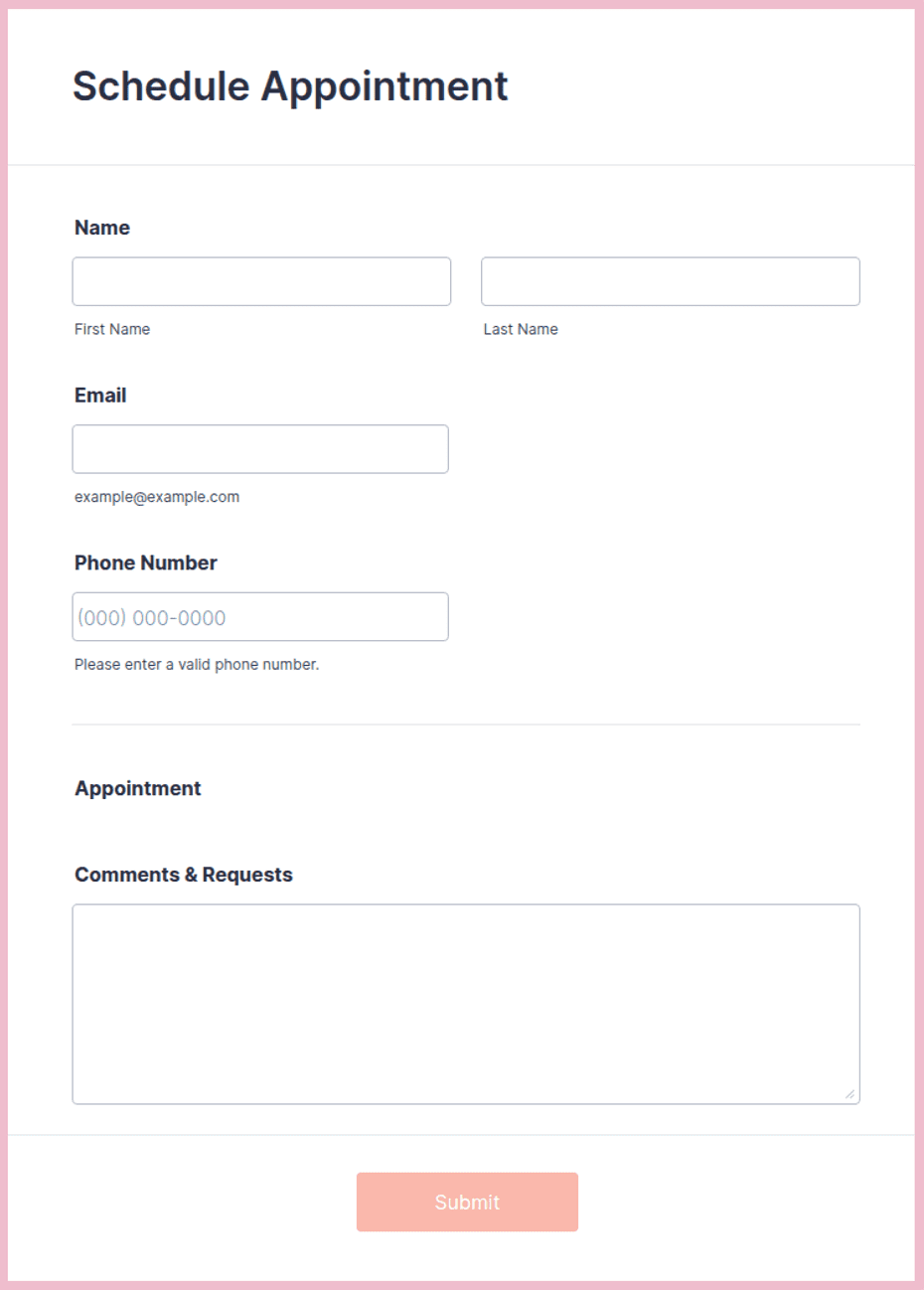
An Appointment Booking Form replaces the phone-tag ritual with a single structured request. It collects full name, phone number, email, the service requested, a preferred date, first and second choice of time, any provider or staff preference, whether the client is new or returning, and a notes line for context, everything a scheduler needs to confirm a slot in one reply instead of three calls.
The layout is deliberately industry-neutral, which makes it useful for clinics and wellness practices, consultants, repair and trade services, and tutors alike. If your business runs on scheduled time with clients, the questions are the same; only the service list changes.
How teams use this form day to day
The most common pattern is asynchronous intake: the form sits on a website or gets emailed to a client, requests arrive with two time preferences already attached, and the scheduler confirms whichever fits, no back-and-forth required. That second-choice field is the quiet hero of the layout; it converts roughly half of would-be scheduling conflicts into instant confirmations. Front desks also keep printed copies for phone bookings, filling the form during the call so verbal requests end up in the same structure as digital ones.
The new-or-returning field routes the follow-up: new clients get intake paperwork and directions, returning clients get a one-line confirmation. Sorting on that single checkbox saves the receptionist from looking every caller up mid-conversation.
Customize fields and branding
Edit the Word version to list your actual services as checkboxes rather than a blank line; people book faster when choosing rather than composing. Add your business name and cancellation window in the header, and adapt the provider-preference field to your vocabulary: stylist, therapist, technician, tutor. If you require anything before the visit, such as fasting, paperwork, or parking instructions, a short note under the time fields reads better than a follow-up email nobody opens. The PDF works best left as a stable master for print and on-screen filling.
Common mistakes to avoid
Asking for a single preferred time is the classic error; without an alternative, every conflict costs another contact cycle. Keep both time fields. Second, do not skip the phone number just because you have email: day-of changes need a channel the client actually checks within the hour. Third, resist adding intake questions to the booking form itself. Medical history and detailed project scoping belong in a second document after the appointment is confirmed; a long booking form scares off exactly the new clients you want.
Example scenario
A physiotherapy practice with three clinicians puts this form behind a "Request an appointment" button. A new patient requests Thursday, first choice 8 a.m., second choice noon, notes a preference for the clinician a friend recommended, and marks himself as new. The front desk confirms the noon slot with that clinician in one email, attaches the intake packet because the new-client box was ticked, and the whole booking takes ninety seconds of staff time.
Choosing PDF, Word, or online
Choose the online version, via the forms.app or Jotform links, when most requests come through your website; hosted forms deliver notifications and keep every request in a searchable list. Use the fillable PDF at reception or over the phone, where staff type or write while the client talks. The Word download is your customization layer for service lists, policies, and branding before either channel goes live. Practices commonly publish the online form while keeping printed copies at the desk, so walk-in and web requests follow the same nine fields.
Typical fields
- Full name
- Phone number
- Service requested
- Preferred date
- First choice time
- Second choice time
- Provider / staff preference
- New or returning client
- Notes
Best for
- Clinics and wellness practices
- Consultants and advisors
- Repair and trade services
- Tutoring sessions
When to use PDF vs online
Use the PDF or Word download for in-person sign-ups, fax, or email attachments. Choose an online form when you need automatic notifications, payment integrations, or a shareable link for customers.