 forms.app
Payment & Donation Form Templates
Payment Form Template
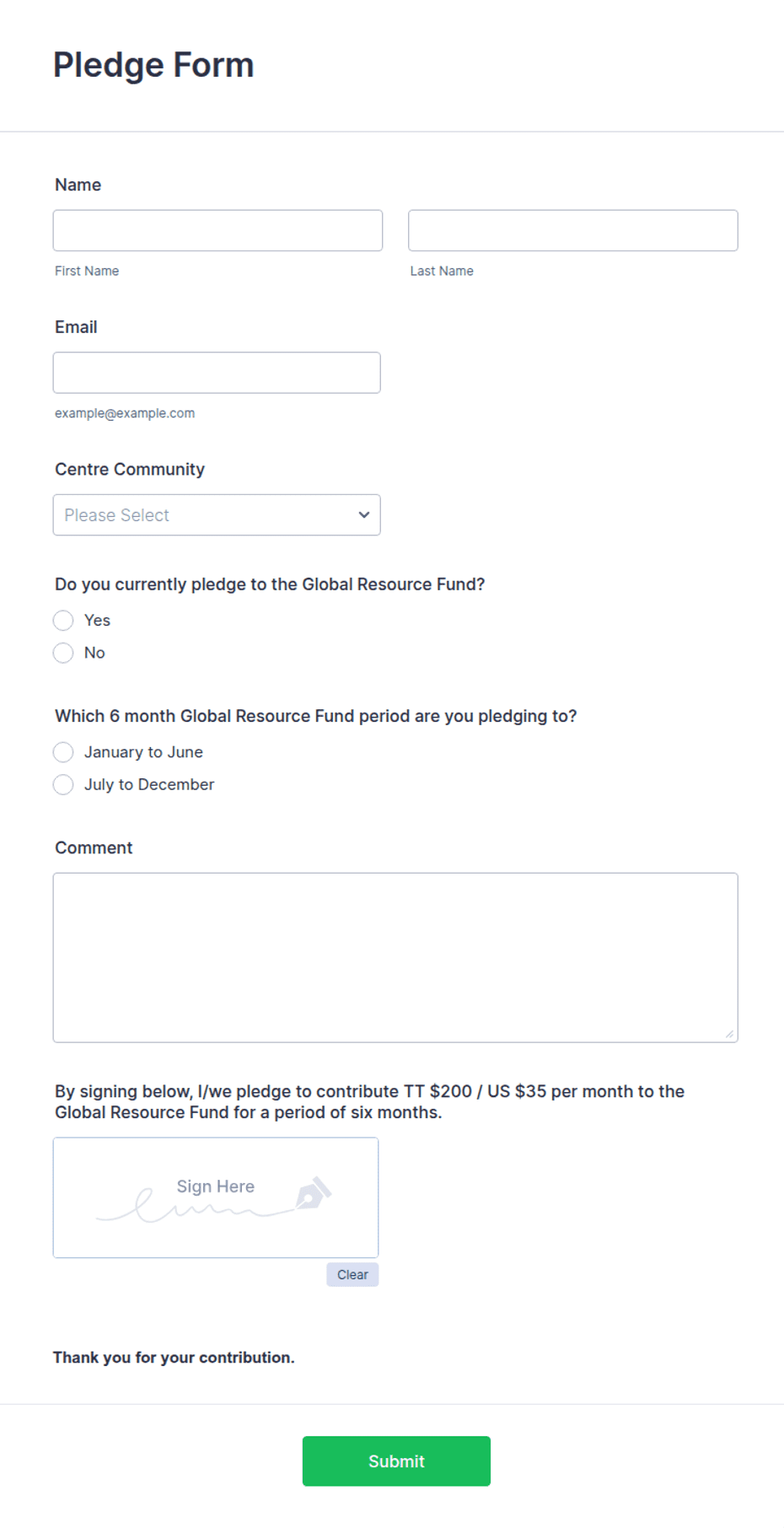
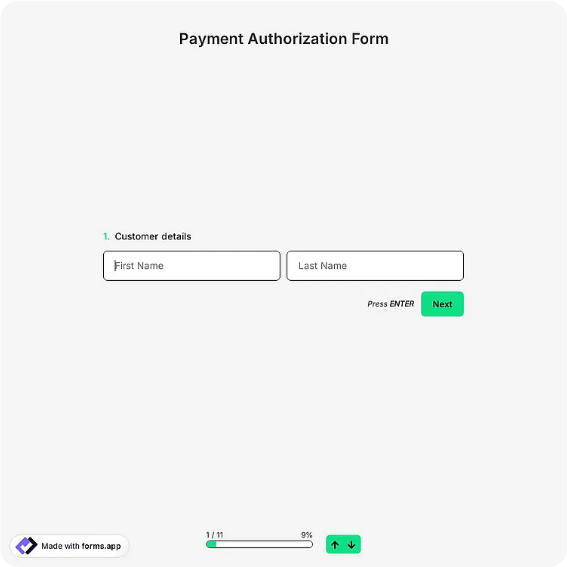
General-purpose payment form with amount, frequency, payment method, and authorization signature fields.
Available online on
Download as
- Free PDF and Word downloads for offline use
- Fillable fields you can customize for your business
- Share a link or print copies for in-person sign-ups
- Ready-made online forms on popular form builders
Last updated July 17, 2026. Reviewed by the Online Form Templates team.
About this template
A Payment Form records a single agreement in writing: who is paying, how much, when, and by what method. Small businesses, schools, clubs, and service providers use it to document invoice payments, tuition installments, membership dues, and deposits. Typical fields include payer name, billing address, phone / email, invoice or account number, payment amount, payment date, payment method checkboxes, payment frequency, and an authorization signature with date.
The layout puts identity fields at the top, money details in the middle, and authorization at the bottom, so anyone processing the sheet can find the amount and signature in seconds. One deliberate choice: there is no field for a full card number. Printed forms with card numbers create security and PCI problems, so this template uses method checkboxes and a note directing payers to your terminal, payment link, or office instead.
How teams use this form day to day
A bookkeeper staples the completed form to the matching invoice before entering it in accounting software. A dance studio keeps a stack at the front desk so parents can authorize monthly tuition. A contractor sends the Word version with a quote so the client can confirm the deposit amount and schedule in writing. In each case the value is the same: when a payment question comes up months later, there is a dated, signed sheet that answers it.
If you collect payments on a cycle — monthly dues, term fees, installment plans — the frequency checkboxes do the heavy lifting. Tick monthly, write the first payment date, and the form doubles as a simple payment schedule agreement.
Customize fields and branding
Open the Word (DOCX) download to add your logo, business name, and payment instructions. Common edits: renaming "Invoice number" to "Student ID" or "Membership number", adding your late fee policy under the amount section, and listing accepted payment methods that match your actual setup. The fillable PDF works when you want a fixed layout nobody can accidentally reformat, and the online versions add automatic email copies and secure card processing through the form builder's payment integrations.
Common mistakes to avoid
The most common mistake is collecting card numbers on paper — never do this; use the checkbox-plus-note pattern instead. Second is leaving frequency ambiguous: a form that says "$150" without "one-time" or "monthly" checked will cause a dispute eventually. Third is skipping the invoice or account number field, which forces someone to guess which balance the payment applies to. Make those three fields effectively required in your process.
Example scenario
A music school emails the fillable PDF to a parent enrolling mid-term. The parent types in the student's name, ticks "Monthly" and "Bank transfer", writes the agreed $180 amount and first payment date, signs, and returns it. The office files the form, sets up the transfer schedule, and both sides have identical documentation if a charge is ever questioned.
Choosing PDF, Word, or online
This page offers a printable fillable PDF, an editable Word (DOCX) file, and links to hosted online payment forms. Downloads are free and work offline — ideal for front desks and mailed agreements. The online links open ready-made forms on trusted builders when you want actual card or bank payments processed securely and submissions delivered to your inbox. Many organizations keep paper for in-person authorizations and share the online link for everything else.
Typical fields
- Payer name
- Billing address
- Phone / email
- Invoice or account number
- Payment amount ($)
- Payment date
- Payment method
- Payment frequency
- Memo / notes
- Authorization signature and date
Best for
- Invoice and bill payments
- Tuition and program fees
- Membership dues
- Deposits and installment plans
When to use PDF vs online
Use the PDF or Word download for in-person sign-ups, fax, or email attachments. Choose an online form when you need automatic notifications, payment integrations, or a shareable link for customers.