 Jotform
Event Registration Form Template
Attendee sign-up form with ticket type, session selection, accessibility needs, and payment reference.
Available online on
Download as
- Free PDF and Word downloads for offline use
- Fillable fields you can customize for your business
- Share a link or print copies for in-person sign-ups
- Ready-made online forms on popular form builders
Last updated July 17, 2026. Reviewed by the Online Form Templates team.
About this template
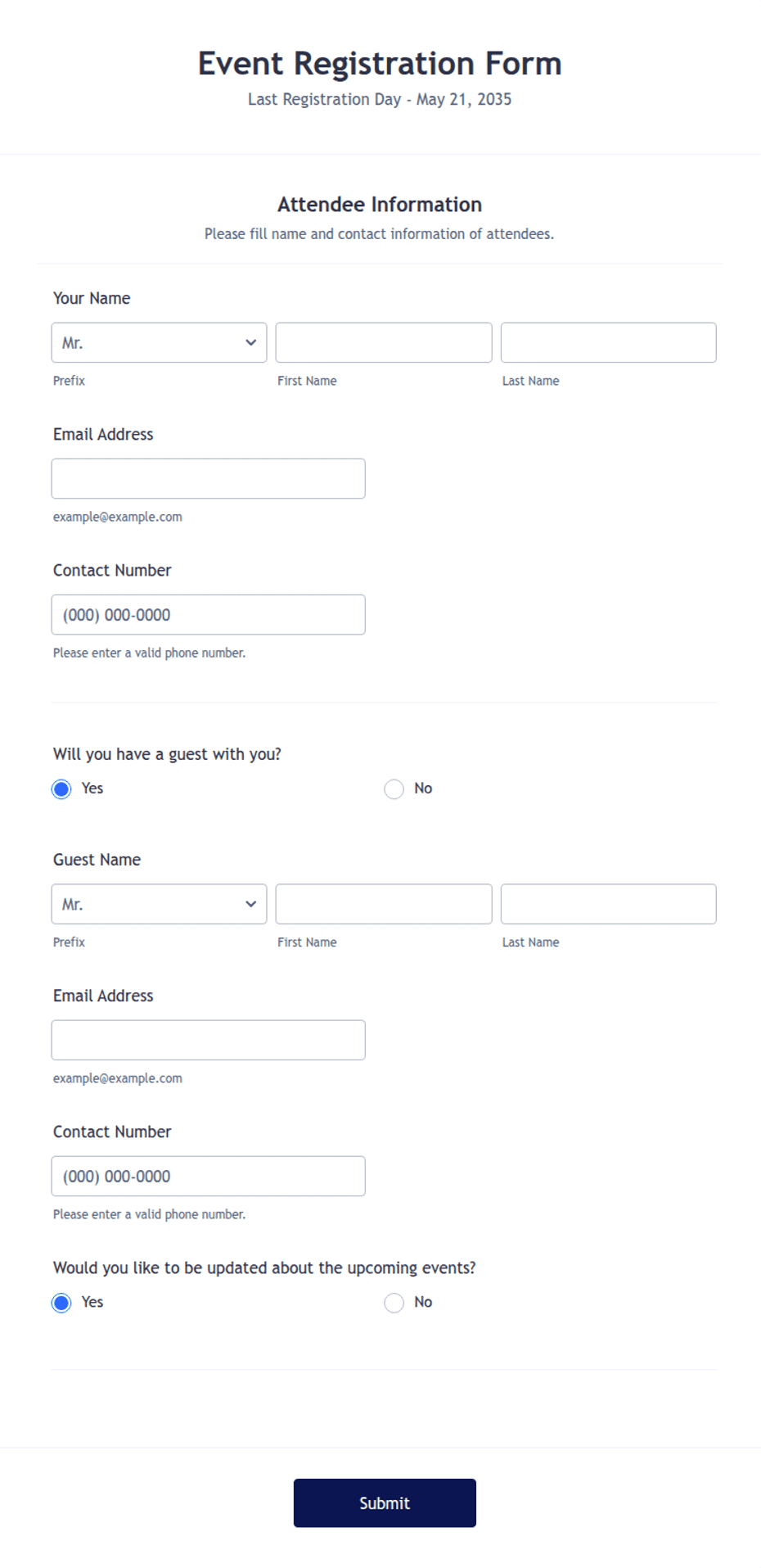
An Event Registration Form gives conference organizers, fundraiser committees, and class instructors a complete sign-up record for every attendee — who they are, what ticket they chose, which sessions they want, and how they paid. Attendee sign-up form with ticket type, session selection, accessibility needs, and payment reference.
Unlike an RSVP for invited guests, registration handles open enrollment where headcount, capacity, and money are all moving at once. Common fields include attendee name, email, phone, organization or company, ticket type, number of attendees, session or workshop selection, dietary or accessibility needs, payment reference, and a policy signature. That structure fits conferences and workshops, fundraisers and galas, races and leagues, and training classes.
How teams use this form day to day
Organizers publish the online version on the event page and keep printed copies for walk-in and day-of registration at the check-in table. Because ticket type and session picks are structured fields, capacity tracking is a count, not an interpretation — when the morning workshop hits forty names, you close it and point later registrants to the afternoon repeat.
The payment reference field is what keeps the treasurer sane. Whether attendees pay by check, transfer, or an online processor, each registration carries its own payment note, so reconciling the bank statement against the attendee list at month end is a line-by-line match instead of detective work.
Customize fields and branding
Edit the Word download with your event name, date, and venue in the header, then adjust the ticket table to your actual price tiers — early bird, member, student. Add or remove the session block depending on whether your event has parallel tracks. If you need a liability waiver for a race or physical activity, its text belongs directly above the signature line, not on a separate page that gets lost.
Keep the dietary and accessibility line even for events without meals; it also catches mobility and seating needs your venue team should hear about before doors open, not after.
Common mistakes to avoid
The biggest one is collecting session choices nowhere or in a comments box, which guarantees an overbooked room. Second, a missing per-ticket price on the form leads to underpayment disputes; print the amounts. Third, do not ask for full payment card details on a paper form — take a reference number or handle cards through the online version's payment integration instead.
Example scenario
A nonprofit running a one-day training summit posts the online form and prints twenty for the door. Two hundred fourteen people register across three ticket tiers; the workshop columns show the grant-writing session filling first, so the organizer books a second room a month out. At check-in, staff match names against the payment references and only four attendees need a follow-up invoice.
Choosing PDF, Word, or online
This page offers a printable fillable PDF, an editable Word (DOCX) file, and hosted online form links. Use the PDF at the check-in table and for mail-in registrations, the Word file as your master per event, and the online version for the event page where most sign-ups actually happen — with submissions landing in one dashboard you can export for badges and rosters.
Typical fields
- Attendee name
- Phone
- Organization / company
- Ticket type
- Number of attendees
- Session or workshop selection
- Dietary or accessibility needs
- Payment method and reference
- Signature (policy agreement)
Best for
- Conferences and workshops
- Fundraisers and galas
- Races and sports leagues
- Training classes and seminars
When to use PDF vs online
Use the PDF or Word download for in-person sign-ups, fax, or email attachments. Choose an online form when you need automatic notifications, payment integrations, or a shareable link for customers.