 forms.app
Contact Form Template
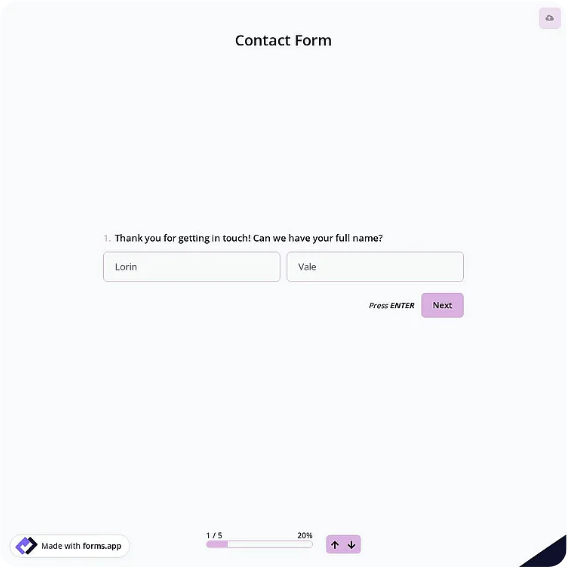
General-purpose contact form with name, email, phone, subject, and message fields.
Available online on
Download as
- Free PDF and Word downloads for offline use
- Fillable fields you can customize for your business
- Share a link or print copies for in-person sign-ups
- Ready-made online forms on popular form builders
Last updated July 17, 2026. Reviewed by the Online Form Templates team.
About this template
A Contact Form gives any business, nonprofit, or website owner one predictable way to capture who is reaching out and why. Instead of scattered emails and sticky notes, every inquiry arrives with the same core details: full name, email address, phone number, subject, and a message, plus useful extras like company, preferred contact method, and best time to reach you.
That consistency pays off at follow-up time. Whether the form sits on a website contact page, a reception counter, or a trade show table, the person answering inquiries can scan each one in seconds, route it to the right colleague, and reply through the channel the sender actually prefers. It works equally well for support requests, sales questions, and general feedback.
How teams use this form day to day
Reception staff keep a printed stack for walk-ins who want a callback, while the same layout runs online for after-hours messages. Each morning, someone reviews new entries, tags them by subject, and assigns an owner. Because every submission carries a preferred contact method and best time to reach the sender, first-touch calls connect more often and fewer inquiries die in voicemail.
Small teams often batch replies twice a day rather than reacting to every ping. A uniform intake format is what makes batching possible; nothing needs to be re-read or clarified before responding.
Customize fields and branding
The Word download is the fastest path to a branded version. Swap in your logo, rename Subject to Department if you route by team, or add a reference number line for ticketing. The PDF suits situations where the layout must stay fixed, like a printed counter form. Online versions add automatic email notifications and spam filtering, which matter once volume grows.
Resist adding more than one or two extra questions. Contact forms convert best when they take under a minute; anything you can look up later does not belong on the form.
Common mistakes to avoid
The classic error is requiring both phone and email when either would do; it lowers completion and annoys people who guard one channel. Another is a vague message box with no prompt. A single line of helper text, such as "Tell us briefly what you need help with," produces noticeably clearer messages. Finally, decide who owns the inbox before publishing; an unanswered contact form damages trust faster than having none at all.
Example scenario
A three-person design studio prints this form for a local business expo. Visitors jot down their name, company, and what they want built, and circle their preferred contact method. Back at the office, the studio enters the sheets into its CRM, replies by the requested channel within a day, and files the paper copies by event. The same fields power the studio's website form, so both channels feed one pipeline.
Choosing PDF, Word, or online
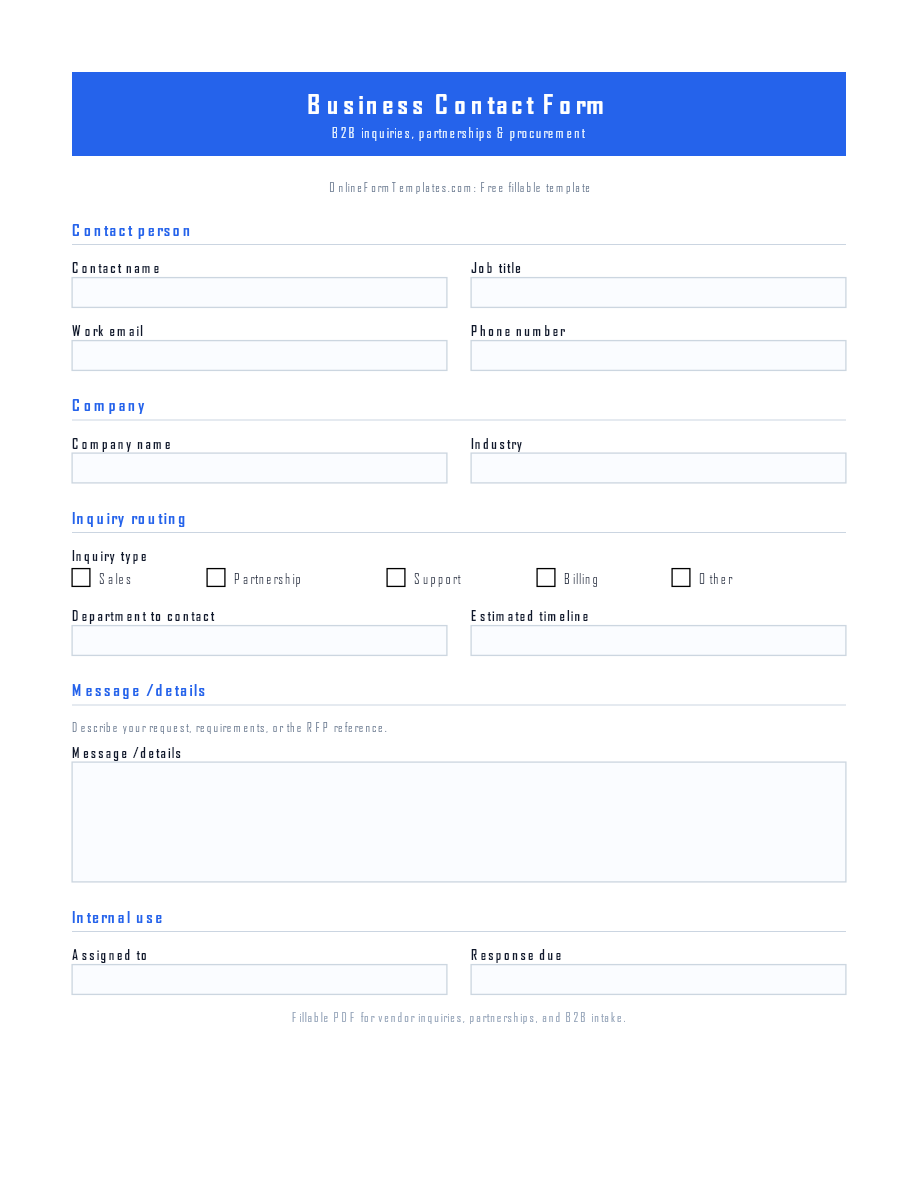
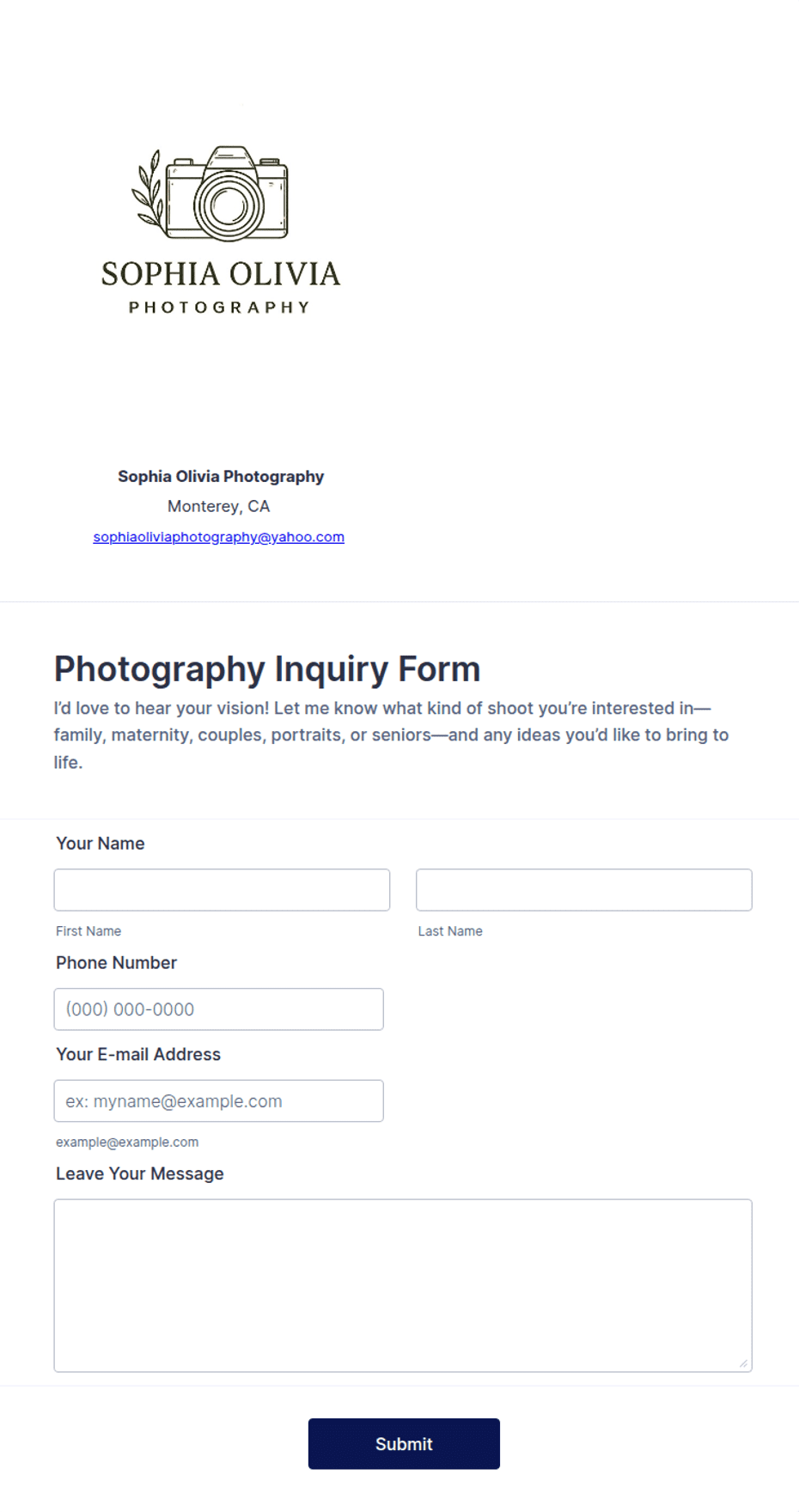
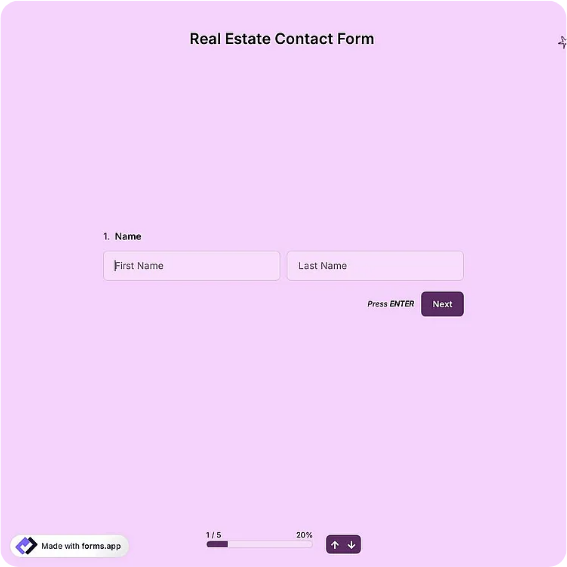
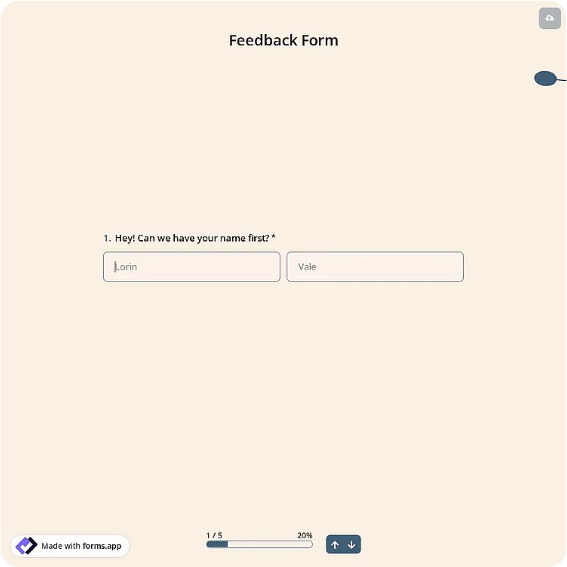
Download the PDF when you need a fixed, printable sheet for desks and events, and the fillable Word file when you want to adjust labels or branding first. The online links open a ready-made contact form on a hosted builder, useful when you want submissions emailed to you or written to a spreadsheet automatically. Many teams run both: paper for in-person moments, the hosted link everywhere else, with one shared follow-up routine behind them.
Typical fields
- Full name
- Email address
- Phone number
- Company / organization
- Subject
- Preferred contact method
- Best time to reach you
- How did you hear about us?
- Message
Best for
- Website contact pages
- Front-desk visitor inquiries
- Trade show and event follow-ups
- Customer support intake
When to use PDF vs online
Use the PDF or Word download for in-person sign-ups, fax, or email attachments. Choose an online form when you need automatic notifications, payment integrations, or a shareable link for customers.