 forms.app
RSVP Form Template
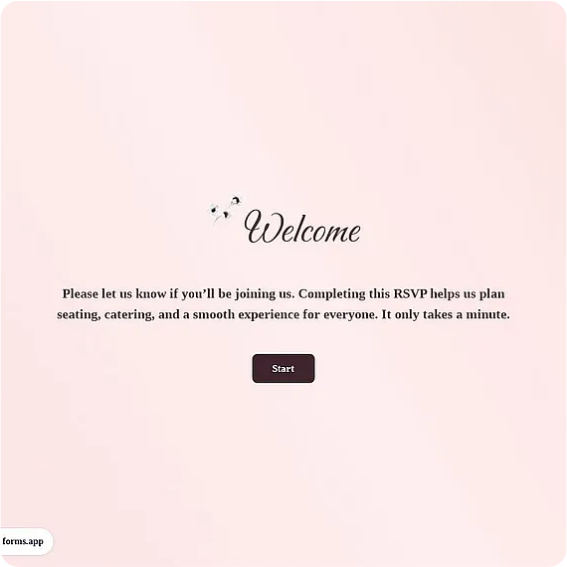
Short reply form with attending yes/no, guest count, meal preference, and a note to the host.
Available online on
Download as
- Free PDF and Word downloads for offline use
- Fillable fields you can customize for your business
- Share a link or print copies for in-person sign-ups
- Ready-made online forms on popular form builders
Last updated July 17, 2026. Reviewed by the Online Form Templates team.
About this template
An RSVP Form gives party hosts, event committees, and office social planners a fast way to turn a guest list into a headcount. Short reply form with attending yes/no, guest count, meal preference, and a note to the host.
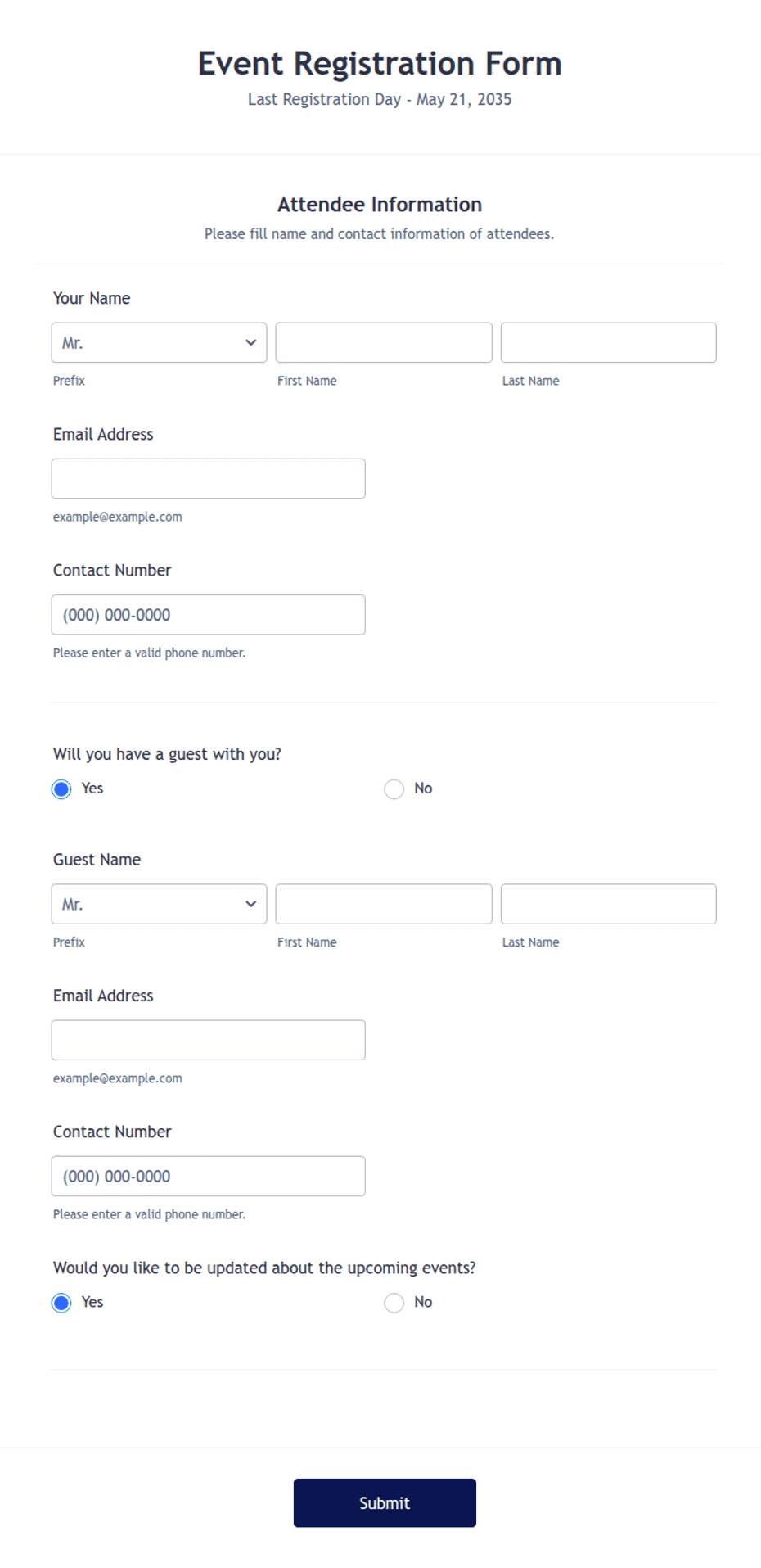
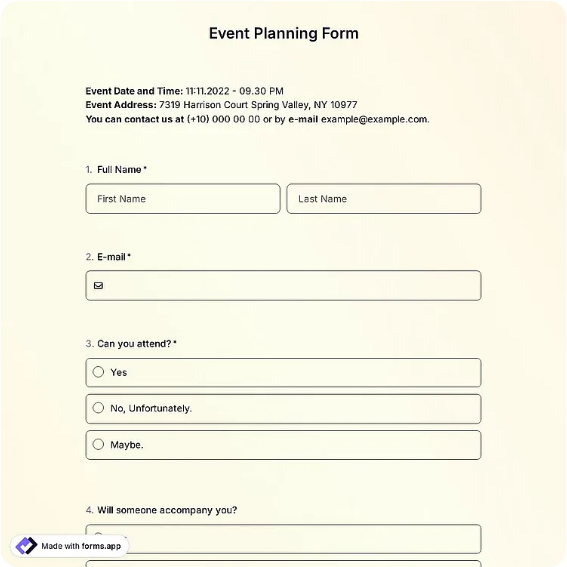
Where a registration form asks a dozen questions, an RSVP asks only what the host and caterer need. Common fields include guest name, phone / email, attending yes or no, number of guests, meal preference, dietary restrictions, and a message to the host. That is enough for birthday and dinner parties, corporate mixers, family reunions, and community events — and short enough that people actually reply.
How teams use this form day to day
Hosts tuck a printed card into paper invitations or send the online link in a group text, then tally replies as they arrive. Because the attending question is a checkbox rather than a free-text line, counting is mechanical: two piles, or two columns in a spreadsheet, and the caterer gets a number instead of an estimate.
The guest count field quietly solves the plus-one problem. When the reply says two guests, you plan for two — no decoding of a text that says we might bring the kids. Set a reply-by date at the top and send one reminder a week before it; that single nudge typically recovers a third of the silent invitees.
Customize fields and branding
Open the Word download to swap in your event name and date, change the meal options to match your actual menu, or drop the meal section entirely for a cocktail party. Hosts often add a line for song requests or carpool needs; keep additions to one or two, since every extra question on an RSVP lowers the reply rate.
For a themed party, adjust fonts and colors in Word before printing. The fillable PDF works as-is for email replies — guests type into it and send it back — while the online version is what belongs behind a QR code on the invitation.
Common mistakes to avoid
The classic error is omitting the reply deadline, which turns the final headcount into a guessing game the week of the event. Second, offering meal choices without a dietary restrictions line means a separate scramble when the vegan guest replies chicken because it was the closest option. Third, asking guests to reply only by phone call filters out everyone who prefers to answer at 11 pm — give them a form and they will use it.
Example scenario
A team assistant planning a retirement dinner for forty invitees sends the online RSVP link by email and prints a few cards for retirees who prefer paper. By the reply deadline she has 31 yes responses totaling 52 seats, six chicken, no-shellfish flags for two tables, and a headcount the restaurant confirms the same day.
Choosing PDF, Word, or online
This page includes a printable fillable PDF, an editable Word (DOCX) card, and links to hosted online forms. Print the PDF for mailed invitations, edit the Word file to match your event's look, and share the online link when you want replies tallied automatically. Many hosts run both — cards for formal invitations, a QR code to the online form for everyone else.
Typical fields
- Guest name
- Phone / email
- Attending (yes / no)
- Number of guests
- Meal preference
- Dietary restrictions
- Song request or notes
- Message to the host
Best for
- Birthday and dinner parties
- Corporate mixers
- Family reunions
- Community events
When to use PDF vs online
Use the PDF or Word download for in-person sign-ups, fax, or email attachments. Choose an online form when you need automatic notifications, payment integrations, or a shareable link for customers.