 forms.app
Consent & Waiver Form Templates
Photo Consent Form Template
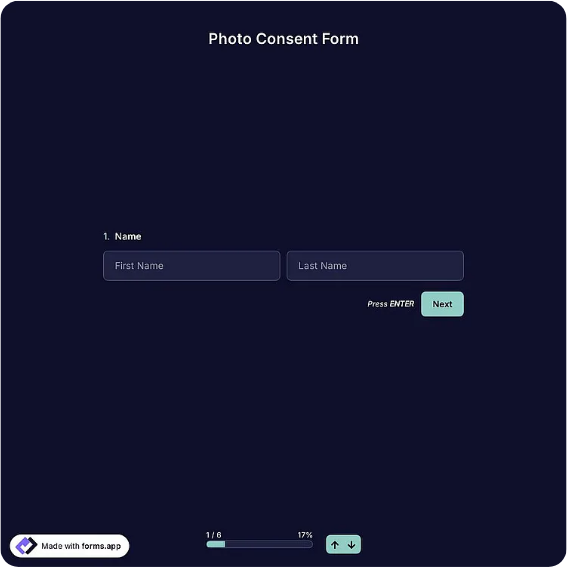
Photo consent and media release form with usage permissions, restrictions, and participant or guardian signature blocks.
Available online on
Download as
- Free PDF and Word downloads for offline use
- Fillable fields you can customize for your business
- Share a link or print copies for in-person sign-ups
- Ready-made online forms on popular form builders
Last updated July 17, 2026. Reviewed by the Online Form Templates team.
About this template
A Photo Consent Form documents permission to photograph someone and to use those images in specific ways — on a website, in social media posts, in printed brochures, or in press coverage. Schools, daycares, sports clubs, businesses, and event organizers rely on it before publishing anything with a recognizable face. Typical fields include participant name, parent or guardian name for minors, phone / email, the event or activity, dates of photography, usage permission checkboxes, a restrictions line, and signature and date rows.
The usage checkboxes are what make this form practical rather than ceremonial. Blanket "we can use your photo anywhere forever" language makes people refuse; letting them permit the website and newsletter while declining social media gets you a signed form and a workable rule to follow. This template is a general-purpose layout, not legal advice — have counsel review your final consent statement, especially for commercial use or minors.
How teams use this form day to day
A preschool sends the form home in the enrollment packet and keeps the signed sheets in each child's file; before the newsletter goes out, staff check the file for any child pictured. A marketing team has employees sign one before a website photoshoot and stores scans alongside the image library. Event organizers put a stack at registration with a sign explaining photography will occur, capturing consent from attendees who want to be included and clear restrictions from those who do not.
The habit that makes the form valuable is checking it at publication time, not just collection time. A signed form nobody consults protects no one.
Customize fields and branding
Open the Word (DOCX) download to insert your organization's name into the consent statement, add or remove usage channels (many groups add "fundraising materials" or "yearbook"), and set a consent duration — per event, per school year, or until revoked. Add your logo and a records-retention note in the footer. The fillable PDF suits enrollment packets and check-in tables; the online versions timestamp each submission, which helps when you need to show exactly when consent was given.
Common mistakes to avoid
The biggest failure is a consent statement that does not match reality — if photos may appear in paid ads, the form must say so; "internal use" consent does not cover a billboard. Second, missing guardian signatures for minors: a 15-year-old's own signature is not sufficient in most places. Third, no revocation path; state how someone can withdraw consent and what happens to already-published images, and honor it.
Example scenario
A swim club hosts a championship meet and hires a photographer. Every family completed the photo consent at season registration; twelve families checked website and newsletter but declined social media. After the meet, the volunteer posting highlights filters the gallery against the consent list before uploading, and the club's Instagram post goes out the same night with zero awkward takedown requests.
Choosing PDF, Word, or online
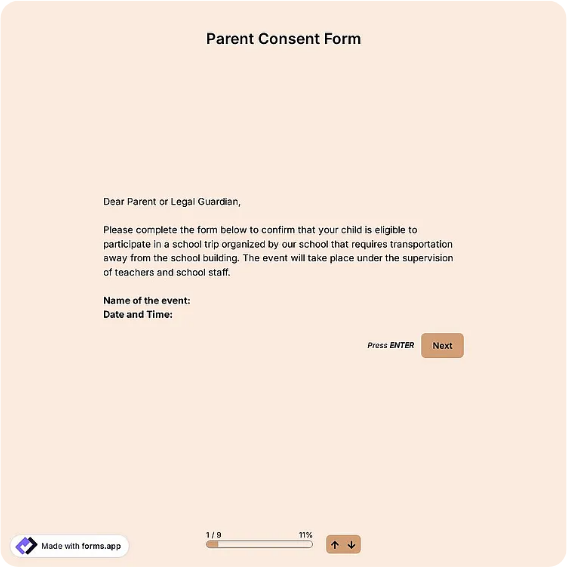
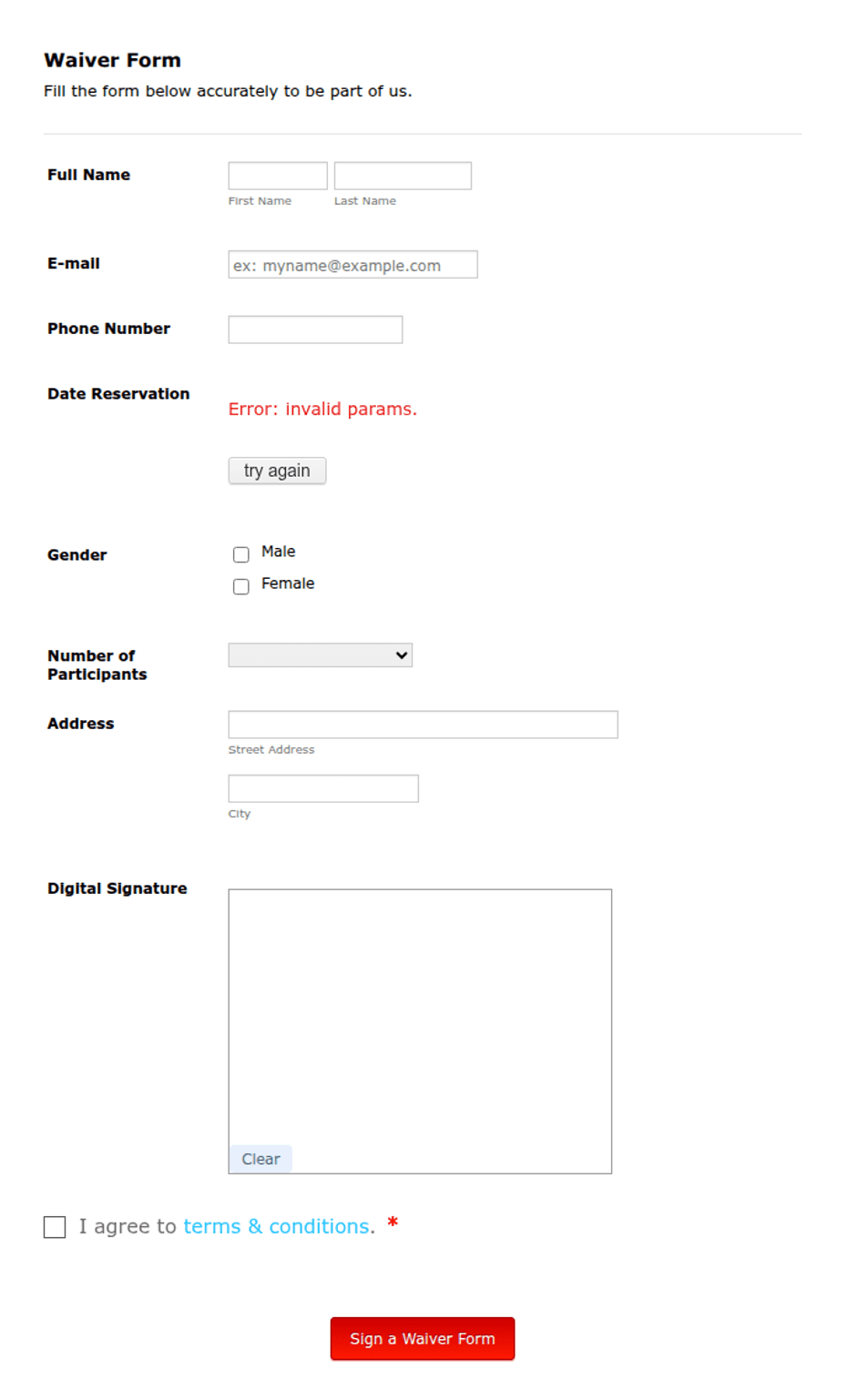
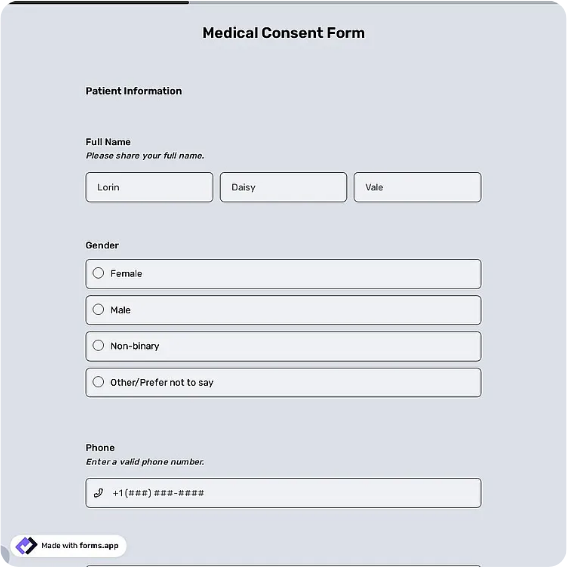
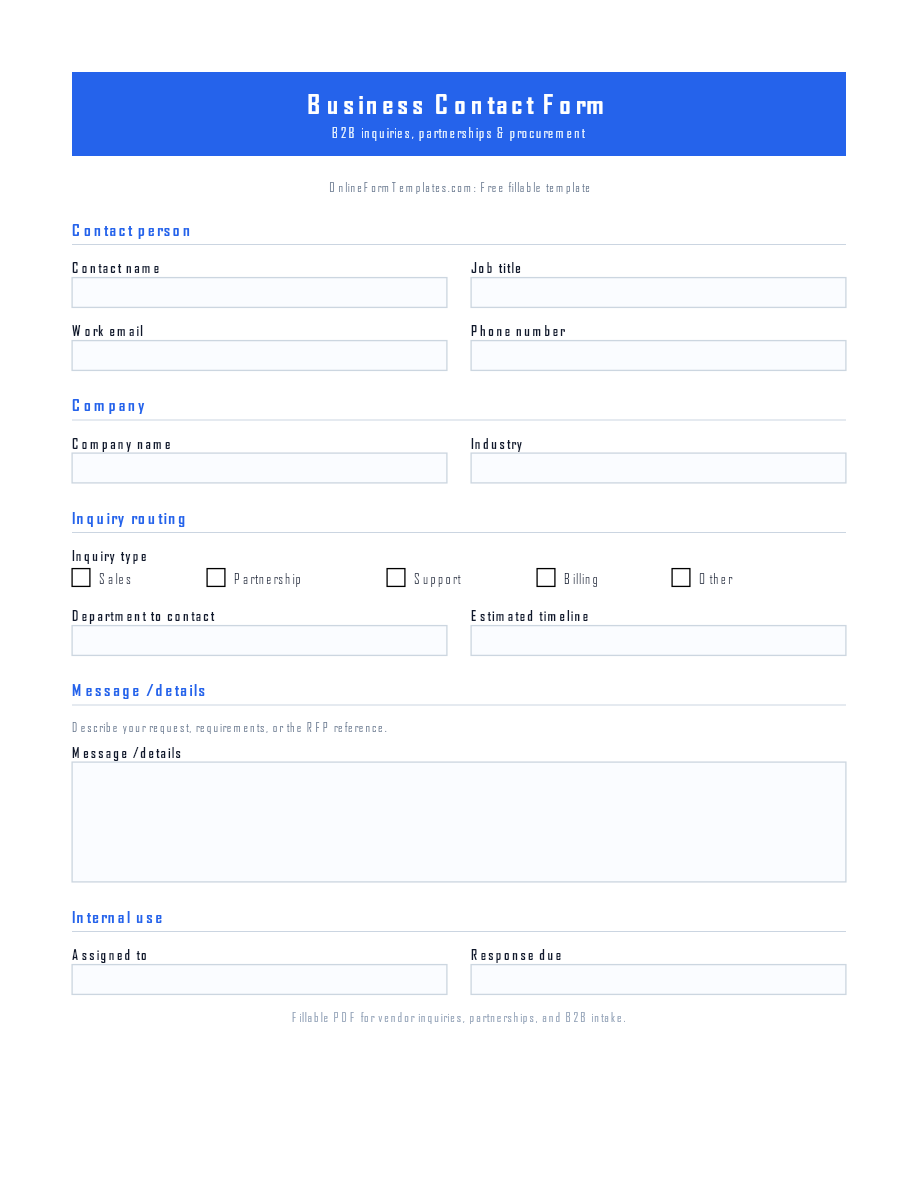
This page offers a printable fillable PDF, an editable Word (DOCX) file, and hosted online photo consent forms. Free downloads work for enrollment packets, check-in desks, and photoshoots without connectivity. The online links open ready-made templates on trusted builders when you want timestamped, searchable consent records collected before an event. Many organizations collect paper on-site and use the online link for advance registration.
Typical fields
- Participant name
- Parent / guardian name (if under 18)
- Phone / email
- Event or activity
- Date(s) of photography
- Usage permissions
- Restrictions or conditions
- Participant signature and date
- Parent / guardian signature and date
Best for
- Schools and daycare programs
- Sports teams and clubs
- Business marketing photos
- Community events and festivals
When to use PDF vs online
Use the PDF or Word download for in-person sign-ups, fax, or email attachments. Choose an online form when you need automatic notifications, payment integrations, or a shareable link for customers.