 Jotform
Booking & Reservation Form Templates
Salon Booking Form Template
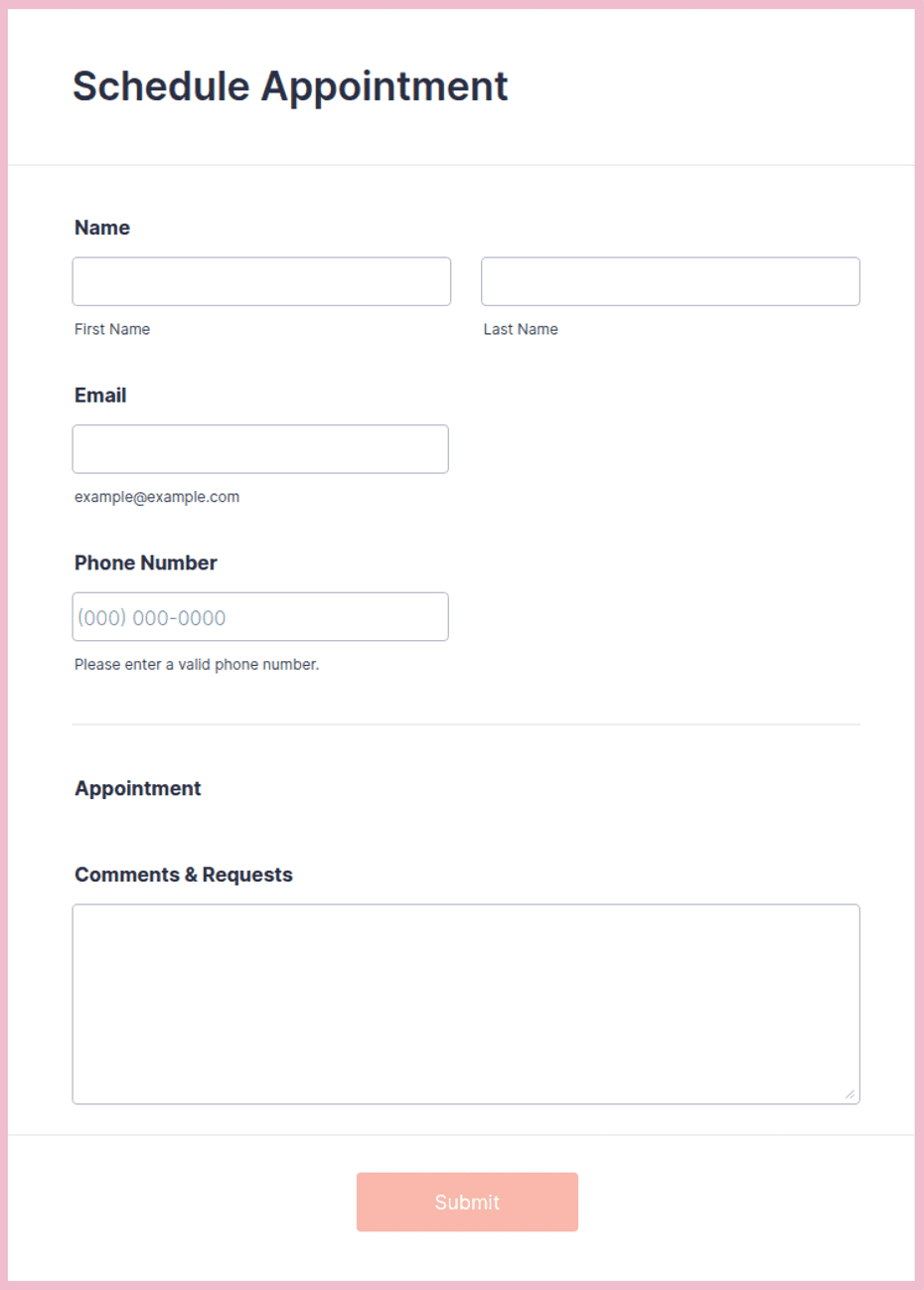
Salon appointment form with service checkboxes, stylist preference, timing, and patch-test notes.
Available online on
Download as
- Free PDF and Word downloads for offline use
- Fillable fields you can customize for your business
- Share a link or print copies for in-person sign-ups
- Ready-made online forms on popular form builders
Last updated July 17, 2026. Reviewed by the Online Form Templates team.
About this template
A Salon Booking Form does a job the appointment book alone cannot: it captures what the client actually wants before they sit in the chair. The template collects client name, phone number, email, requested services from a checkbox list, preferred stylist, preferred date and time, hair and allergy notes including patch-test status, whether the client is new, and agreement to your cancellation policy.
Hair salons, barbershops, nail studios, and spas all share the same scheduling problem: services have wildly different durations, and a "quick appointment" that turns out to be a full color correction wrecks the rest of the day. Asking for services and notes up front lets you book the right amount of chair time, not the amount the client guessed.
How teams use this form day to day
Receptionists work from the printed sheet during phone bookings, ticking service boxes as the client describes what they want; the checkbox list doubles as a prompt to upsell a gloss or a treatment naturally. Salons that take requests through Instagram or a website use the online version, and the service checkboxes there prevent the vague "colour appointment please" messages that require three clarifying replies. Completed forms attach to the day sheet, so each stylist can see the request, the notes, and the patch-test status before the client arrives.
For color work, the patch-test line drives real scheduling logic: a new color client marked "no patch test" gets booked for a test visit at least 48 hours before the service, which is exactly the rule that is impossible to enforce from memory.
Customize fields and branding
The Word download is where the template becomes your salon's form. Replace the generic service list with your actual menu and durations, name your stylists in the preference field, and paste your real cancellation policy above the signature line rather than a placeholder. Nail studios and spas should swap the hair notes field for their own equivalents: gel removal needed, contraindications, pregnancy-safe treatments. Print a stack for the front desk and keep the master file wherever you store prices, so both update together.
Common mistakes to avoid
The most expensive mistake is booking color services without allergy and patch-test information; the form makes it a labeled field precisely so it cannot be skipped. Second, do not let clients book "with anyone" by default: an unasked stylist preference produces silent disappointment and quiet churn, while an asked one produces loyalty data. Third, a cancellation policy that lives on a wall poster is not agreed to; putting the agreement line on the booking form, with a signature on paper or a required checkbox online, is what makes a no-show fee defensible.
Example scenario
A six-chair salon starts requiring the form for all new color clients. A bride-to-be requests balayage for a Friday six weeks out, notes a previous reaction to a home dye kit, and prefers the senior colorist. Because the reaction was flagged, the desk books a patch test for the preceding Tuesday and quotes a longer appointment. The wedding-week disaster that would have started in the chair instead becomes a routine, correctly-priced booking.
Choosing PDF, Word, or online
Print the fillable PDF for the front desk and phone bookings, where a paper trail with a signed policy line matters most. Customize the Word file first so services, stylists, and policy text are yours, then export your own print master. The online version through the Jotform link suits salons booking from social media bios: requests arrive structured, and the policy agreement becomes a required checkbox no client can skip. Most salons end up pairing the online form for requests with the printed version for in-person confirmations.
Typical fields
- Client name
- Phone number
- Services requested
- Preferred stylist
- Preferred date
- Preferred time
- Hair / allergy notes (patch test)
- New client
- Cancellation policy agreement
Best for
- Hair salons and barbershops
- Nail studios
- Spa and beauty treatments
- Bridal and event styling
When to use PDF vs online
Use the PDF or Word download for in-person sign-ups, fax, or email attachments. Choose an online form when you need automatic notifications, payment integrations, or a shareable link for customers.