 forms.app
Booking & Reservation Form Templates
Photography Booking Form Template
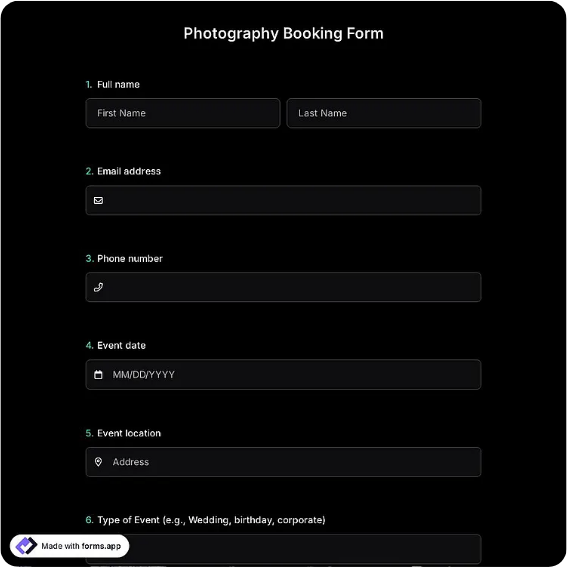
Session booking form for photographers with shoot type, dates, location, package, and deposit terms.
Available online on
Download as
- Free PDF and Word downloads for offline use
- Fillable fields you can customize for your business
- Share a link or print copies for in-person sign-ups
- Ready-made online forms on popular form builders
Last updated July 17, 2026. Reviewed by the Online Form Templates team.
About this template
A Photography Booking Form is where a shoot stops being a conversation and becomes a commitment. This template records client name, phone and email, session type, preferred and alternate dates, location or venue, the number of people being photographed, package or hours booked, deposit amount, and image delivery preferences, closed out with a signature line agreeing to your terms.
It suits the working range of most independent photographers: weddings, family portraits, event coverage, and brand or product shoots. Each of those jobs fails in the same predictable ways when booked over loose messages, wrong headcounts, weather with no fallback date, and a client who assumed retouched files arrive the next morning. The form asks about all of it before money changes hands.
How teams use this form day to day
Solo photographers typically send the form after the inquiry call, filled in partially with what was discussed, and treat the returned, signed copy plus deposit as the moment a date is actually reserved. That sequencing matters: a date is penciled until the form and deposit arrive, and the form says so. Studios with associate shooters use the session-type and headcount fields to assign the right photographer and kit, and the location field triggers the practical follow-ups, permits for parks, lighting checks for venues, backdrops for in-studio work.
The alternate date does quiet, valuable work for outdoor shooters: rescheduling a rained-out session is a calendar lookup instead of a three-week negotiation, because the fallback was agreed at booking.
Customize fields and branding
Open the Word file and make the package field match your real price list, with named tiers and hour counts, so clients pick rather than negotiate. Put your studio name and logo in the header and your actual terms above the signature line: deposit refundability, rescheduling window, and delivery timeline in plain sentences. Wedding photographers should extend the location field into ceremony and reception lines; product shooters can repurpose headcount as item count. Whatever you change, keep delivery preferences on the form, because "when do I get the photos" is the question that defines whether clients recommend you.
Common mistakes to avoid
Never reserve a date on enthusiasm alone; the signed form and deposit are the booking, and photographers who skip that rule eventually eat a double-booked Saturday. Second, vague locations sabotage shoots: "the beach" is not an address, and golden-hour timing collapses when everyone drives to different parking lots. Insist on a specific place at booking. Third, do not leave usage rights and delivery format to memory; a checked preference for print-resolution files versus a web gallery, captured up front, prevents the awkward post-delivery renegotiation.
Example scenario
A portrait photographer books a family session for a client who mentions "maybe grandma will come." The headcount field turns maybe into a decision: seven people, which changes the location choice and adds thirty minutes to the package. October rain hits the preferred date, the alternate date from the form is confirmed by text in five minutes, and the deposit line means nobody debates whether the reschedule costs anything. The gallery ships on the timeline written above the client's signature.
Choosing PDF, Word, or online
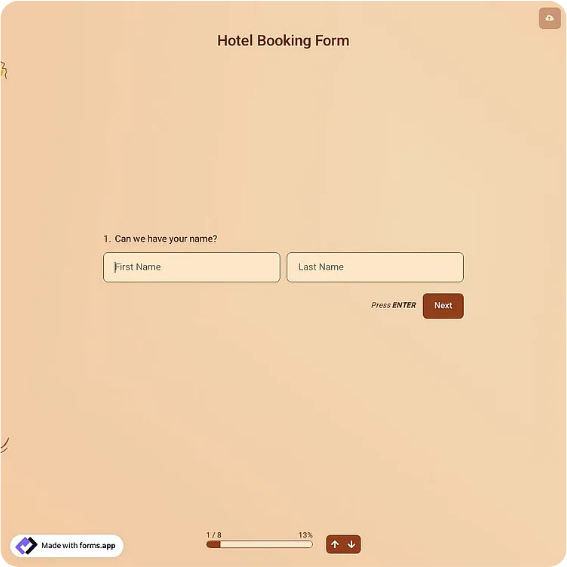
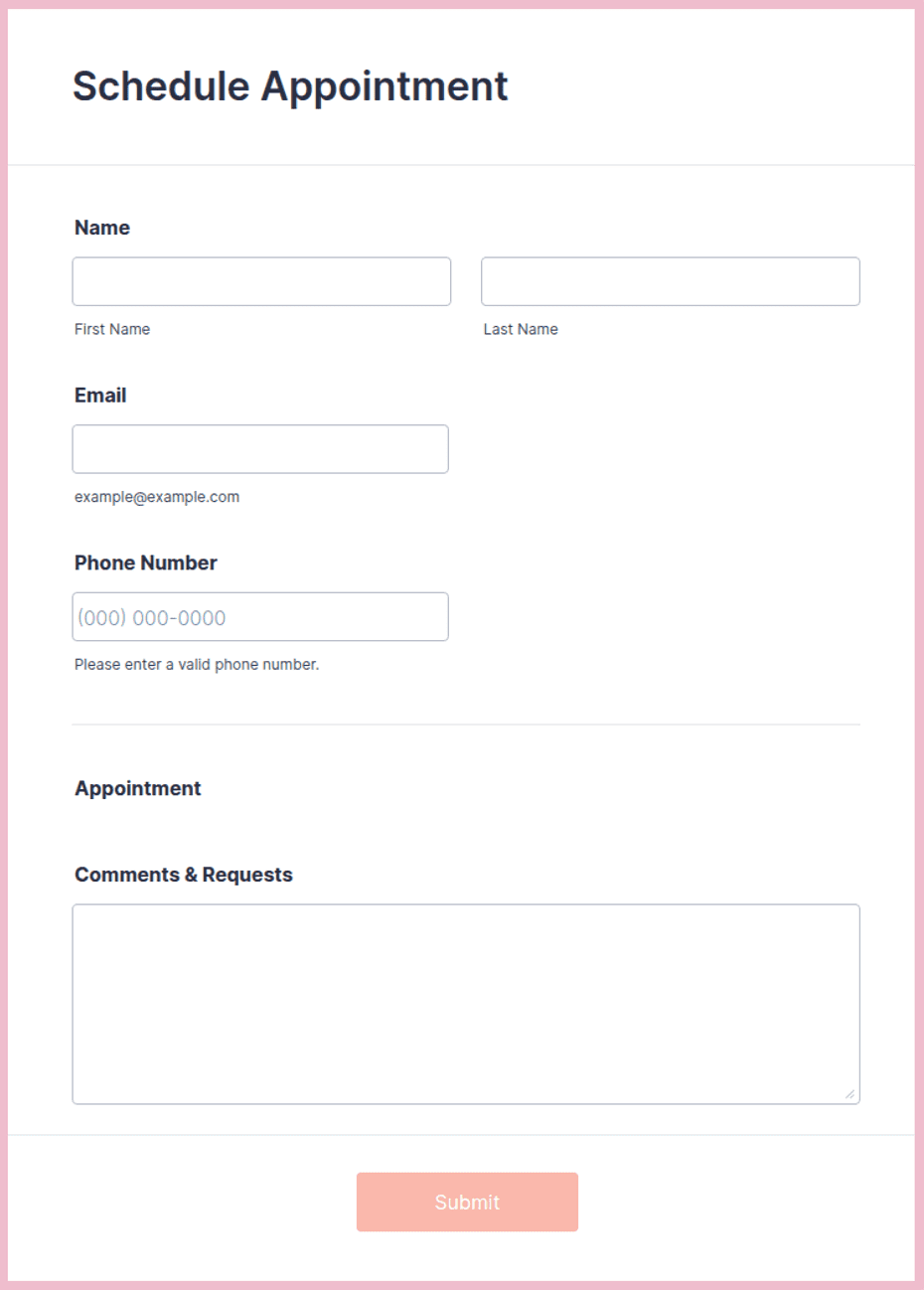
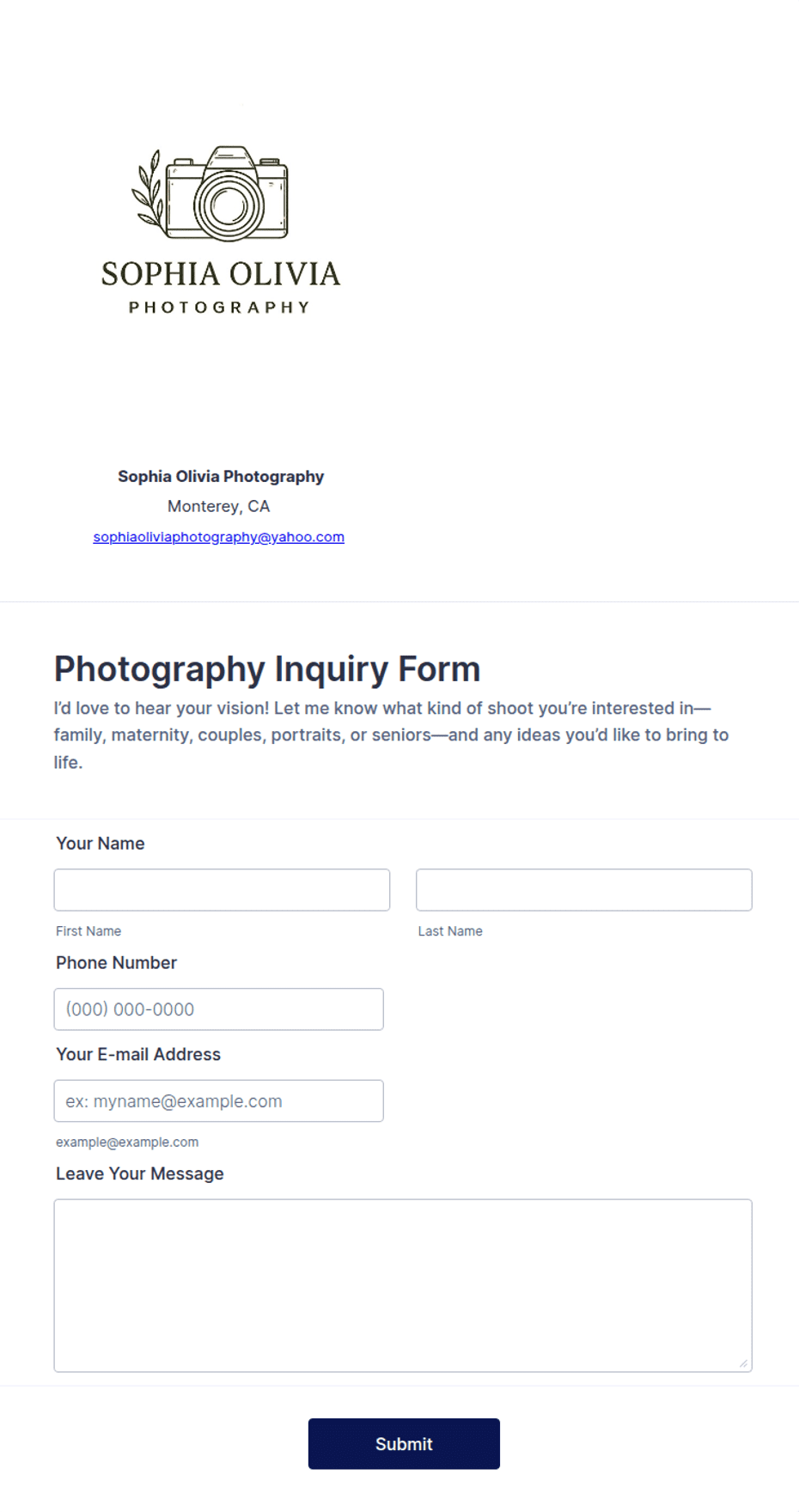
The fillable PDF is the contract-adjacent workhorse: email it, get it back signed, file it with the deposit record. The Word version is your editable master for packages, terms, and branding. The online version via the forms.app or Jotform links works as a booking-inquiry page linked from your portfolio, collecting structured requests while you sleep; many photographers use it for intake and still send the PDF for the signature-and-deposit step. All three keep the same ten fields, so nothing gets lost between inquiry and shoot day.
Typical fields
- Client name
- Phone / email
- Session type
- Preferred date
- Alternate date
- Location / venue
- Number of people
- Package / hours
- Deposit amount
- Delivery preferences
Best for
- Wedding photography
- Family portrait sessions
- Event coverage
- Brand and product shoots
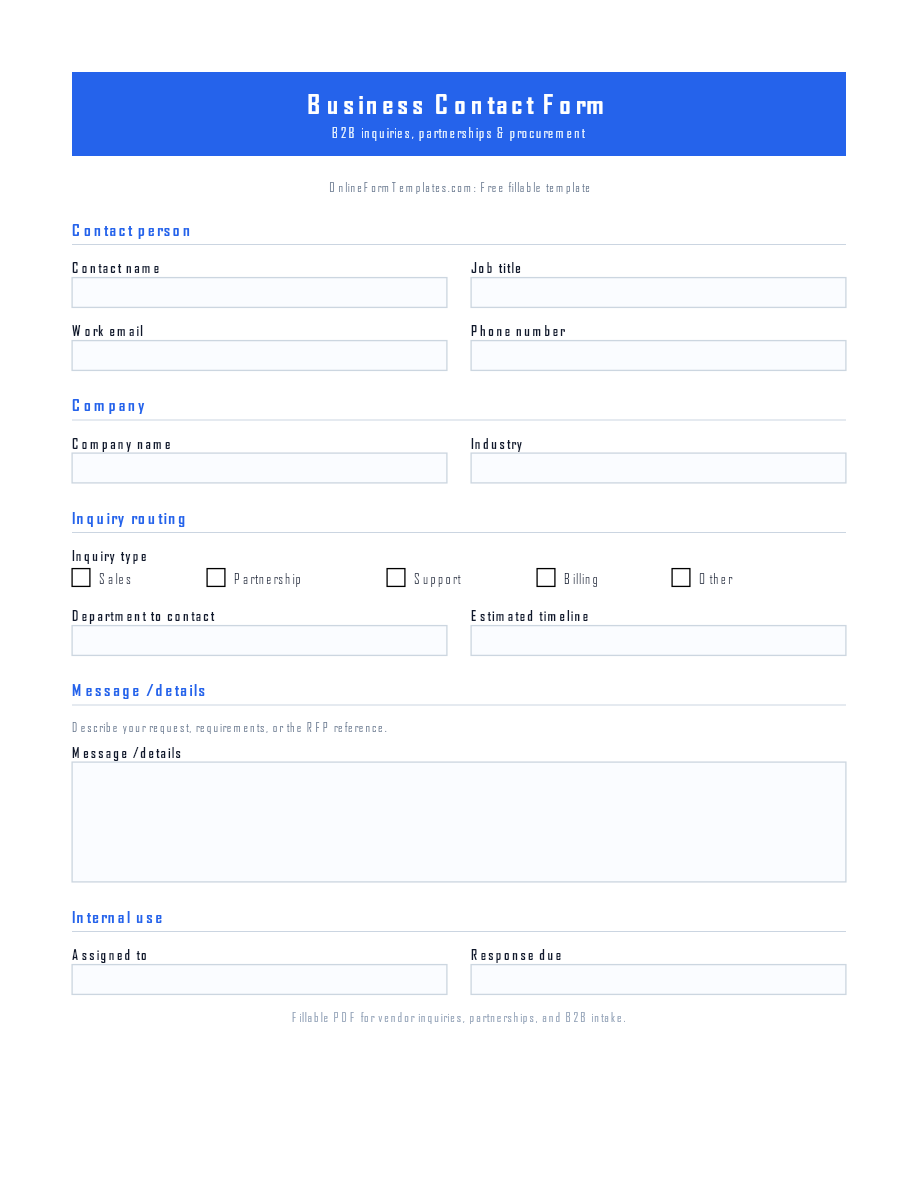
When to use PDF vs online
Use the PDF or Word download for in-person sign-ups, fax, or email attachments. Choose an online form when you need automatic notifications, payment integrations, or a shareable link for customers.