 PDF
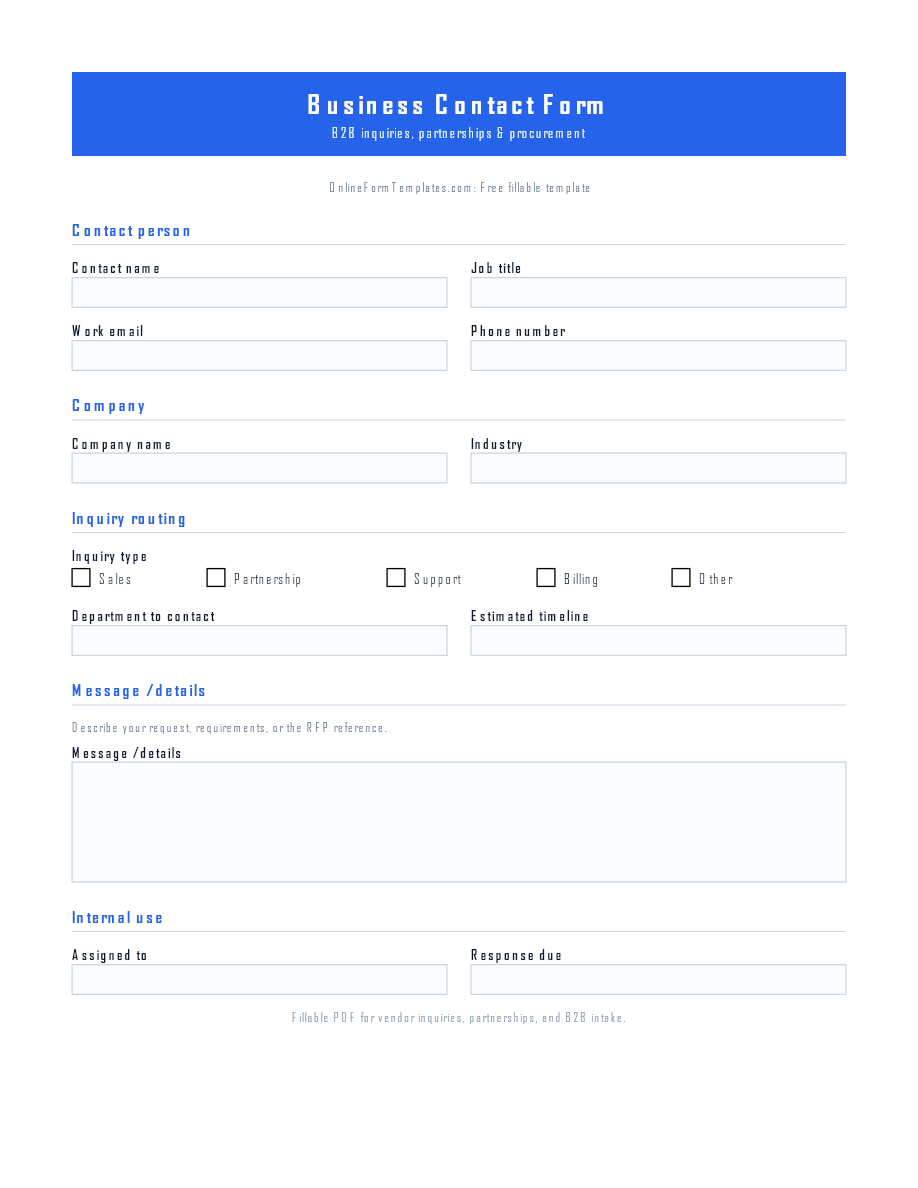
PDFBusiness Contact Form Template
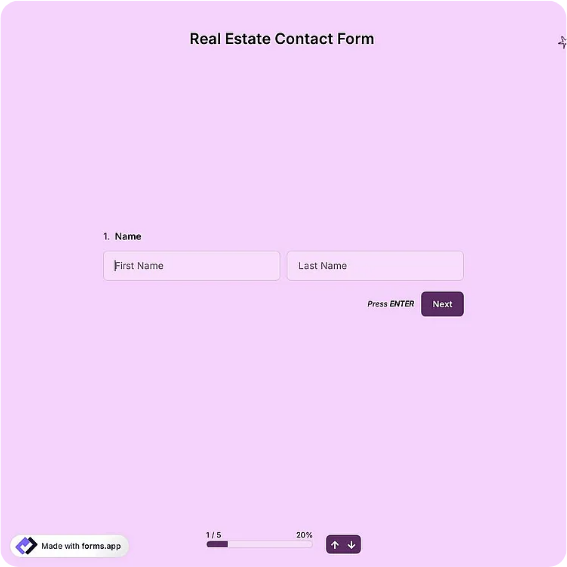
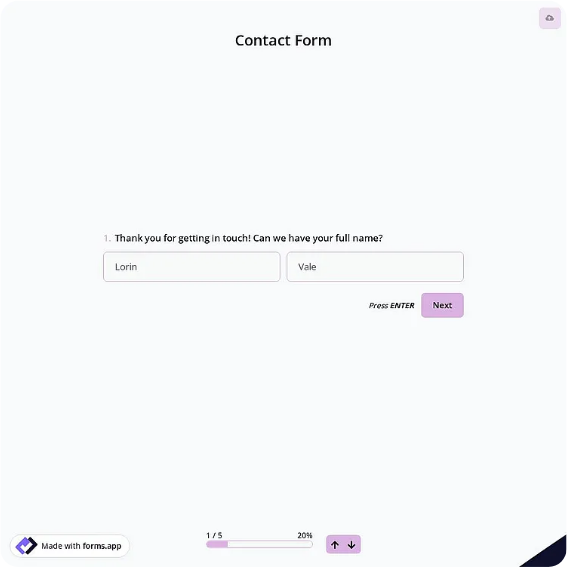
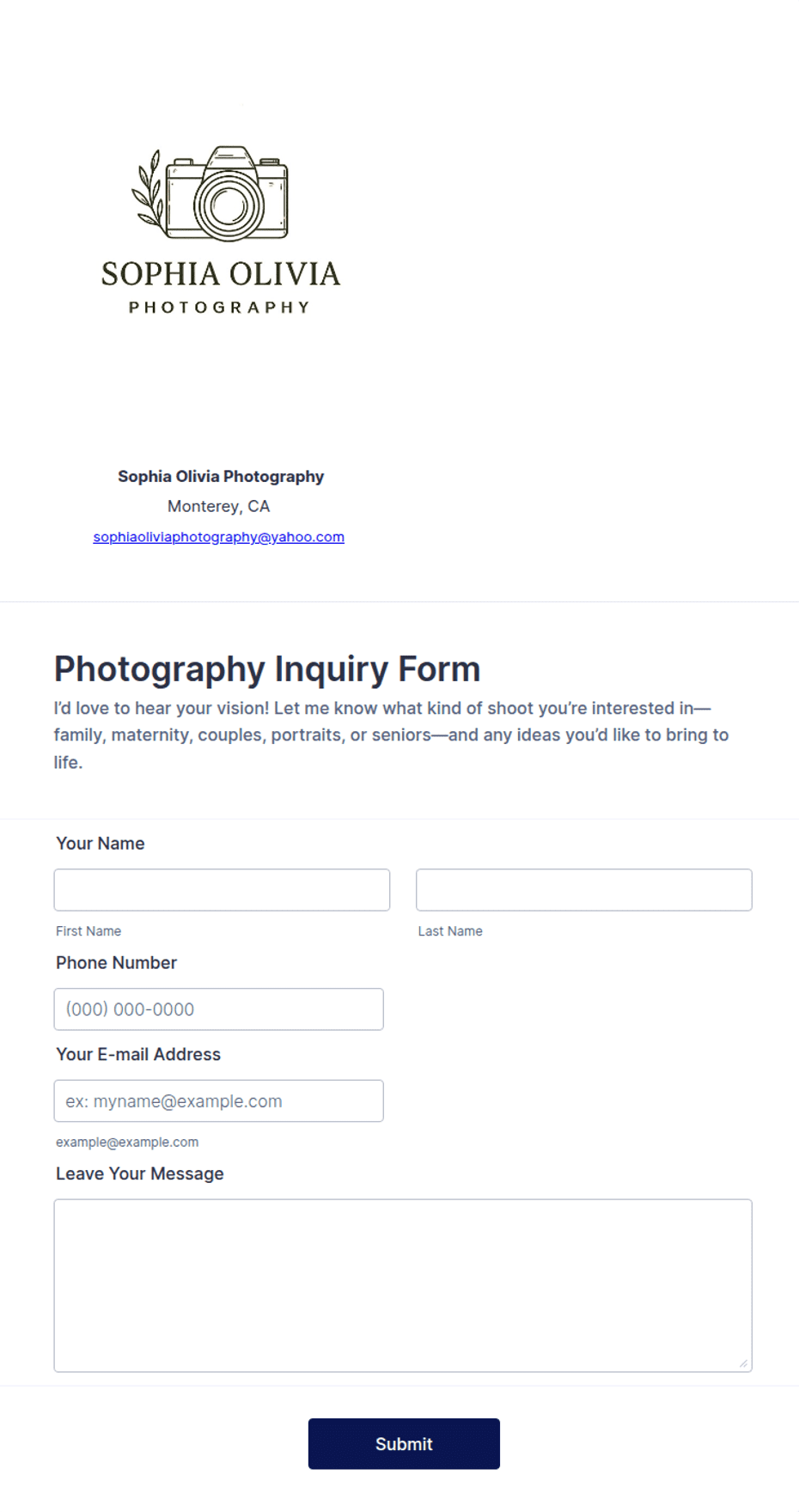
B2B contact form with company, job title, department routing, and inquiry details.
Download as
- Free PDF and Word downloads for offline use
- Fillable fields you can customize for your business
- Share a link or print copies for in-person sign-ups
- Ready-made online forms on popular form builders
Last updated July 17, 2026. Reviewed by the Online Form Templates team.
About this template
A Business Contact Form is built for company-to-company inquiries, where knowing the organization matters as much as knowing the person. Alongside contact name, job title, and work email, it records company name, industry, department to contact, inquiry type, and an estimated timeline, so a sales or partnerships team can qualify the request before anyone picks up the phone.
Typical homes for this layout include vendor inquiry pages, partnership programs, procurement desks, and B2B service providers who need to separate a serious RFP from a casual question. The extra structure up front is what lets busy teams triage dozens of inbound requests without a discovery call for each one.
How teams use this form day to day
Inbound requests land in a shared queue where the inquiry type field drives routing: sales questions go to account executives, partnership pitches to business development, billing matters to finance. Because job title and company arrive with the first message, the assigned owner can check the account history and respond with context instead of opening with "Can you tell me more about your company?"
Teams that meet weekly to review pipeline also lean on the timeline field. Requests marked "this quarter" get same-day follow-up; exploratory ones enter a nurture list rather than clogging the active queue.
Customize fields and branding
In the Word file, tailor the department list to your actual org chart and rename inquiry types to match how your CRM categorizes deals; mismatched labels create manual re-tagging work later. Companies with procurement rules often add a purchase order or vendor ID line. Keep the printed PDF version for conferences and supplier days, and use the online version when you want each submission to create a CRM record automatically.
One test worth running: hand the draft to someone outside your team and ask which department they would pick for three sample questions. Ambiguous department names surface immediately.
Common mistakes to avoid
Do not ask for revenue, headcount, and budget on a first-touch form; overqualifying scares off legitimate buyers who are not ready to disclose numbers. Another frequent miss is accepting personal email addresses without a company field, which makes deduplication against existing accounts nearly impossible. And if you promise a response window, put it on the form itself, then track it; B2B senders remember who replied in one business day.
Example scenario
A regional logistics firm posts this form on its "Work with us" page and prints copies for a freight expo booth. A warehouse operations manager fills one out, listing her company, title, and "warehousing partnership" as the inquiry type with a 90-day timeline. The business development lead receives it, pulls the company's shipping profile, and books a scoped call two days later, skipping an entire round of qualification email.
Choosing PDF, Word, or online
The printable PDF works at trade fairs, supplier onboarding days, and reception desks where visitors expect a physical sheet. The fillable Word version is the editable master: adjust departments, add legal footer text, or translate labels for regional offices. The hosted online option suits ongoing inbound volume, since submissions arrive in an inbox or spreadsheet already structured. Most B2B teams treat online as the primary channel and keep paper for events.
Typical fields
- Contact name
- Job title
- Company name
- Work email
- Phone number
- Industry
- Department to contact
- Inquiry type
- Estimated timeline
- Message / details
Best for
- Vendor and supplier inquiries
- Partnership and B2B sales intake
- Procurement and RFP requests
- Conference booth lead capture
When to use PDF vs online
Use the PDF or Word download for in-person sign-ups, fax, or email attachments. Choose an online form when you need automatic notifications, payment integrations, or a shareable link for customers.