 forms.app
Payment & Donation Form Templates
Sponsorship Form Template
Sponsorship commitment form with level tiers, benefit details, logo placement notes, and an authorized signature block.
Available online on
Download as
- Free PDF and Word downloads for offline use
- Fillable fields you can customize for your business
- Share a link or print copies for in-person sign-ups
- Ready-made online forms on popular form builders
Last updated July 17, 2026. Reviewed by the Online Form Templates team.
About this template
A Sponsorship Form is the written commitment between your organization and a business backing your event, team, or program. It captures the sponsor's company details, the level they are committing to, the dollar amount, and what they get in return — logo placement, banner space, program ads. Typical fields include sponsor or company name, contact person, phone / email, business address, sponsorship level, amount, logo and ad placement details, the event or program sponsored, payment method, and an authorized signature.
Unlike a donation form, a sponsorship form documents a two-way exchange. The level tiers (Platinum, Gold, Silver, Bronze) map to specific benefits, and writing the benefits on the form itself prevents the most common sponsorship dispute: a sponsor who remembers being promised more than they were.
How teams use this form day to day
A booster club volunteer walks the form into local businesses during the pre-season push; the owner picks a tier, signs, and hands over a check or asks to be invoiced. Event organizers attach the form to their sponsorship packet PDF so prospects can commit by email. Once signed forms come back, the marketing lead works from the logo placement field to build banners and programs — no chasing sponsors for files at the last minute if you note "logo emailed" or "pick up decal artwork" right on the sheet.
Keep completed forms in one folder per season. At renewal time, last year's forms are your call list, complete with the contact person and the tier they chose.
Customize fields and branding
Edit the Word (DOCX) version to rename tiers and dollar amounts to match your actual package — a 5K race and a hockey league price very differently. Add your organization's logo and, if sponsorships are tax-deductible in part, note the deductible portion per tier. The fillable PDF is best for door-to-door and mail campaigns, while the online versions let sponsors commit and pay by card from the link in your outreach email.
Common mistakes to avoid
The costliest mistake is vague benefits: "logo on materials" means different things to you and the sponsor, so list placements explicitly per tier. Second, always capture a named contact person, not just the business name — invoices and renewal calls die in general inboxes. Third, record how payment will arrive (check enclosed, invoice requested, card via link); unpaid "committed" sponsorships are usually just forms missing that field.
Example scenario
A little league board sets four tiers from $250 to $2,500. A hardware store owner picks Gold at $1,000, writes "banner on outfield fence + logo on jerseys" from the printed tier list, notes "invoice us," and signs. The treasurer sends the invoice that week, the uniform order includes the logo, and at renewal the club opens the same form with last year's details already known.
Choosing PDF, Word, or online
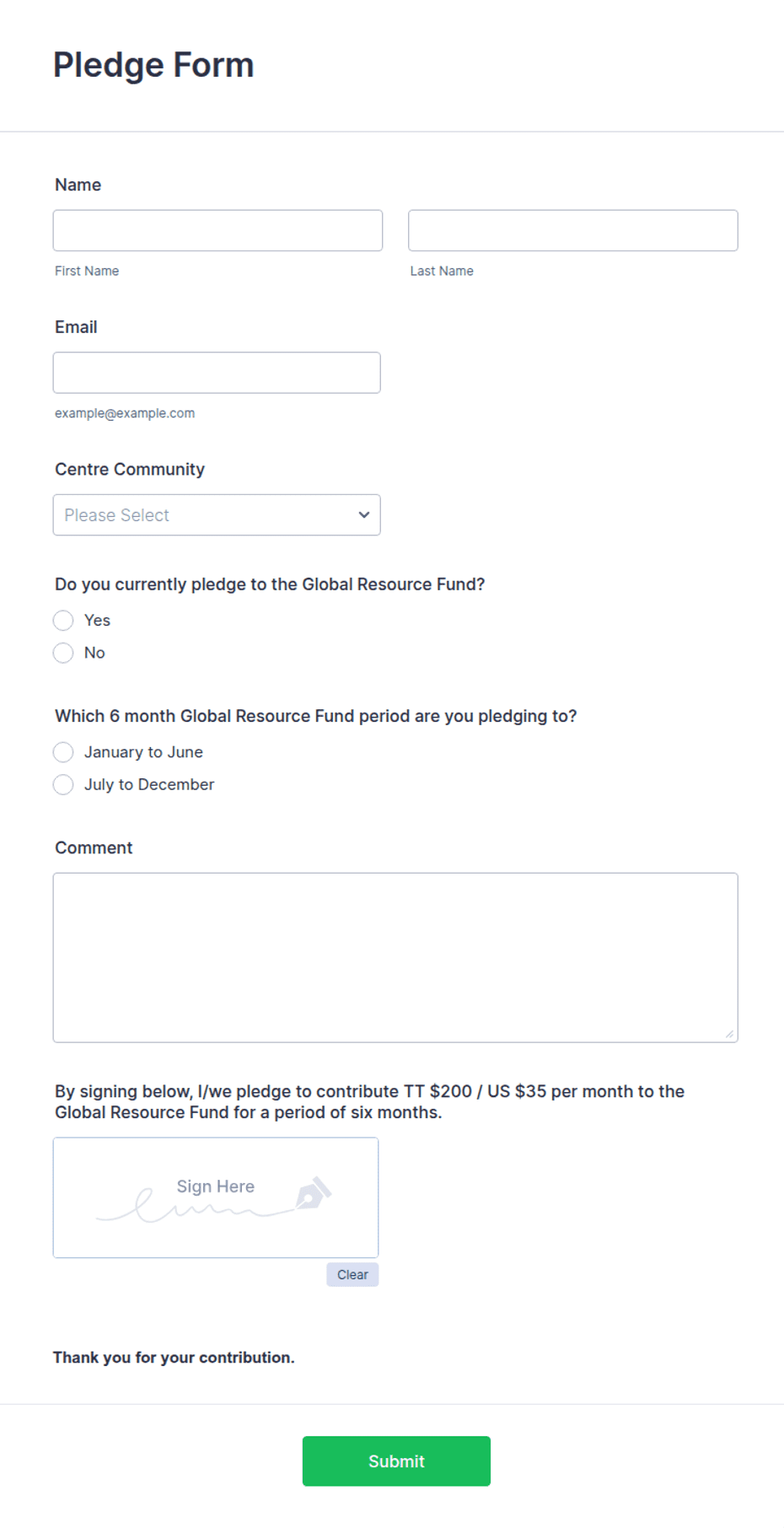
This page provides a printable fillable PDF, an editable Word (DOCX) file, and links to hosted online sponsorship forms. The free downloads work for in-person visits and mailed packets. The online links open ready-made templates on trusted builders when you want sponsors to commit, upload a logo file, and pay in one sitting. Many organizations mail the PDF with the packet and include the online link for sponsors who prefer to handle it digitally.
Typical fields
- Sponsor / company name
- Contact person
- Phone / email
- Business address
- Sponsorship level
- Sponsorship amount ($)
- Logo / ad placement details
- Event or program sponsored
- Payment method
- Authorized signature and date
Best for
- Youth sports team sponsorships
- Charity events and galas
- School programs and clubs
- Festivals and community events
When to use PDF vs online
Use the PDF or Word download for in-person sign-ups, fax, or email attachments. Choose an online form when you need automatic notifications, payment integrations, or a shareable link for customers.