 forms.app
Food Order Form Template
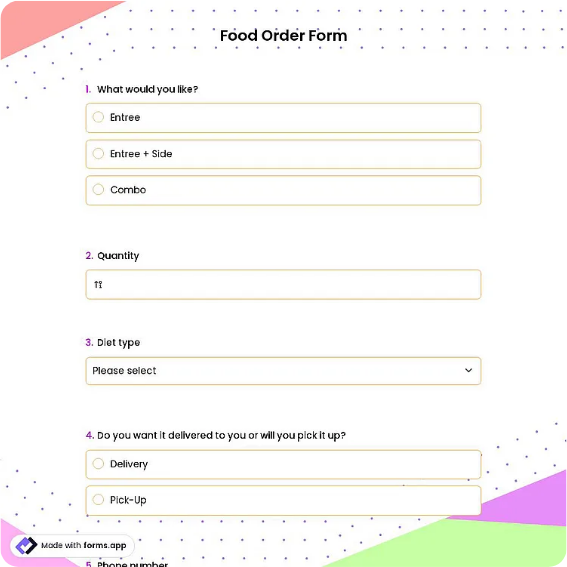
Menu-based food order form covering pickup or delivery, allergy notes, and item quantities.
Available online on
Download as
- Free PDF and Word downloads for offline use
- Fillable fields you can customize for your business
- Share a link or print copies for in-person sign-ups
- Ready-made online forms on popular form builders
Last updated July 17, 2026. Reviewed by the Online Form Templates team.
About this template
A Food Order Form turns the chaos of shouted takeout requests and half-heard phone orders into a sheet the kitchen can actually cook from. It captures customer name, phone number, a pickup-or-delivery choice, delivery address, requested time, menu items with quantities and prices, allergy notes, and payment method, in the order a real food business needs them.
The layout serves takeout counters, caterers quoting event trays, meal-prep kitchens running weekly menus, and the parent coordinating a school lunch run. Anywhere food is promised for later, the risks are identical: a missed allergy, a wrong time, an address that turns out to be a suite number short. This form asks for each of those explicitly.
How teams use this form day to day
At a counter, the form lives next to the register: staff write the order while the customer talks, read the items back, and clip the sheet to the kitchen rail. On the phone, the requested-time field comes first in practice, because quoting a realistic ready time up front prevents the awkward renegotiation after the order is written. Caterers work at a slower tempo, filling the form during a tasting or call, then transferring quantities to prep lists once the client confirms.
Kitchens that run weekly cycles, such as meal-prep services, reuse the same sheet with the menu column pre-filled and only quantities changing, which makes Monday order entry a ten-minute job instead of an hour of deciphering texts.
Customize fields and branding
The Word download is where you make the form match your menu. Pre-print your ten bestsellers in the item rows and leave two blank lines for specials. Add a header note with your cutoff time for same-day delivery, and put your phone number on the sheet itself so a customer holding a copy can call about changes. If you never deliver, delete the address row entirely; every unused field invites someone to fill it wrongly. The PDF version should stay as your fixed master for printing counter stacks.
Common mistakes to avoid
Allergy information hidden in a general notes field is the most dangerous mistake on any food form; this template gives allergies a labeled line, and your staff should read it aloud to the kitchen every time. Second, an order without a requested time defaults to "now" in the customer's mind and "whenever" in the kitchen's, so treat that field as required. Third, on delivery orders, confirm the phone number is a mobile the driver can actually reach, not a front-desk landline that stops answering at five.
Example scenario
A taqueria takes Friday pre-orders from three nearby offices. The manager prints twenty forms with the six-item Friday menu pre-filled. Office coordinators collect colleagues' picks onto one sheet each, mark delivery, and text a photo of the completed form by 10 a.m. The kitchen cooks from the photographed sheets directly, and the allergy line has twice caught a shellfish issue that a text thread would have buried.
Choosing PDF, Word, or online
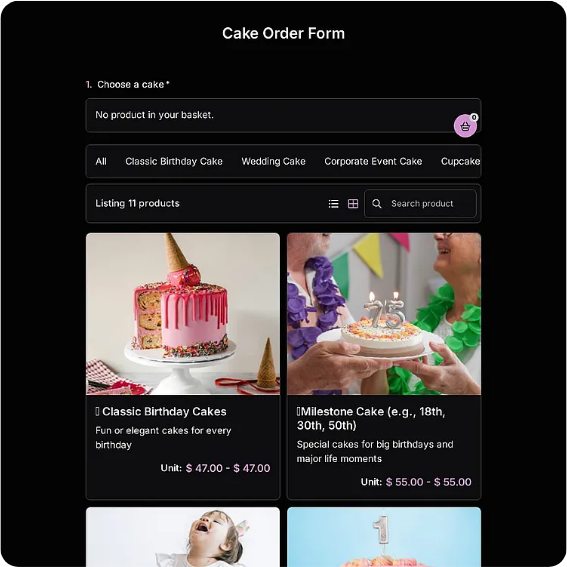
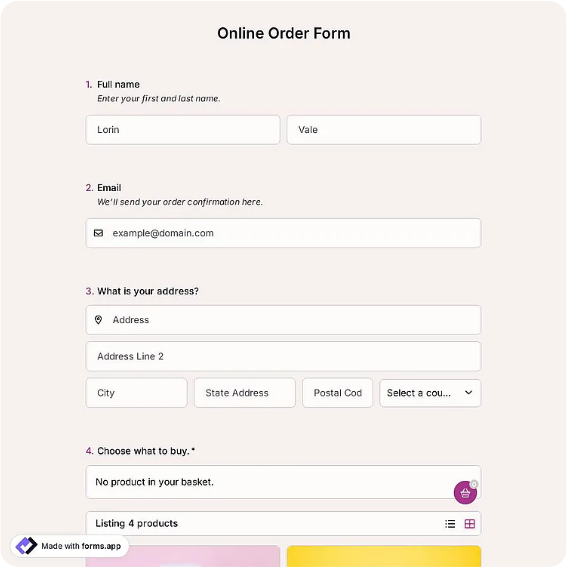
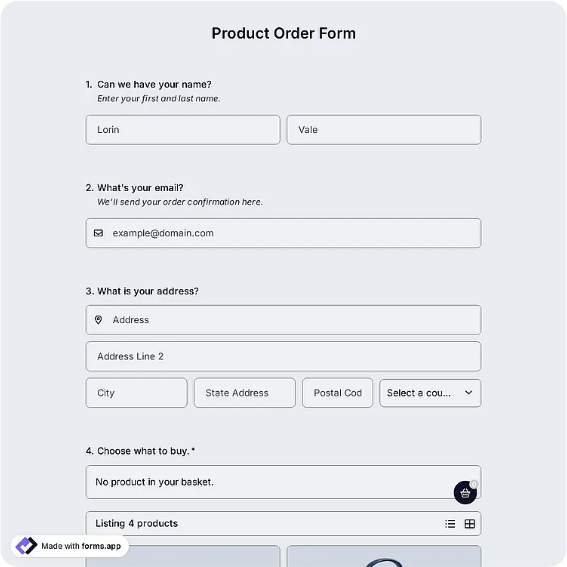
The printable PDF suits counters, food trucks, and anywhere orders happen face to face without reliable Wi-Fi. The Word file is for operators whose menu changes weekly and who want the item column pre-filled. The online version, opened through the forms.app or Jotform links, fits pre-order businesses best: customers order from a link, submissions arrive with timestamps, and you can close the form when capacity is reached. Running the printed sheet for walk-ups and the online link for advance orders keeps both channels in one consistent format.
Typical fields
- Customer name
- Phone number
- Pickup or delivery
- Delivery address
- Requested time
- Menu item
- Quantity
- Item price
- Allergy notes
- Payment method
Best for
- Takeout and counter orders
- Catering trays and events
- Weekly meal-prep menus
- Office and school lunch runs
When to use PDF vs online
Use the PDF or Word download for in-person sign-ups, fax, or email attachments. Choose an online form when you need automatic notifications, payment integrations, or a shareable link for customers.