 forms.app
Product Order Form Template
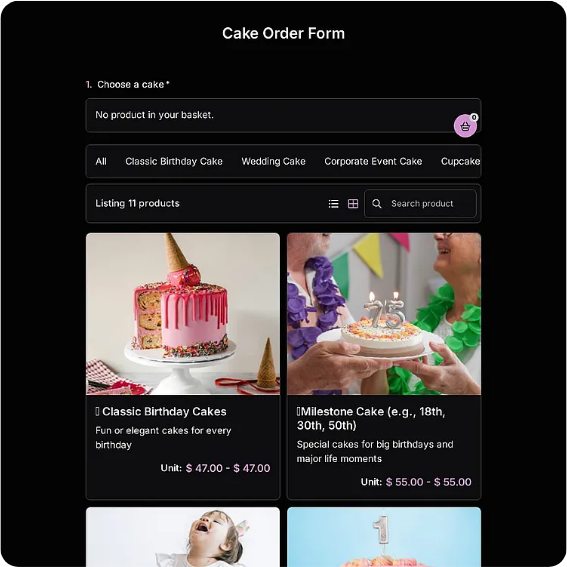
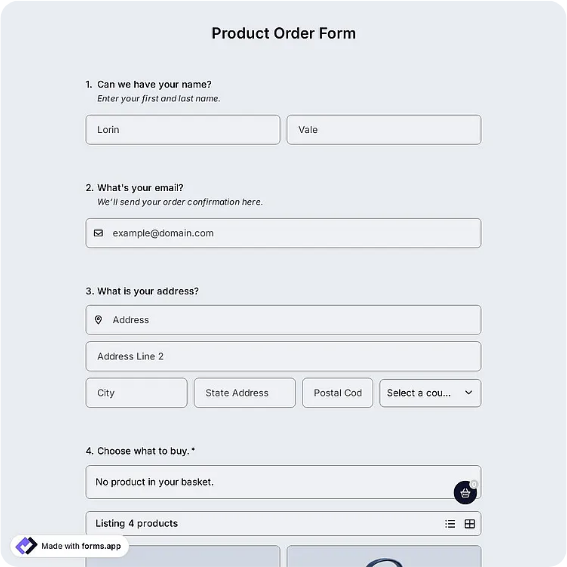
Catalog-style product order form with SKU, variant, quantity, and shipping fields.
Available online on
Download as
- Free PDF and Word downloads for offline use
- Fillable fields you can customize for your business
- Share a link or print copies for in-person sign-ups
- Ready-made online forms on popular form builders
Last updated July 17, 2026. Reviewed by the Online Form Templates team.
About this template
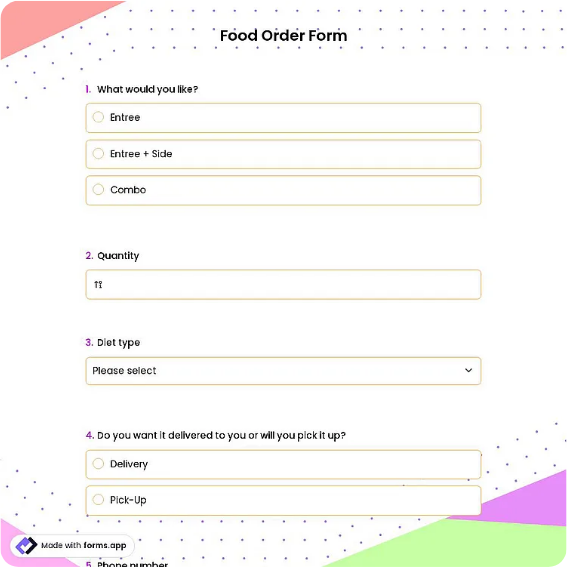
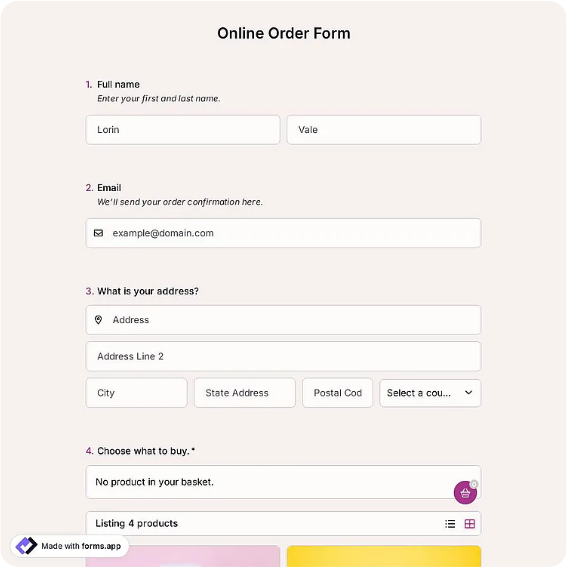
A Product Order Form is built for sellers whose items come in versions: sizes, colors, finishes, or bundle options that a generic order sheet flattens into confusion. The layout pairs customer name, email, and shipping address with a catalog table covering SKU or product code, product name, variant, quantity, and unit price, then closes with shipping method and an order total.
That variant column is the whole point. Makers selling candles in three scents, a print shop offering five paper stocks, or a trade-show booth pre-selling merch all face the same failure mode: the customer said "the blue one" and nobody wrote down which blue. Giving options a dedicated column makes the ambiguity visible before the order is accepted rather than after it ships.
How teams use this form day to day
Sellers usually pre-fill part of the table before sharing the form. A ceramicist heading to a weekend market prints copies with the product column already listing her six mug designs, so buyers only add quantity and glaze choice. Wholesale-adjacent shops email the fillable PDF to repeat buyers, who type in codes straight from the current price list. When orders come back, the SKU column lets whoever picks and packs work directly from the sheet without translating product nicknames.
The shipping method field earns its place at fulfillment time: batch the sheets by method, and pickup orders stop getting postage while courier orders stop waiting in the pickup bin.
Customize fields and branding
In the Word version, replace the empty catalog rows with your actual products and current prices, which converts the template from an order form into a mini catalog. Add your logo and return policy in the header, and rename the variant column to whatever your customers actually say: Size, Scent, Finish, Engraving. If you sell internationally, widen the address block and add a country line. Keep one untouched master copy so seasonal edits never overwrite your baseline layout.
Common mistakes to avoid
The classic error is leaving unit price blank because "the customer knows the price," then honoring a number nobody can verify when the sheet resurfaces two weeks later. Require a price in every row. Another is cramming multiple variants into one row, such as three shirt sizes on a single line; each variant should be its own row so quantities stay unambiguous. Finally, do not skip the order total just because you will recalculate later: a customer-acknowledged total at order time prevents most pricing disputes at handoff.
Example scenario
A two-person soap studio takes wholesale pre-orders from local gift shops each quarter. They email the Word file with all twelve products and tier pricing pre-filled. Shop owners enter quantities, pick a shipping method, and send it back. The studio batches production from the quantity columns of eight returned forms, and each signed sheet becomes the packing slip checked off during boxing.
Choosing PDF, Word, or online
Print the PDF for in-person selling where customers browse physical stock and write while they shop. Choose the Word file when the product list changes often enough that a fixed layout would go stale. The online version, hosted on a form builder, suits sellers who share a link on social media or a website: submissions arrive as tidy rows in a spreadsheet, and payment integrations can collect the total up front. Many small shops use the printed form at markets and the online link between them, keeping both aligned to the same product list.
Typical fields
- Customer name
- Shipping address
- SKU / product code
- Product name
- Variant (size / color)
- Quantity
- Unit price
- Shipping method
- Order total
Best for
- Maker and craft shops
- Trade show pre-sales
- Quarterly wholesale reorders
- Custom merchandise requests
When to use PDF vs online
Use the PDF or Word download for in-person sign-ups, fax, or email attachments. Choose an online form when you need automatic notifications, payment integrations, or a shareable link for customers.