 forms.app
Class Registration Form Template
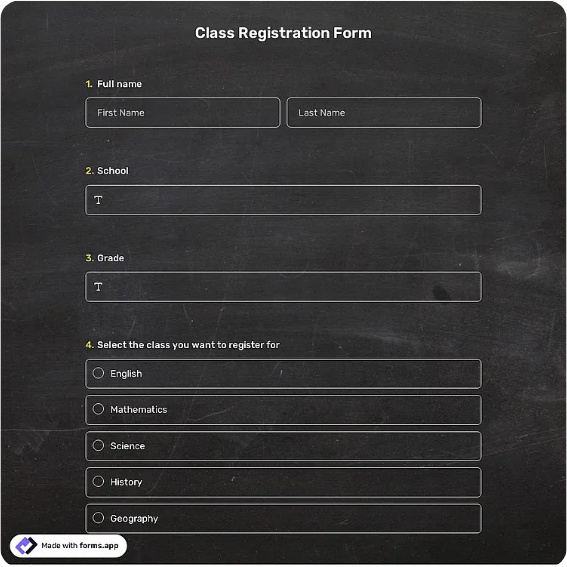
Course sign-up form with class selection, schedule preference, skill level, and guardian consent.
Available online on
Download as
- Free PDF and Word downloads for offline use
- Fillable fields you can customize for your business
- Share a link or print copies for in-person sign-ups
- Ready-made online forms on popular form builders
Last updated July 17, 2026. Reviewed by the Online Form Templates team.
About this template
A Class Registration Form signs a student up for a specific course and gives the instructor a usable class list before the first meeting. Beyond the student's name, email, phone, and age or date of birth, it captures the class name, preferred schedule or section, prior experience level, an emergency contact, payment amount and method, and a signature line that doubles as guardian consent when the student is a minor.
Dance studios, cooking schools, language academies, martial arts gyms, and continuing education programs all use this structure. The experience level field is the quiet star: it lets instructors balance sections and plan the first lesson around who is actually in the room.
How teams use this form day to day
Studios post the online version when a new term's schedule goes live and keep printed copies at the front desk for parents who register after watching a trial class. As forms come in, the coordinator tallies each section against its cap, moving overflow to a second section or a waitlist. The schedule preference field prevents most of the churn: instead of assigning students and fielding change requests, you place them right the first time.
Instructors get a one-page summary per section built from the experience answers, so a beginner-heavy Tuesday class starts with fundamentals while the Thursday group skips ahead.
Customize fields and branding
Use the Word download to list your actual classes and time slots as checkable options rather than a blank line; it eliminates illegible course names. Studios teaching minors should make the guardian name and signature explicit, and many add a photo release checkbox alongside. If you offer trial classes or sibling discounts, a small pricing note under the payment row saves front-desk explanations. The PDF version suits enrollment evenings where a dozen clipboards circulate at once.
Match the form's accent color to your studio branding so it reads as yours even when photocopied.
Common mistakes to avoid
Avoid a free-text "which class?" line; misspelled or ambiguous course names create roster errors that surface as students in the wrong room. Skipping the age field causes the awkward discovery that an adult class has a twelve-year-old enrolled. And do not collect payment details without recording the amount and date on the form itself, when a parent disputes a charge months later, the signed sheet is your record.
Example scenario
A pottery studio launches its winter term with six classes across three weekday evenings. Forty-one registrations arrive online and nine on paper at the open studio night. The coordinator fills Wednesday's wheel-throwing section to its cap of ten, offers the four overflow students the identical Monday section using their schedule preference answers, and hands each instructor a roster with experience levels. Day one runs without a single room mix-up.
Choosing PDF, Word, or online
The printable PDF belongs at your front desk and enrollment events; parents can complete it while a trial class runs. The fillable Word file is your term-to-term master, updated as the class list changes. The hosted online links open a live class registration template, right for schedule launches where dozens of sign-ups arrive in the first hours and you want them in a spreadsheet, not a pile. Run both channels into one roster and note the source on each entry.
Typical fields
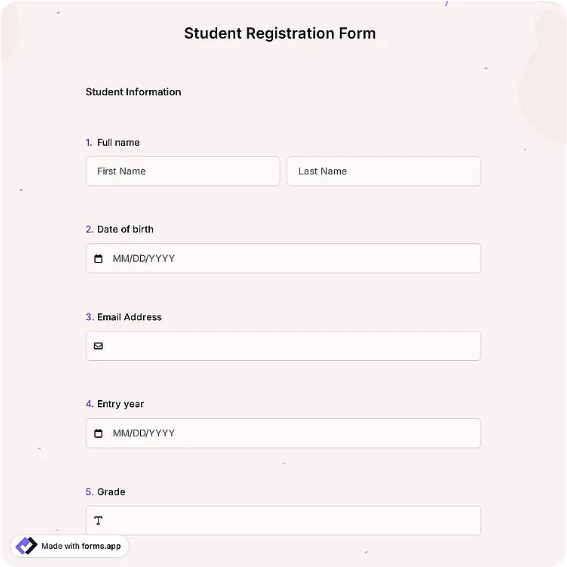
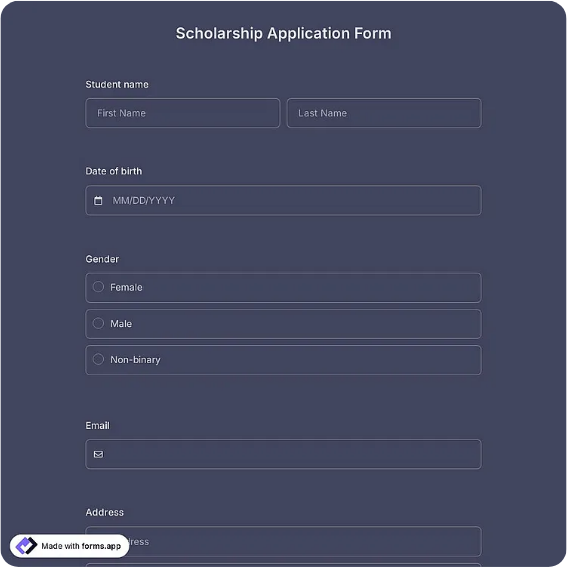
- Student name
- Date of birth / age
- Email address
- Phone number
- Class name / section
- Preferred schedule
- Experience level
- Emergency contact
- Payment amount / method
- Parent or guardian signature
Best for
- Studio and academy term enrollment
- Cooking and craft workshop sign-ups
- Martial arts and dance class intake
- Continuing education registration
When to use PDF vs online
Use the PDF or Word download for in-person sign-ups, fax, or email attachments. Choose an online form when you need automatic notifications, payment integrations, or a shareable link for customers.