 Jotform
Photography Contact Form Template
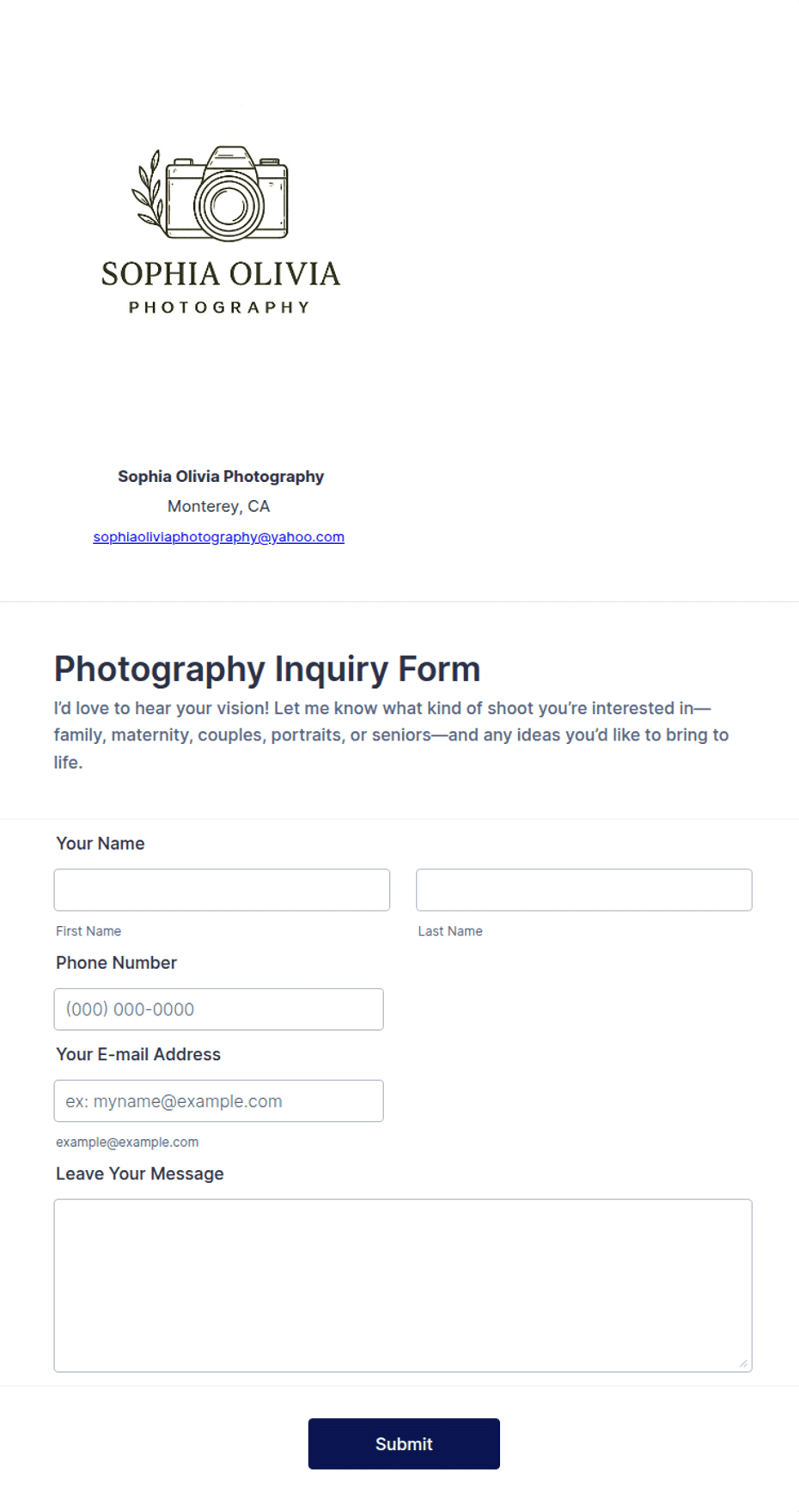
Session inquiry form for photographers with shoot type, date, location, and budget fields.
Available online on
Download as
- Free PDF and Word downloads for offline use
- Fillable fields you can customize for your business
- Share a link or print copies for in-person sign-ups
- Ready-made online forms on popular form builders
Last updated July 17, 2026. Reviewed by the Online Form Templates team.
About this template
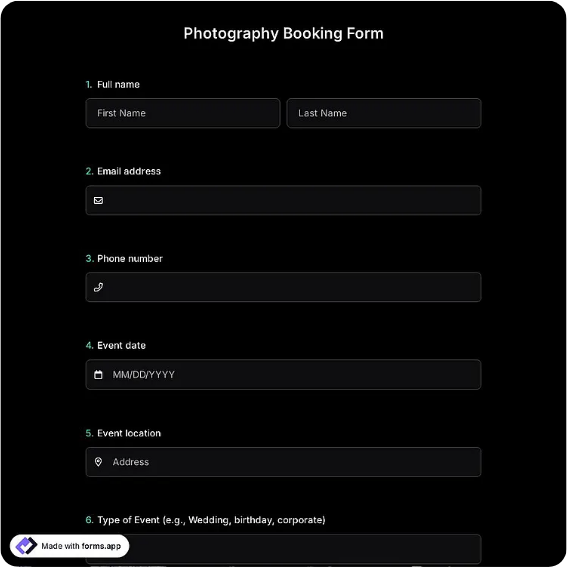
A Photography Contact Form collects everything a photographer needs to quote a shoot before the first reply: client name, email, phone, session type, preferred date, location or venue, number of people or subjects, budget range, and how the client found you. A notes box catches the details that make or break a booking, like "golden hour only" or "surprise proposal, don't call after 6pm."
Wedding, portrait, product, and event photographers all run on inquiries, and most arrive with half the necessary information missing. Structuring the first contact saves an email round-trip per booking and keeps a solo shooter's calendar math, date, travel, and editing time, accurate from the start.
How teams use this form day to day
Solo photographers link the form from Instagram bios and portfolio sites, then check inquiries between shoots. The preferred date field gets compared against the calendar first; if the date is free, a pricing guide goes out the same day. Studios with second shooters use the session type field to decide who takes the job, and the referral field to track which marketing actually fills the calendar.
During busy season, some photographers triage strictly by date: inquiries for already-booked weekends receive a polite waitlist reply within minutes, protecting response-time reputation without any real effort.
Customize fields and branding
The fillable Word file is where you make it yours: list your actual session types (mini sessions, branding shoots, elopements), add a package selection line if you publish fixed pricing, and set the budget brackets to match your market. Wedding specialists often add a second contact line for the partner or planner. On the printed PDF, the layout stays fixed, which suits bridal fair booths where you want every sheet identical for later data entry.
Keep your style visible: even in a document, a consistent accent color and logo reassure clients they found the right studio.
Common mistakes to avoid
The costliest omission is the event date; without it, you cannot even say whether you are available, guaranteeing an extra round of email. Asking for a detailed shot list at inquiry stage is the opposite error; that belongs in a later questionnaire, not first contact. Also avoid hiding the budget question out of politeness. A simple range field filters mismatched inquiries kindly and early, before anyone invests hours.
Example scenario
A portrait photographer takes a booth at a spring bridal fair with a printed stack of these forms. Couples fill in their wedding date, venue, and budget bracket while chatting. That evening she enters fourteen sheets into her studio CRM, finds nine dates she can serve, and sends each a tailored package PDF referencing their venue. Two book within the week, and she can trace both fees back to the fair.
Choosing PDF, Word, or online
Use the printable PDF at fairs, galleries, and in-studio consults where handing over paper feels natural. The Word download is the master you edit season to season as offers change. The online link opens a hosted photography inquiry template, best as the permanent form behind your website's "Book a session" button, delivering each inquiry straight to your inbox. Many photographers keep all three in play and funnel everything into one inquiry tracker.
Typical fields
- Client name
- Email address
- Phone number
- Session type
- Preferred date
- Location / venue
- Number of people
- Budget range
- How did you find us?
- Notes / special requests
Best for
- Wedding and engagement inquiries
- Portrait session booking requests
- Bridal fair and expo lead capture
- Commercial and product shoot quotes
When to use PDF vs online
Use the PDF or Word download for in-person sign-ups, fax, or email attachments. Choose an online form when you need automatic notifications, payment integrations, or a shareable link for customers.