 forms.app
Student Registration Form Template
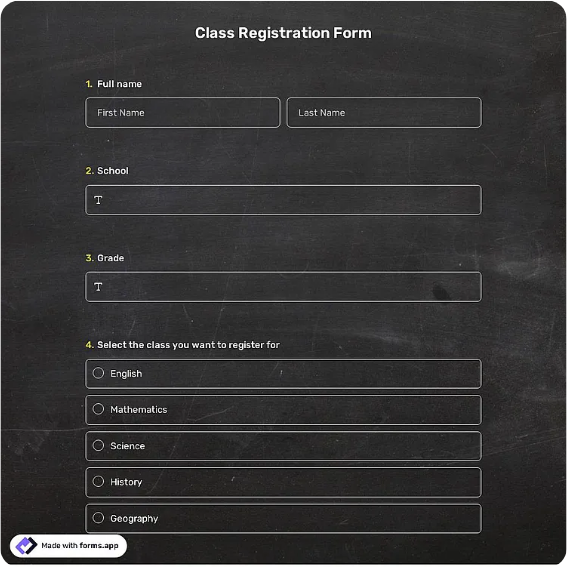
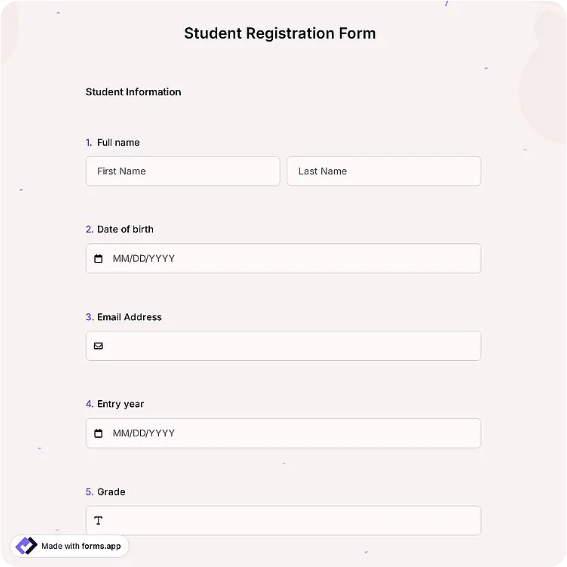
School enrollment form with student details, grade level, guardian information, and health notes.
Available online on
Download as
- Free PDF and Word downloads for offline use
- Fillable fields you can customize for your business
- Share a link or print copies for in-person sign-ups
- Ready-made online forms on popular form builders
Last updated July 17, 2026. Reviewed by the Online Form Templates team.
About this template
A Student Registration Form enrolls a learner into a school, tutoring center, or educational program with the records administrators are required to keep. It gathers the student's full name, date of birth, grade or year level, home address, parent or guardian name and contact details, an additional emergency contact, previous school or program, known allergies and medical conditions, and a guardian signature authorizing enrollment.
Unlike a simple sign-up sheet, this form is a student file in miniature: identity, household contact, safety information, and consent in one place. Schools use it at annual enrollment; tutoring centers, summer programs, and after-school academies use it whenever a new student walks in.
How teams use this form day to day
Admissions offices send the fillable Word file with acceptance letters and keep printed copies at the office window for in-person enrollment. Each completed form is checked for the two items that block processing most often, a missing birth date and an unsigned consent line, before the student is added to the information system. Front-office staff then transfer allergy and medical notes to the formats teachers actually see, such as class health lists.
Programs with rolling admission, like tutoring centers, process forms the same day so a student registered on Monday can attend Tuesday, and file the paper originals by family surname.
Customize fields and branding
Open the Word version to align the grade level options with your actual structure, K-12 grades, tutoring levels, or age bands for camps. Schools subject to local regulations often need added lines for immunization records, home language, or custody documentation; add them here rather than on loose attachments that separate from the file. Include your school crest and office contact details in the header so returned forms reach the right desk. The PDF is the version to print for enrollment days when dozens of families register simultaneously.
Translate the form if your community needs it; a bilingual layout returns far fewer incomplete sheets.
Common mistakes to avoid
Never collapse guardian and emergency contact into one entry; the entire point of the second contact is reaching someone when the first is unavailable. Avoid burying the allergy question mid-form where rushed parents skim past it, giving it a labeled section changes what gets disclosed. And route completed paper forms through one intake point; the classic enrollment failure is a form handed to a teacher that never reaches the office.
Example scenario
A tutoring academy opens fall enrollment in August. Families of returning students receive the Word file by email, while new families complete printed forms at the welcome desk after placement tests. In one week the coordinator processes 130 registrations, flags eight with missing signatures for follow-up calls, and builds allergy lists per classroom before the first session. When a parent's phone is off during a minor incident in week three, the second emergency contact answers, exactly what that field was for.
Choosing PDF, Word, or online
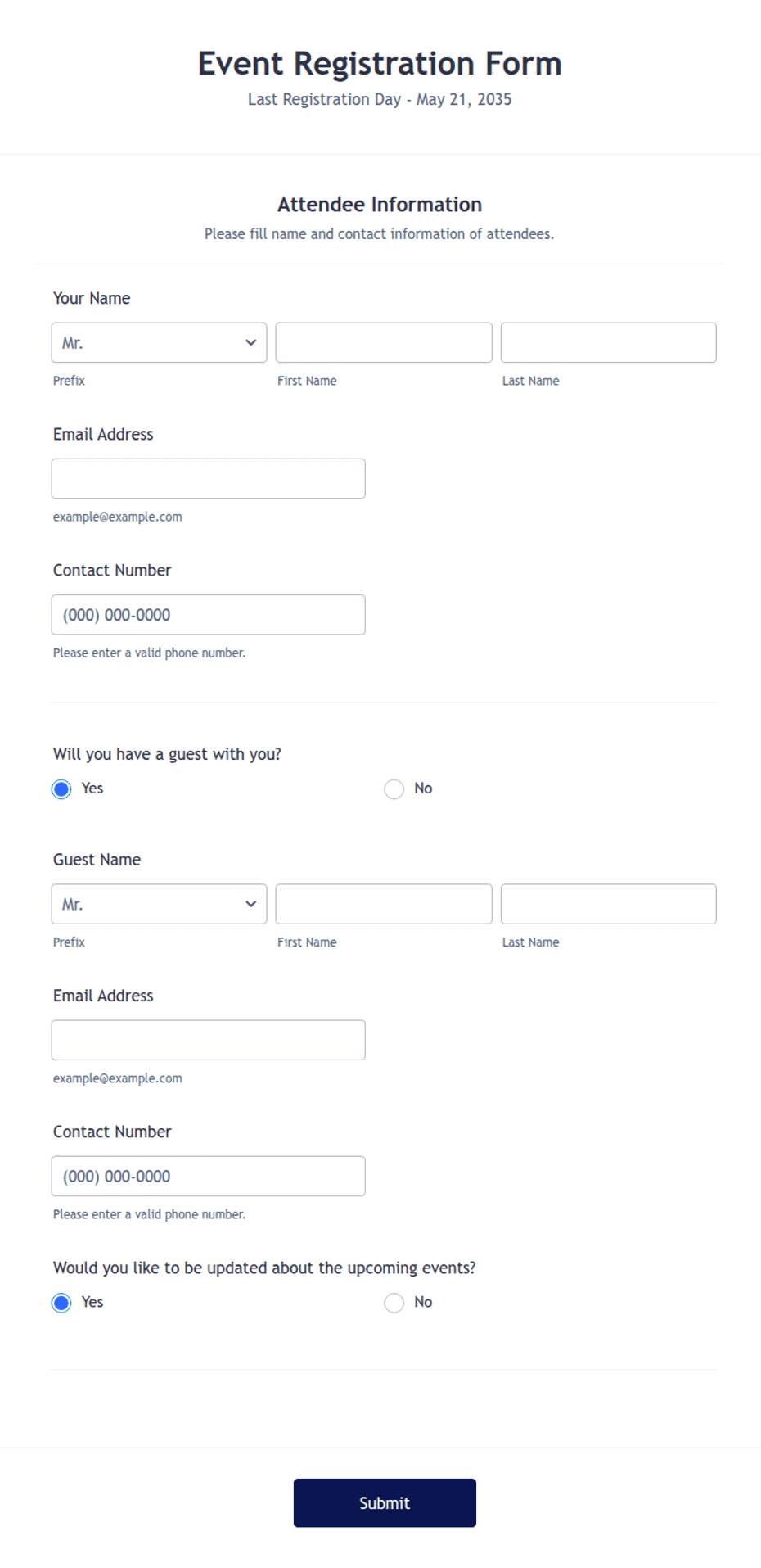
The printable PDF suits enrollment days and office-window registration, where families complete forms on-site with a staff member nearby for questions. The fillable Word download is the master you adapt each academic year and email to admitted families. The hosted online links open a live student registration template, best when you want digital submissions flowing straight into your student information workflow. Most schools accept both channels and consolidate into one system within the week.
Typical fields
- Student full name
- Date of birth
- Grade / year level
- Home address
- Parent / guardian name
- Guardian phone and email
- Emergency contact
- Previous school / program
- Allergies / medical conditions
- Guardian signature and date
Best for
- School annual enrollment
- Tutoring center intake
- Summer program registration
- After-school academy sign-ups
When to use PDF vs online
Use the PDF or Word download for in-person sign-ups, fax, or email attachments. Choose an online form when you need automatic notifications, payment integrations, or a shareable link for customers.