 forms.app
Training Feedback Form Template
End-of-session evaluation rating content, trainer, pace, and materials, plus what to change next time.
Available online on
Download as
- Free PDF and Word downloads for offline use
- Fillable fields you can customize for your business
- Share a link or print copies for in-person sign-ups
- Ready-made online forms on popular form builders
Last updated July 17, 2026. Reviewed by the Online Form Templates team.
About this template
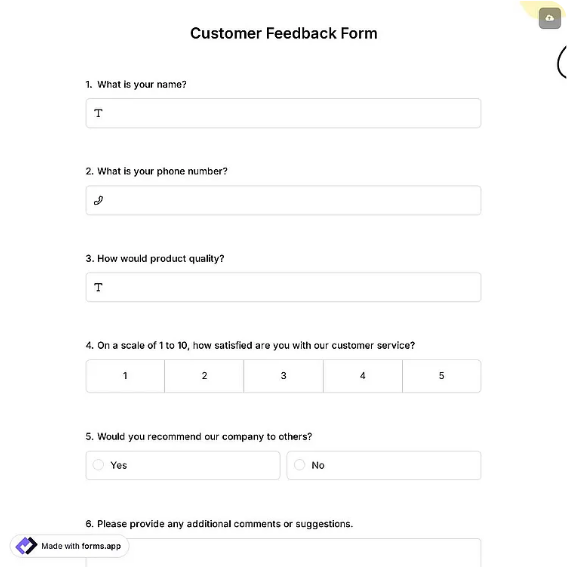
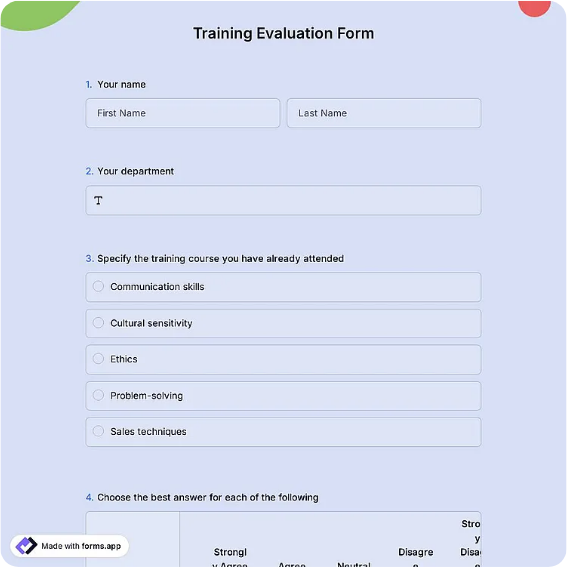
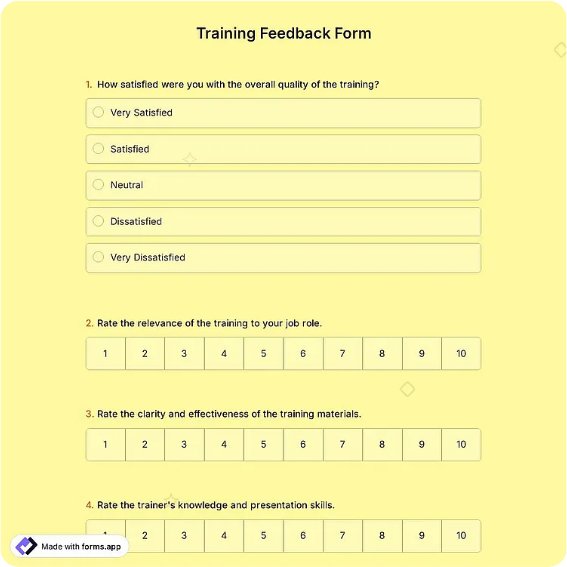
A Training Feedback Form evaluates a session while participants are still in the room and the details are sharp. The layout captures the participant's name, the training session or course title, the trainer's name, and the date, then rates four aspects on a 1-5 scale: content relevance, trainer knowledge and delivery, pace and structure, and materials and resources. Two open questions finish it: what was the most useful part, and what should change next time.
Corporate L&D teams, independent workshop facilitators, onboarding coordinators, and compliance trainers all run some version of this sheet. Rating the four aspects separately, always on the same scale, is what makes the form more than a politeness ritual: it lets you compare the same course across different trainers, the same trainer across different courses, and this quarter's cohort against last quarter's, using numbers instead of impressions.
How teams use this form day to day
The proven routine is reserving the final five minutes of the session for the form itself, on paper for in-person groups or as a link pasted into chat for virtual ones, before anyone stands up or logs off. Facilitators who "send it around tomorrow" learn that response rates drop by more than half overnight and the answers that do come back go vague. After each session, the coordinator averages the four ratings, files them against the course and trainer, and skims the open answers for anything worth acting on before the next cohort.
Over a few cycles the file becomes genuinely diagnostic. A course that scores well on content but slides on pace with every larger cohort is telling you about class size, not the trainer.
Customize fields and branding
Using the Word download, add a session code if you run parallel tracks, or a pre- and post-confidence question ("rate your confidence with this topic before and after today") when leadership wants evidence of learning rather than satisfaction. Swap "materials and resources" for "hands-on exercises" in practical workshops. Keep the participant name optional for internal compliance courses, where honest pacing complaints matter more than attribution, and add your logo so the sheet reads as part of the program rather than an afterthought.
Common mistakes to avoid
Delaying distribution is the classic one, and it compounds: late forms get fewer answers, so weak sessions look fine and never get fixed. Another is building the form entirely around the trainer, since content relevance and materials fail on their own and someone must own those fixes too. Finally, do not skip the "what should change" question to keep the form short. It is the only field that yields concrete edits, and dropping it turns the whole exercise into a scorecard nobody can act on.
Example scenario
A company runs the same compliance course with two trainers across four cohorts. The forms show both trainers near 4.5 on knowledge, but one cohort rates pace at 2.9, and the open answers say the afternoon block crammed three modules after lunch. The coordinator rebalances the agenda and adds a short exercise between modules, and pace scores in the next two cohorts recover to above 4 with the same trainers and content.
Choosing PDF, Word, or online
For in-person training, the printable PDF handed out before the close is still the highest-response option there is. The Word file is the master you adjust per course or client. The online links suit virtual sessions and multi-cohort programs, since a hosted form tallies rating averages per session automatically and spares the coordinator an afternoon of data entry. Hybrid programs typically use paper in the room, the link on the call, and one merged spreadsheet afterward.
Typical fields
- Participant name
- Training session / course title
- Trainer name
- Date of training
- Content relevance (1-5)
- Trainer knowledge and delivery (1-5)
- Pace and structure (1-5)
- Materials and resources (1-5)
- What was the most useful part?
- What should we change next time?
Best for
- Corporate L&D course evaluations
- Workshops and public seminars
- New-hire onboarding programs
- Compliance and safety training
When to use PDF vs online
Use the PDF or Word download for in-person sign-ups, fax, or email attachments. Choose an online form when you need automatic notifications, payment integrations, or a shareable link for customers.