 forms.app
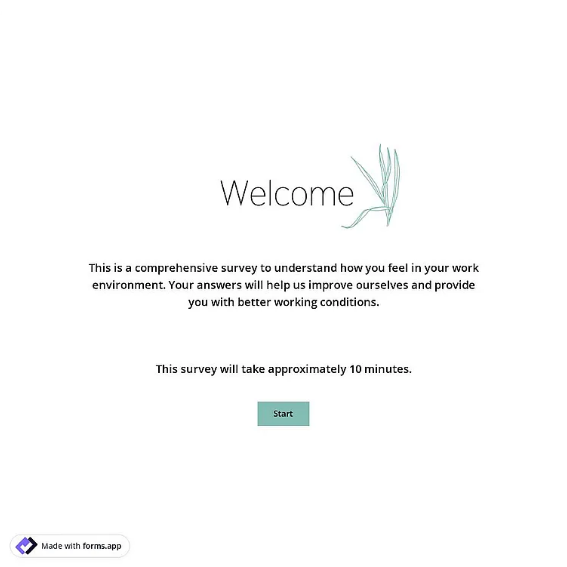
Employee Engagement Survey Template
Anonymous engagement pulse with five agreement statements on a 1-5 scale and two open questions.
Available online on
Download as
- Free PDF and Word downloads for offline use
- Fillable fields you can customize for your business
- Share a link or print copies for in-person sign-ups
- Ready-made online forms on popular form builders
Last updated July 17, 2026. Reviewed by the Online Form Templates team.
About this template
An Employee Engagement Survey takes a periodic pulse of how connected your people feel to their work, their manager, and the company. This layout collects light context (department, role or job level, and tenure), then asks staff to score five agreement statements from 1 to 5, covering feeling valued, understanding how their work supports company goals, manager feedback quality, growth opportunities, and willingness to recommend the company as a place to work. Two open questions close it out.
It is built for HR teams running quarterly pulses, small companies that do not want dedicated survey software, and leaders checking morale after a reorganization or leadership change. The question design follows standard Likert practice: every statement is phrased positively, describes exactly one idea, and shares the same agree-disagree scale, which is what lets you compare scores across statements and across quarters.
How teams use this form day to day
Most organizations distribute the survey in a fixed window, often the last week of a quarter, either as printed sheets handed out at an all-hands or as the online link in a company-wide message. Paper responses go into a drop box rather than to a manager's desk, because a credible promise of anonymity is the single biggest driver of honest scores. The context fields stay coarse on purpose: department and tenure band are enough to spot patterns without identifying individuals on a small team.
After the window closes, someone outside the reporting line tallies scores per statement and per department, then leadership shares at least a summary with everyone who participated. Teams that skip that share-back step see participation collapse by the second or third round.
Customize fields and branding
Use the Word download to swap statements so they reflect your company's actual values or current concerns, for instance replacing the growth statement with one about workload after a busy season. Keep the total under ten items; engagement pulses work because they are quick. If your team is under fifteen people, consider removing the department field entirely so no combination of answers can identify a respondent.
Common mistakes to avoid
The most damaging mistake is promising anonymity and then collecting names or emailing individual follow-ups, which poisons every future survey. Watch for double-barreled statements too. "My manager is supportive and communicates well" is two questions wearing one score, and you will not know which half a low rating refers to. Finally, do not run an engagement survey if leadership has no intention of acting on the results; asking and then ignoring measurably hurts morale more than not asking.
Example scenario
A forty-person design agency runs this survey every quarter. In the second round, "I have opportunities to grow here" comes in lowest at 2.8, while other statements hold near 4. The open answers point at a missing path from mid-level to senior roles. The agency launches a mentorship pairing and publishes rough promotion criteria, and two quarters later the growth statement climbs past 3.5.
Choosing PDF, Word, or online
Pick the format that best protects candor. Printed PDFs with a drop box feel most anonymous for on-site teams and warehouses. The Word file is the editing master for tailoring statements each cycle. The online links suit remote and hybrid companies, since hosted form tools can collect responses without capturing names and will chart averages for you. Whichever you choose, keep it identical across quarters so the trend line stays meaningful.
Typical fields
- Department
- Role / job level
- Tenure with company
- I feel valued at work (1-5)
- I understand how my work supports company goals (1-5)
- My manager gives useful feedback (1-5)
- I have opportunities to grow here (1-5)
- I would recommend this company as a place to work (1-5)
- What would improve your work experience?
- Anything else leadership should know?
Best for
- Quarterly HR engagement pulses
- Small companies without survey software
- Post-reorganization morale checks
- Annual culture and retention reviews
When to use PDF vs online
Use the PDF or Word download for in-person sign-ups, fax, or email attachments. Choose an online form when you need automatic notifications, payment integrations, or a shareable link for customers.